



Answered
I don't want to download all the apps
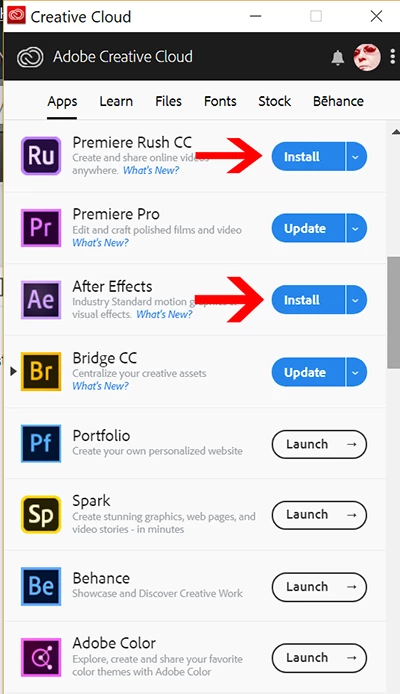
Hi I think this might be silly but it's really late and I'm tired  I just bought all the apps in the CC plan BUT I don't want to install them all - it's highly unlikely I'll be using Premiere Pro for example... But they seem to install one by one automatically in the Creative Cloud app - at least that's what happened with Photoshop.. anybody knows how to select those that you want installed and those that you don't want to be installed on your computer? Thanks in advance...

 AdChoices