


Participant
May 8, 2021
Question

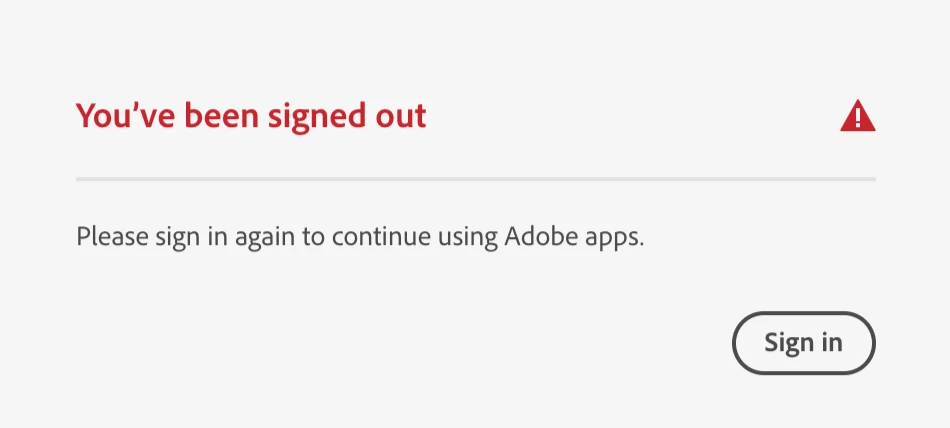
I keep being told that I've been signed out and I need to sign in again

  • May 8, 2021
  • 2 replies
  • 720 views

I was trying to install Creative Cloud on my mac. Everything foes fine until when it's installing, the app closes and reopens and tells me that I've been signed out. I hit the sign-in button, but it just pops up again a few seconds later. 

Please help!!!!
This topic has been closed for replies.

2 replies

LittleRedAnt
Participant
May 11, 2021

Hi Sam,


I had the same issue. I uninstalled the CC app and reinstalled the new version. Worked first time. Maybe lucky, but all OK since.

Good luck if youre still trying to resolve.

Ant

Sam656Author
Participant
May 8, 2021

Thanks for those links, I followed the instructions on them but sadly they didn't fix the issue

Jeffrey_A_Wright
Legend
May 10, 2021

Sam, you currently have support case ADB-19325360-V2W2 opening and pending your response.  Please use the process listed in https://helpx.adobe.com/x-productkb/policy-pricing/customer-support-portal.html to update the support case so assistance can be provided to resolve your connection errors.


Please be aware that the computer will need access to the servers and ports listed in https://helpx.adobe.com/enterprise/kb/network-endpoints.html to use the Photography plan.