
I'm having trouble installing Creative Cloud app
Hi!
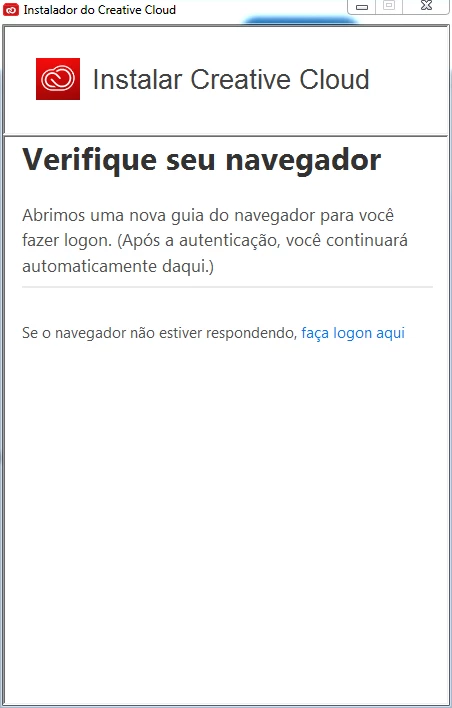
I created this topic because I can't find help anywhere. I already searched Google for help but couldn't find any answer to my problem. My installation of Adobe Creative Cloud simply does not work. I downloaded the Creative Cloud app directly from the Adobe website and when I open it to start the installation, I get a browser verification message. When I click "first steps", my browser window opens and I get the "successful login" message, but nothing happens in the installation application. It gets locked on the "Check your browser" screen. And the link in the option "If your browser is not responding, log in here" does not work. I click on it and nothing happens. I have tried to install the apps individually and the same thing happens.
I am very frustrated because I have the full Creative Cloud subscription and I can't even install the apps on my computer.
I can log in here with no problem, but in the installation application I just get stuck in the screen below (it's in Portuguese because it's my native language). My computer is perfectly capable of running applications because I had already installed them in the past. I recently did some formatting and had to download the Creative Cloud installer again, but the way it is now just doesn't work! My OS is Windows 7.
Any help will be very appreciated.
 AdChoices