Participant
November 13, 2021
Question

I purchased Lightroom 6 in 2018

  • November 13, 2021
  • 1 reply
  • 371 views

I recently changed the PC because my old one got broken.

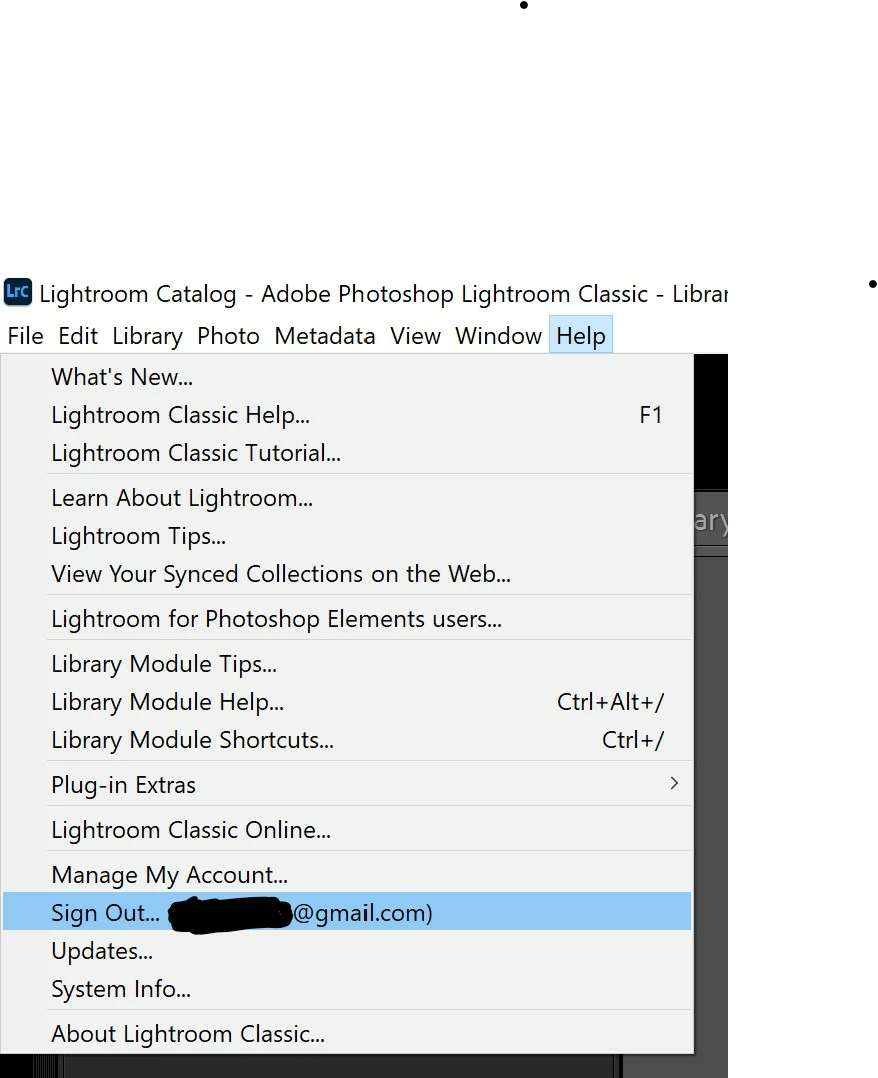
I have installed Lightroom 6 again but I it seems I am still in trial mode (it's asking my to purchase it) and I find no option to activate the current version.

Am I doing something wrong? 
This topic has been closed for replies.

1 reply

kglad
Community Expert
Community Expert
November 14, 2021

do you have any cc apps on your computer now?


if not:


you should uninstall lr 6 using the uninstaller
uninstall the cc desktop app, using the correct uninstaller, https://helpx.adobe.com/creative-cloud/help/uninstall-creative-cloud-desktop-app.html#sa_src=web-messaging
clean your computer of cc files per http://www.adobe.com/support/contact/cscleanertool.html

restart your computer

reinstall lr 6 and activate with your serial number

Participant
November 14, 2021

Nothing changed, it's not even asking me for the serial number.

Could it be because me old PC crashed before I could deactivate the licence there?

I've read this has been a common issue

kglad
Community Expert
Community Expert
November 14, 2021

no.  if that were the problem you would see an excess activation count message after entering your serial number.


the problem is you had cc on your computer at one time and it's still on your computer so you're being prompted to sign into cc to activate a lightroom subscription.  but if you have no cc subscriptions, you can't activate by signing in, either.


you need to clean your computer of cc, if you want to use a perpetual license.