Participant
January 13, 2024
Answered

Illustrator installation

  • January 13, 2024
  • 2 replies
  • 445 views

Hello,


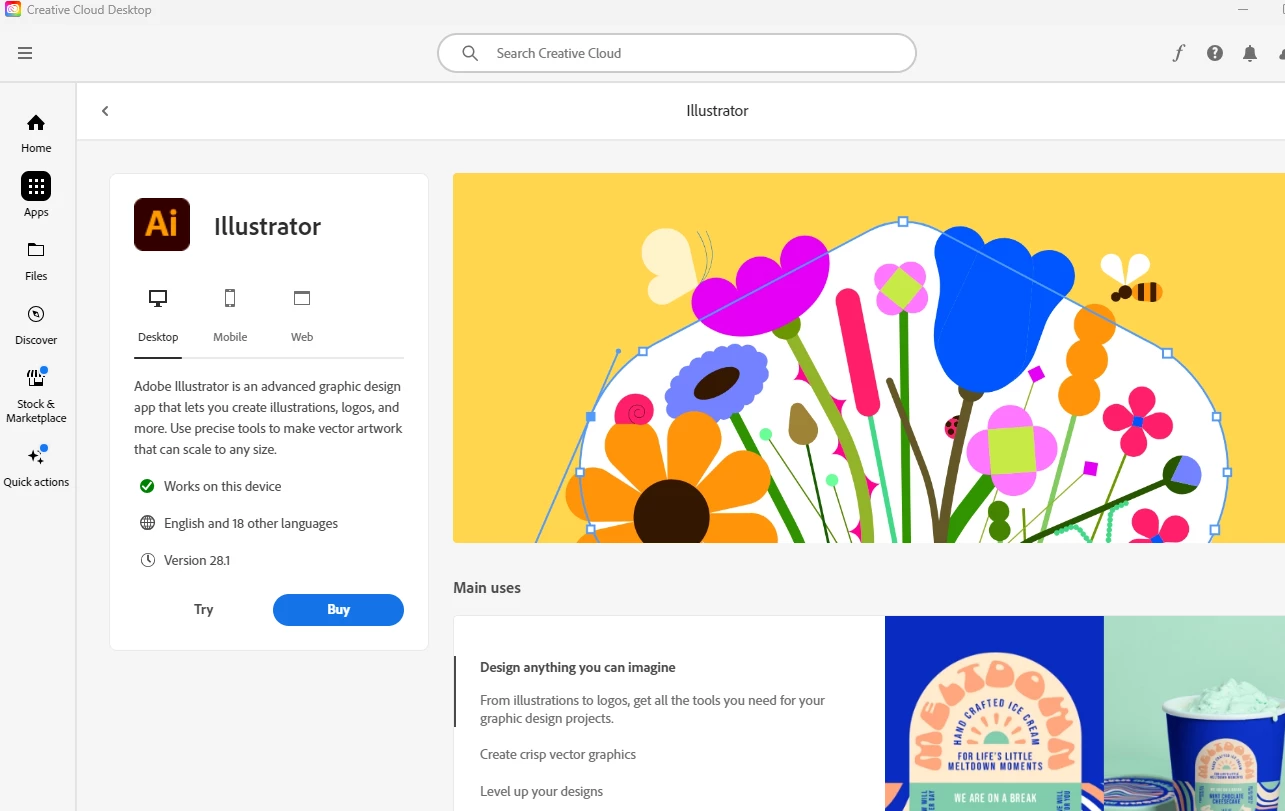
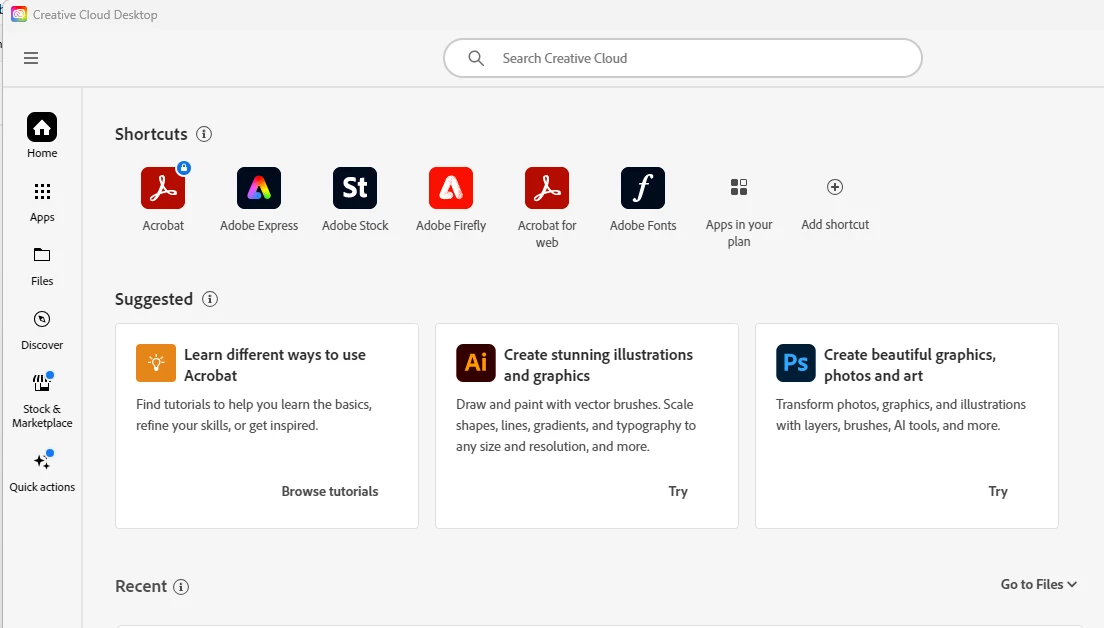
I have just tried signed up to Adobe Illustrator. The Creative cloud has downloaded, but I have no idea how to access the illustator. The only things I can see about AI is as per the attached screenshots. I can only seem to press try or buy which don't work or I get took back to a link to download it which I already have done. 


Any help would be greatly appreciated!


This topic has been closed for replies.

2 replies

Peru Bob
Community Expert
Peru BobCommunity ExpertCorrect answer
Community Expert
January 13, 2024
kglad
Community Expert
Community Expert
January 13, 2024

install the cc desktop app from here https://creativecloud.adobe.com/apps/all/desktop?action=install&source=apps&productId=creative-cloud and use it to install your adobe subscription and trial programs. 


if you have trouble downloading the cc desktop app or you see an error message when trying to install, make sure you have a compatible os (https://helpx.adobe.com/creative-cloud/system-requirements.html), and use the alternative download links at page bottom here, https://helpx.adobe.com/in/download-install/kb/creative-cloud-desktop-app-download.html