Participant
January 1, 2021
Question

Impossibility to Install Creative Cloud Applications even though Student Subscription is Activated !

  • January 1, 2021
  • 2 replies
  • 281 views

Hello there !


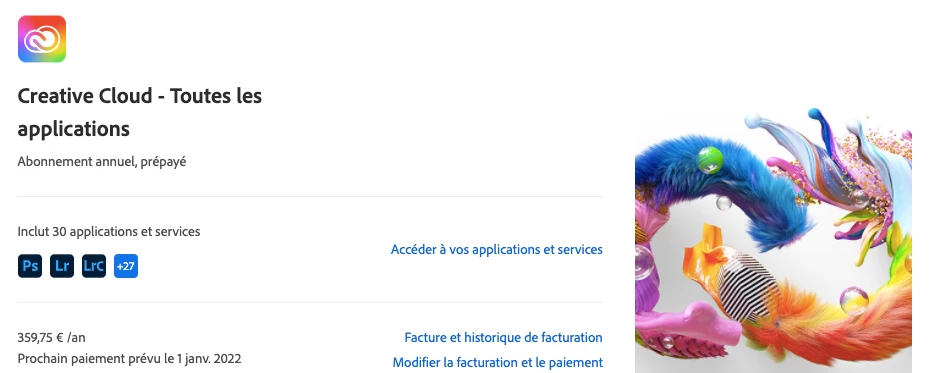
This morning, I subscribe to the Student Formula of Creative Cloud (19.99€/month on the first year).

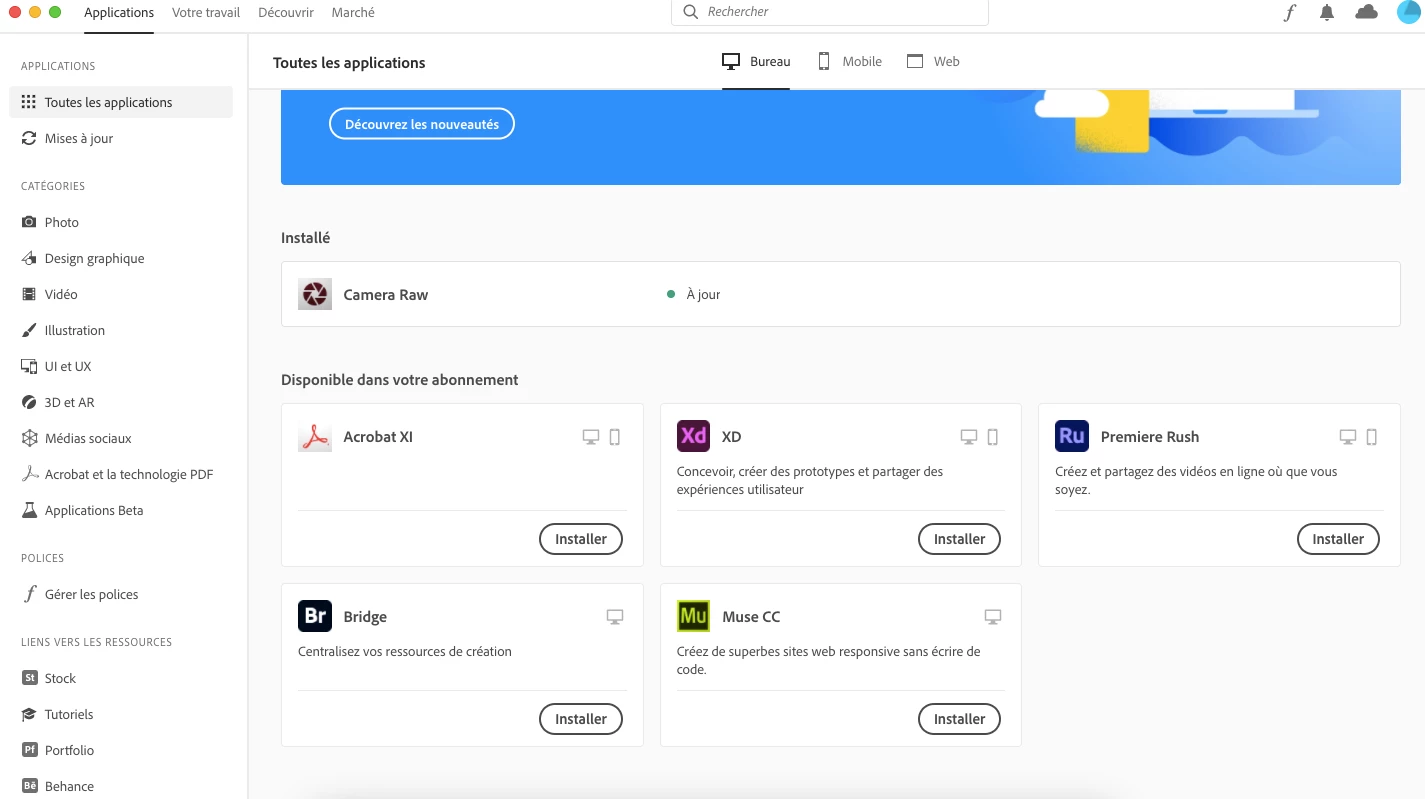
My student adresse has been confirmed, subscription succeed, but when I installed the Creative Cloud App on Mac (but also on another PC computer), there is no way to access to applications !


Only Fresco, Premiere Rush, Bridge & Co. are available,

and not Photoshop, Illustrator, Premiere Pro, After Effects (i capture screenshots)... 😩


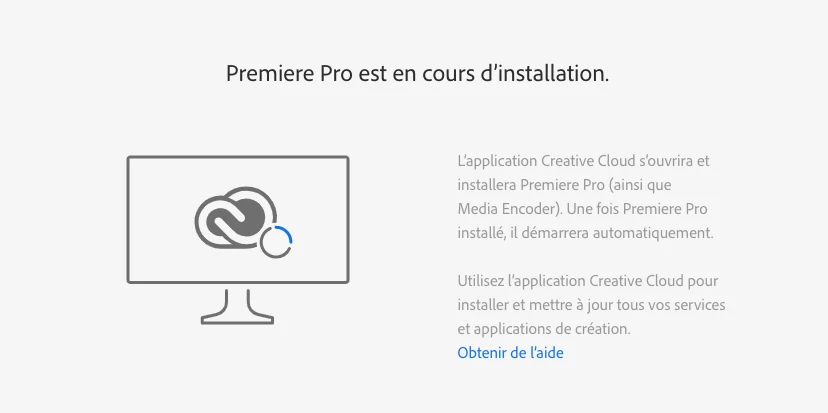
Also, when I try to Install applications on the website, the program refers me to Creative Cloud to be installed, and nothing changed ! Applications didn't appear on the Creative Cloud Hub... 🤔 🤔


Any solutions for this akward problem @Adobe?

Thank you, and Happy New Year !


This topic has been closed for replies.

2 replies

Peru Bob
Community Expert
Community Expert
January 1, 2021

Does you computer meet the minimum specifications for those apps?

https://helpx.adobe.com/creative-cloud/system-requirements.html


Participant
January 1, 2021

Yes, my MacBook Air is relatively recent, and my other Computer is a 2017 PC with many great graphic components, and I had a precedent and different Student subscription the two past years, and all applications worked well on both devices !

But with the new Subscription, all applications disappeared.

I try to uninstall all of them that I already had (thanks to my old Student Subscription of 2019) to solve the problem, but now they don't appear anymore to install.


PS : My English is not very great, I apologize for that 😅

Jeffrey_A_Wright
Community Manager
Community Manager
January 1, 2021

Manon, what happens when you try to begin the installation through the Creative Cloud desktop app as described in https://helpx.adobe.com/creative-cloud/help/download-install-app.html or is it not installed yet?


Do you own and maintain the network and computer that you are installing the Creative Cloud software on?

kglad
Community Expert
Community Expert
January 1, 2021

check your account to verify your subscription is what you expect and to verify your adobe id, https://account.adobe.com


then sign out and then back in to your cc desktop application using the same adobe id used to verify your subscription: http://helpx.adobe.com/creative-cloud/kb/sign-in-out-creative-cloud-desktop-app.html

Participant
January 1, 2021

I've done all of these steps, and always the same problem @kglad .


When I come back on CC Desktop App after signing out (on the App and website), Creative Cloud applications aren't included in the subscription...