Participant
April 22, 2024
Answered

InDesign Install error

  • April 22, 2024
  • 5 replies
  • 382 views

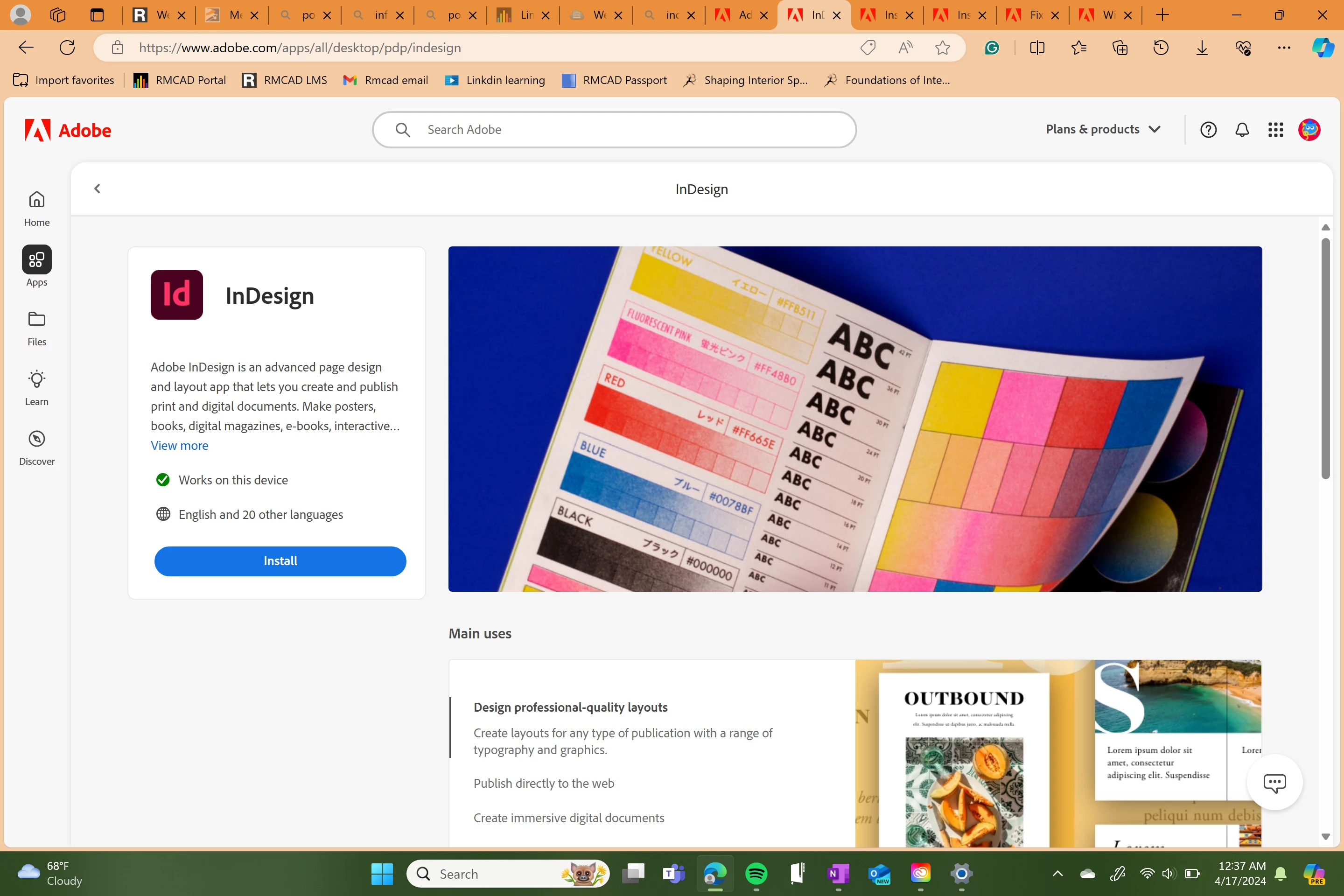
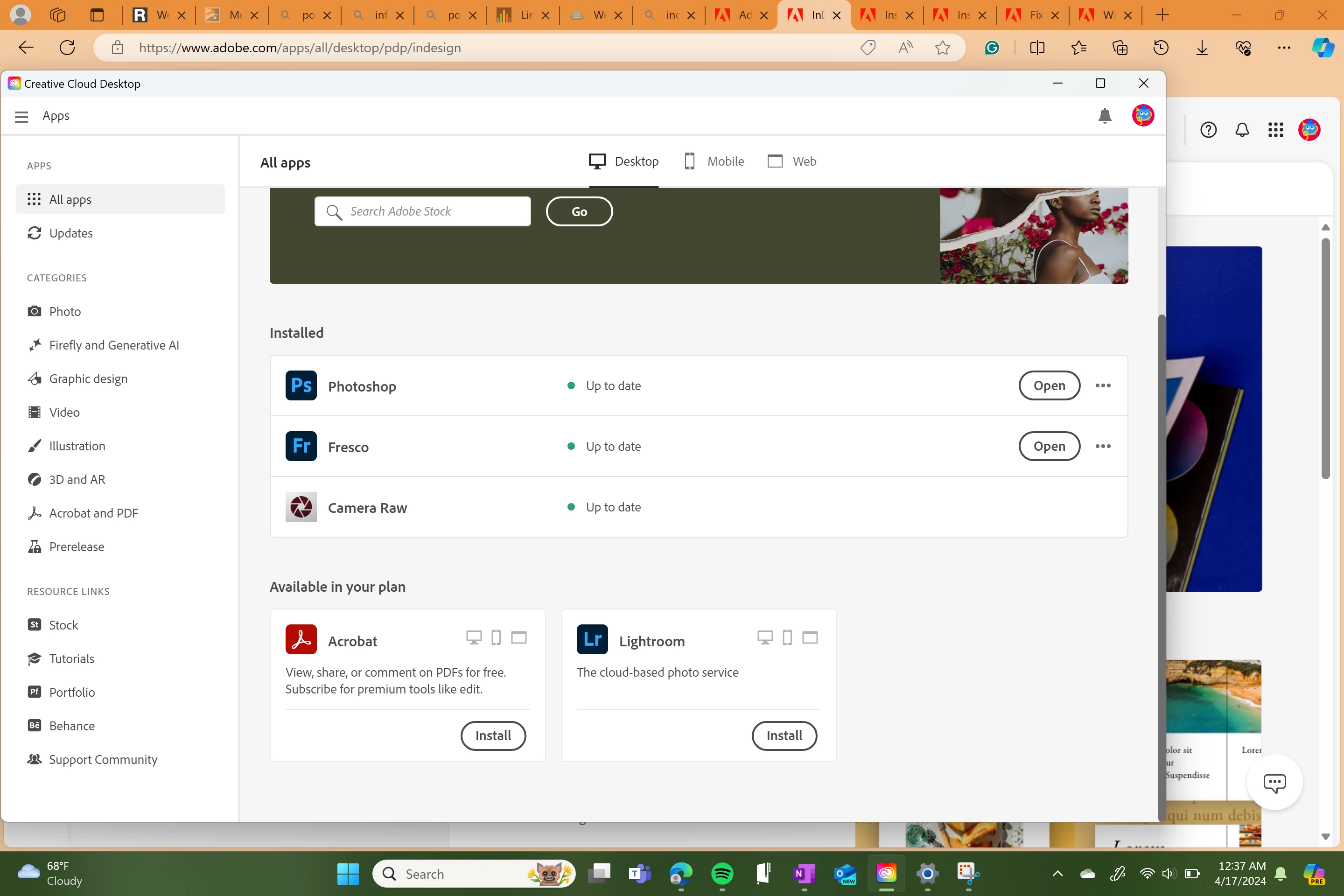
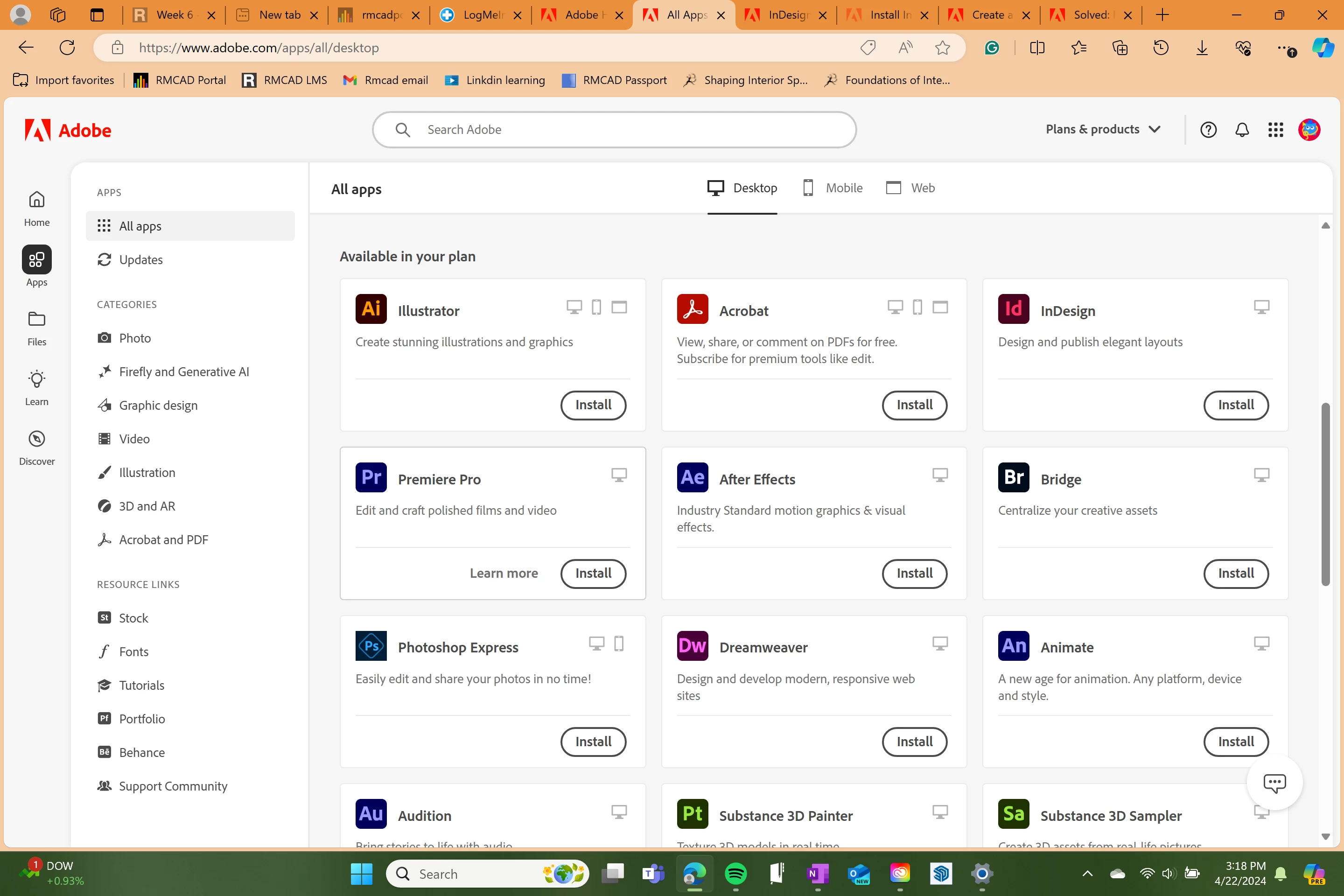
I'm having issues installing InDesign on my Surface Pro X laptop. I have Creative Cloud downloaded and access to these apps through my school but is giving me an error when trying to download most Adobe apps. The website states these apps are compatible with my laptop and I have more than enough storage. Below I will insert some screenshots of the error message and account. 

This topic has been closed for replies.
Correct answer SuJoshi

@Maggie36788461es0l Kindly check the processor architecture of your device. If it is ARM, there are a few CC apps that are supported on the machine: https://helpx.adobe.com/download-install/kb/arm-processors.html

5 replies

Shivangi_Gupta
Community Manager
Community Manager
April 24, 2024

Hi @Maggie36788461es0l,

We're chiming in to see if you have any additional questions.

Let us know.

Regards,

Shivangi 

Community Expert
April 24, 2024

Surface Pro X laptops only shipped with ARM processors (SQ1/SQ2) and InDesign is not supported on that architecture at the moment: https://helpx.adobe.com/indesign/system-requirements.html . 

kglad
Community Expert
Community Expert
April 23, 2024

what are you computer specs?  (did you check, https://helpx.adobe.com/creative-cloud/system-requirements.html)


how much space is available on your os system drive?  (and how much on your install drive, if that's not the os drive?)

SuJoshiCommunity ManagerCorrect answer
Community Manager
April 23, 2024

@Maggie36788461es0l Kindly check the processor architecture of your device. If it is ARM, there are a few CC apps that are supported on the machine: https://helpx.adobe.com/download-install/kb/arm-processors.html