
Participant
September 30, 2020
Question

Install and Uninstall Errors

  • September 30, 2020
  • 1 reply
  • 162 views

Hi,

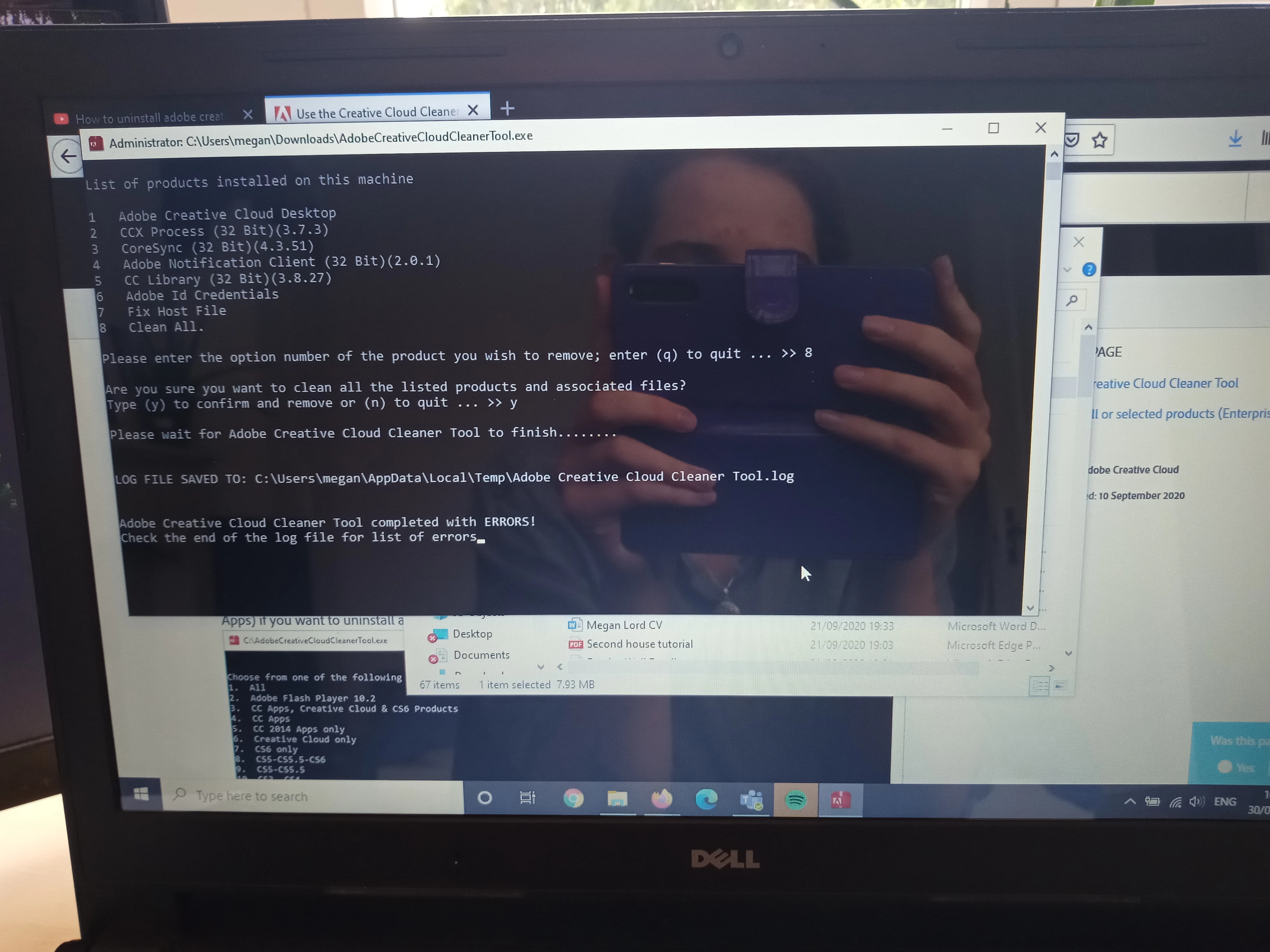
when attempting to install creative cloud, photoshop and indesign I ran into many issues. I when trying to launch creative cloud I had an error message come up saying I didnt have access to manage apps and that i couldnt connect to servers even though I had connection. Next i did manage to install creative cloud but rann into error 81 and it saying it couldnt download when something else was already there. Therefore tried to uninstall and had the same issues next time. Today i tried using creative cloud cleaner tool and ended up with "adobe creative cloud cleaner tool completed with ERRORS! check the end of the log file for list of errors" on the website it says to contact adobe if this happends, this is only way i can find to do so, considering im paying for this subscription and i need it working urgently I would really love some help.
This topic has been closed for replies.

1 reply

kglad
Community Expert
Community Expert
September 30, 2020

follow each applicable step precisely:

uninstall every cc app including preferences, https://helpx.adobe.com/creative-cloud/help/uninstall-remove-app.html
then uninstall the cc desktop app, https://helpx.adobe.com/creative-cloud/help/uninstall-creative-cloud-desktop-app.html
clean your computer of cc files per http://www.adobe.com/support/contact/cscleanertool.html
restart your computer (don't skip this)
reinstall the cc desktop app, https://creative.adobe.com/products/creative-cloud.
if you're unable to install the cc desktop app at this stage, use an administrator account (solution 4 here, https://helpx.adobe.com/creative-cloud/kb/creative-cloud-missing-damaged.html)
use the desktop app to install your cc programs/trials