Answered
Install Window for Elements 2019 too small to get to options
The window that comes up for Elements 2019 is too small and cannot be enlarged. Here is the window I get:
My screen resolution is 3840 x 2160 and is running Windows 10 Home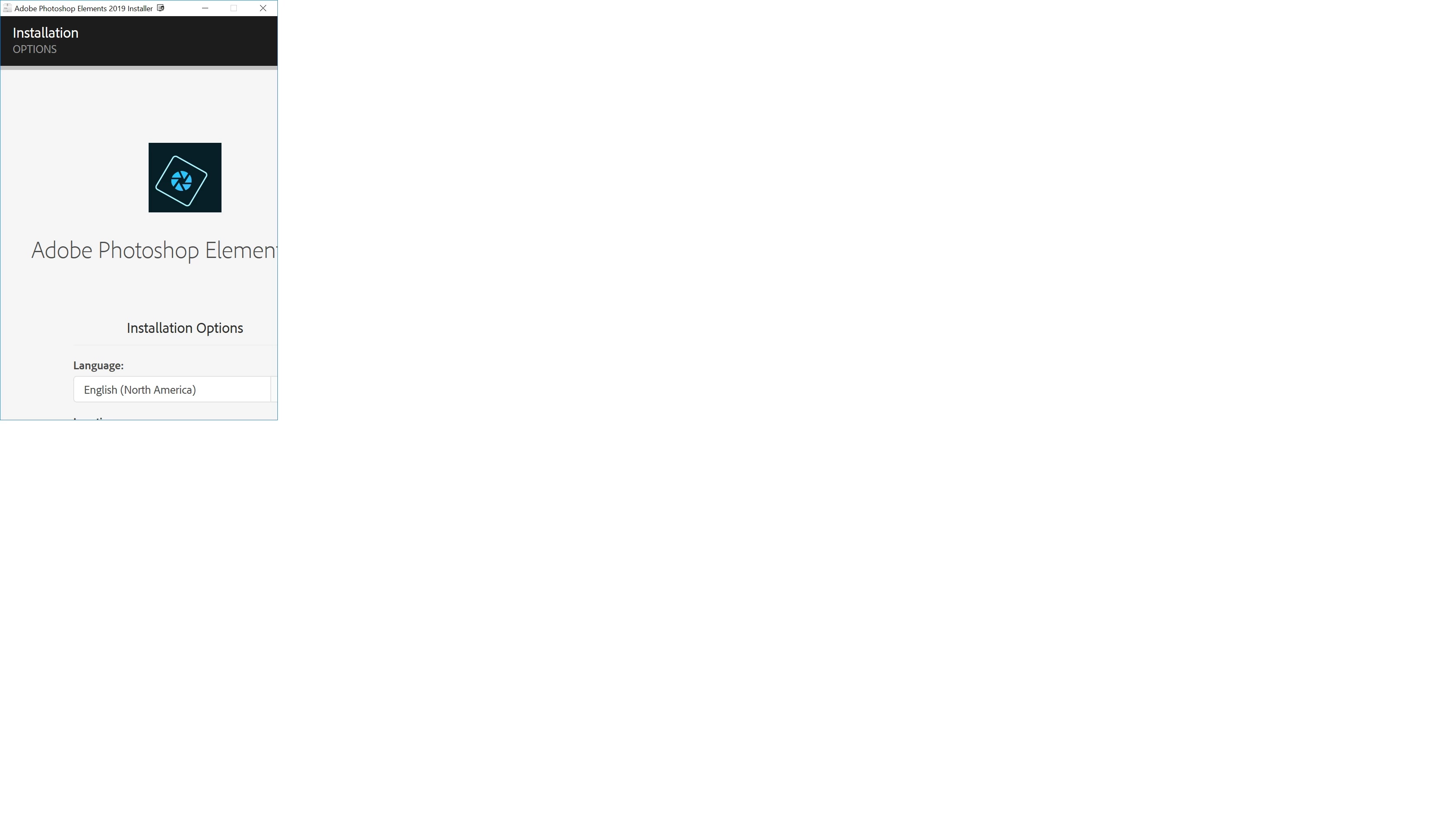

The window that comes up for Elements 2019 is too small and cannot be enlarged. Here is the window I get:
My screen resolution is 3840 x 2160 and is running Windows 10 Home
I am sorry, Jctangney, it does appear that the computer is facing multiple errors. Please access Contact Customer Care using a different computer, smartphone, or tablet.
If you are unable to establish a chat session, on another device, then please send me a private message with your contact details, time zone, and preferred time of day to be contacted, and I will request that you be contacted directly. The request process can take up to three business days so I would recommend establishing a chat session with a different device, if possible.
Well, I finally found a number to reach Adobe. 800-833-6687. Turns out the error is that Elements must be installed from the administrator account to avoid the error I have been having. Supposedly they are working on a fix, but at least mine is now installed.
Already have an account? Login
Enter your E-mail address. We'll send you an e-mail with instructions to reset your password.
 AdChoices