
Installation Failed, Installer failed to initialize (Mac)
Hi,
I'm trying to install CS6 Master Collection on my Macbook Pro running Snow Leopard (10.6.8) and I keep getting the error message, "Installation Failed. your installation encountered errors. Installer failed to initialize. This could be due to a missing file."
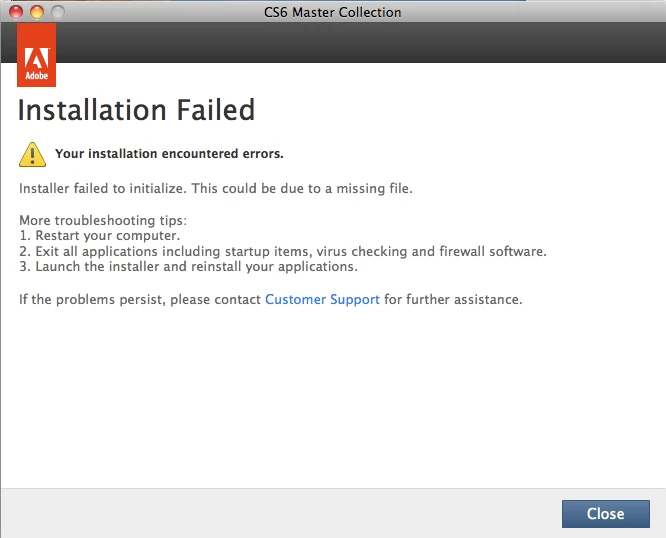
I have tried and failed to install it about 10 times now.
I have also used the Adobe Creative Suite Cleaner Tool and it says "There is no session to delete".
I have looked in the PDApp.log and the only "error" messages I can find are the following:
[ERROR] Deployment.ApplyPayloadPolicies No Payloads found by name : Adobe Prelude CS6 and family DVA
[INFO] AAMShared.DynamicViewMediator Showing screen with screenID : SCREEN_INSTALL_FAILURE
[INFO] PDApp.WindowManager - DestroyAllAPEWindow failed, APE Window count is zero while destroying all APEWindow's
Does anyone know why this is happening and what I can do to rectify this?
Thank you!
 AdChoices