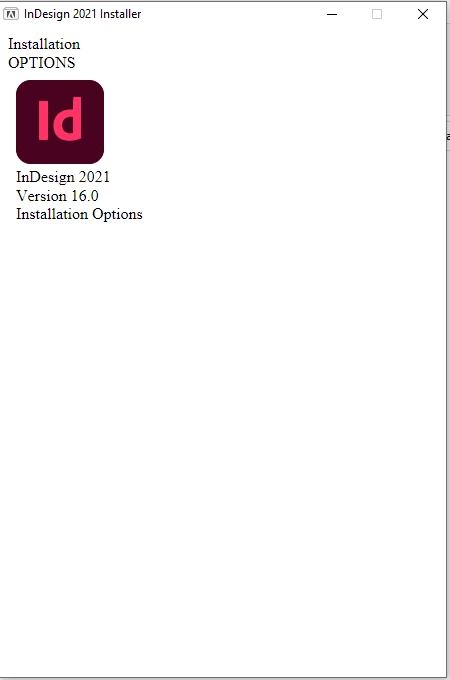
What application did you execute to get this window? If this is an offline installer, then how did you get hold of it? As mentioned by @Rene Andritsch the proper way to install the supported versions is to install via the Creative Cloud desktop app, for unsupported versions 2020 onwards you would need to contact Adobe support to get an offline installer.
This looks like a separate installer for InDesign 2021. Usually you would install InDesign via the Creative Cloud App. As of now (2023) you can only install InDesign 2023 and 2022. If you want to keep older versions do not uninstall them when updating your apps.



 AdChoices