


Question
Installing apps to external drive fails "unable to be installed at this location." Why?
Hi,
I've been trying to set the preference in Creative Cloud to install apps to another location on an external drive, on which I have numerous other programs. But it refuses to install Adobe apps there, giving me the following error (see image).
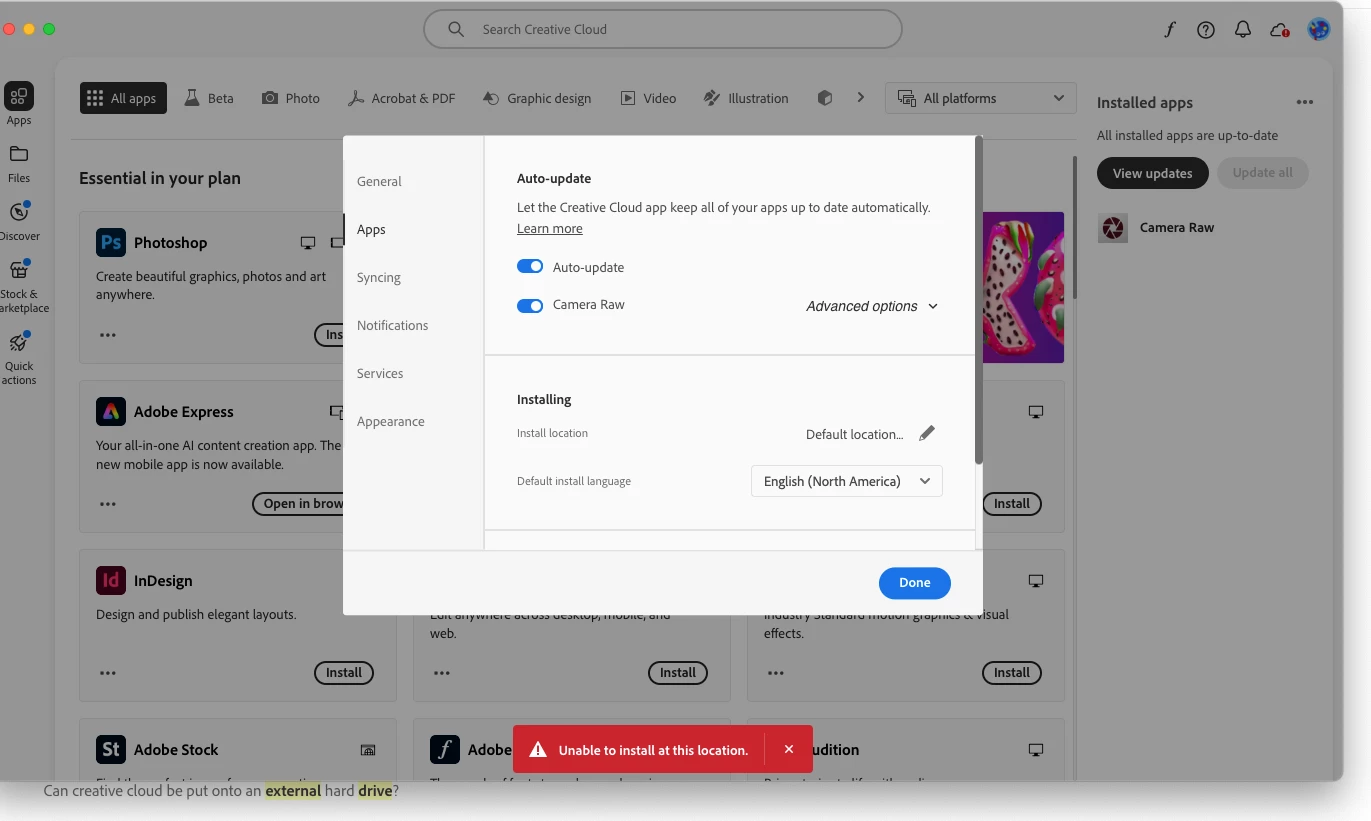
I have seen other folks say that they've been able to do this but for some reason, my system just won't do it.
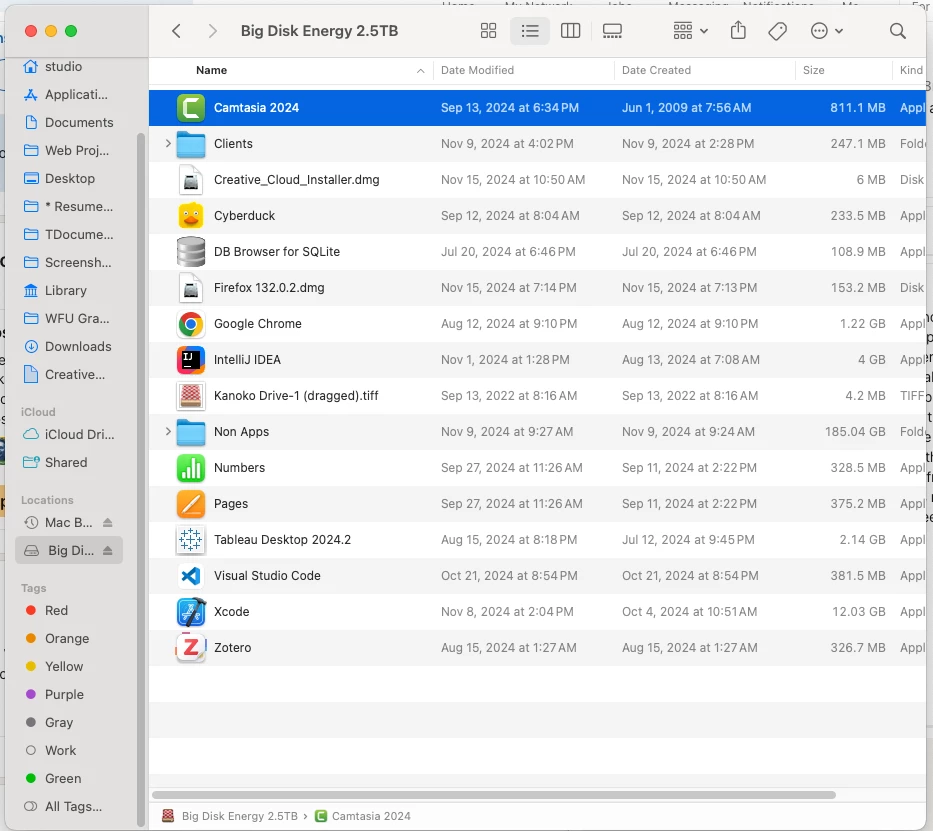
I'm running a Mac Mini with Sonoma, and have numerous other apps on my hard drive that work fine. It's not encrypted. It runs the standard Mac format, has more than 40GB free,
I even tried creating an "Apps" folder on the drive to see if it would install there, but same error.
Any ideas, friends? Thanks!
 AdChoices