Answered
Installing PS Elements 10 on macOS Sierra
Hi,
I recently bought a new MacBook and need to install a purchased PS Elements 10. I downloaded the software from Adobe. When I double-click on the "install" icon the message below comes up ... I don't understand why it is saying install is on the disk image.
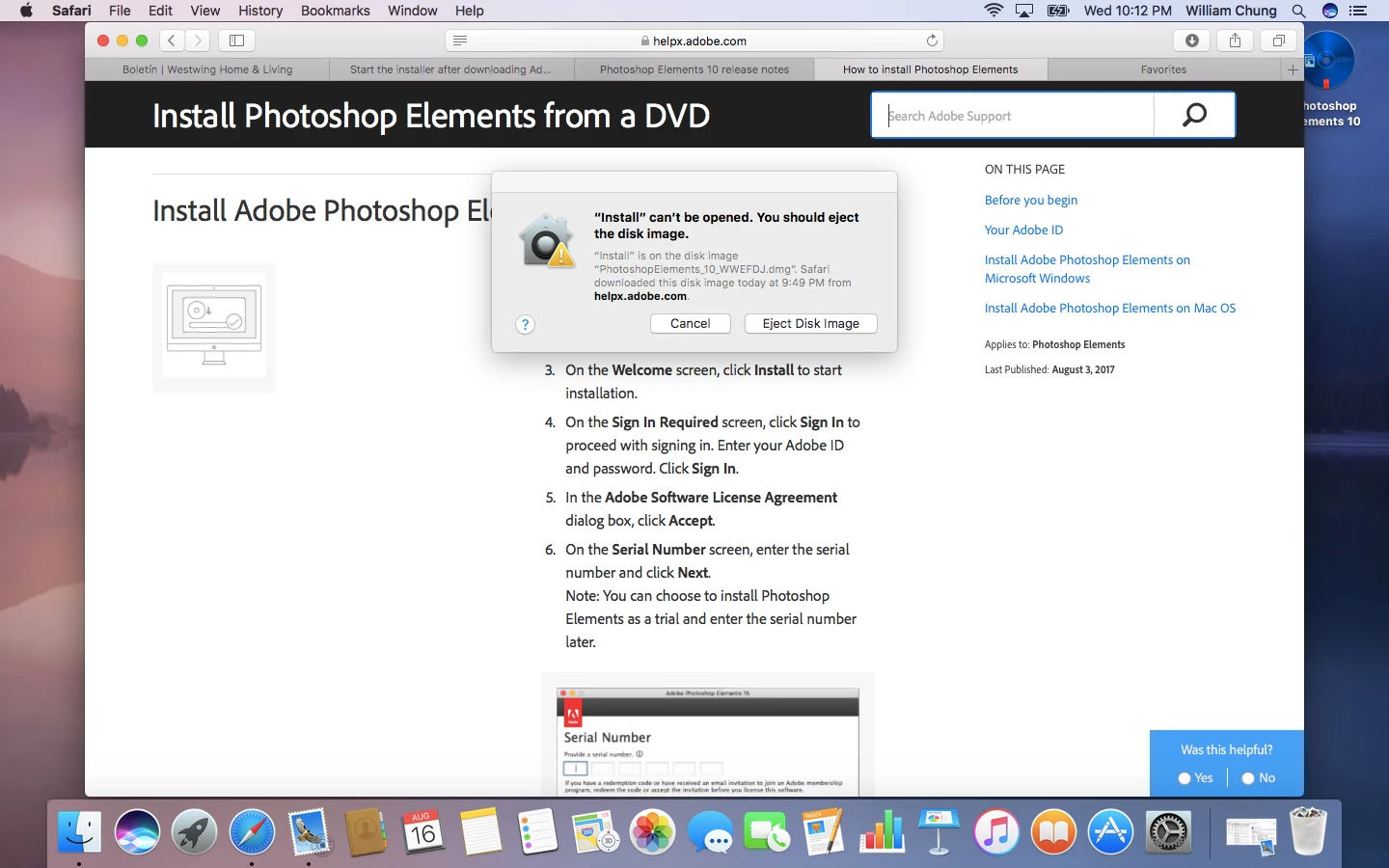
I tired clicking on "Eject this Image" and nothing happens. What should I do to get to the serial number entry screen?
Regards,
Wm
 AdChoices