

Question
Integrating Microsoft office Powerpoint with Adobe illustrator
You can make use from the power of Microsoft powerpoint in creating shapes , smartArt, and charts like in the following pictures :
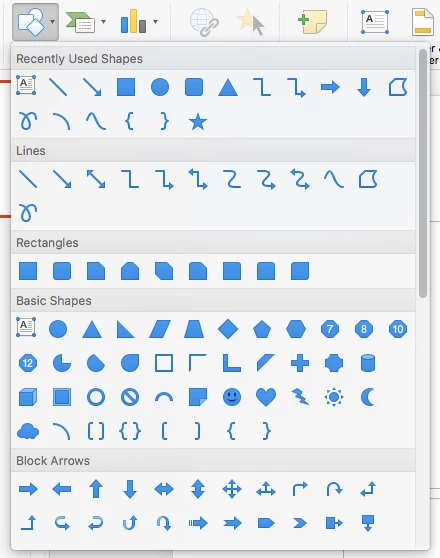
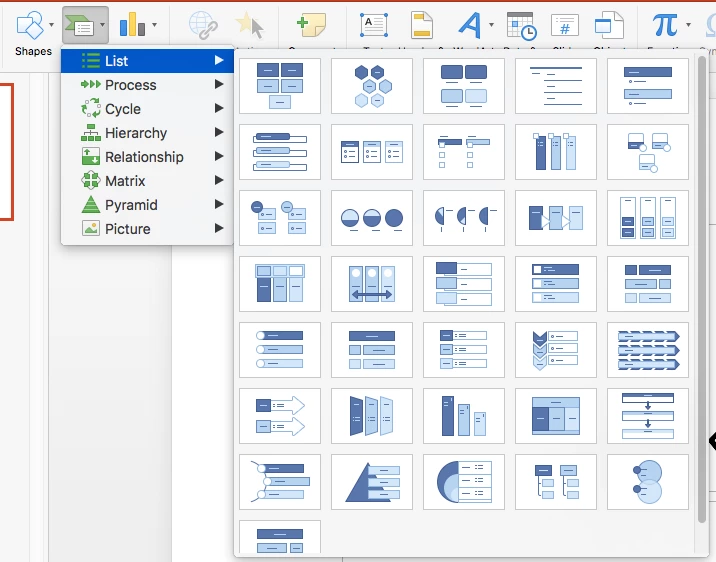
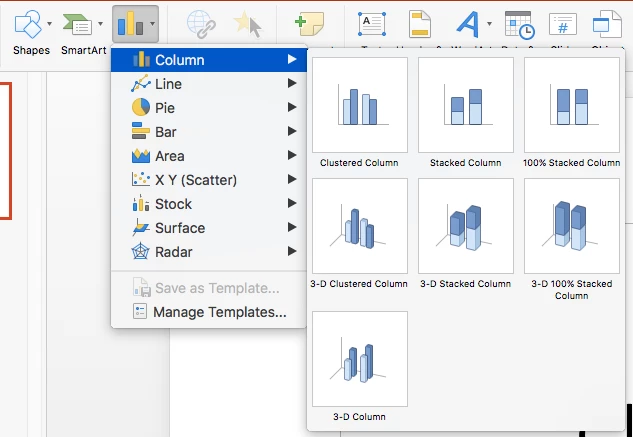
you can modify , design and edit in powerpoint , then you can easily send them as vector shapes to adobe illustrator by right click > then save picture as > and choose PDF file format like in the following pictures :
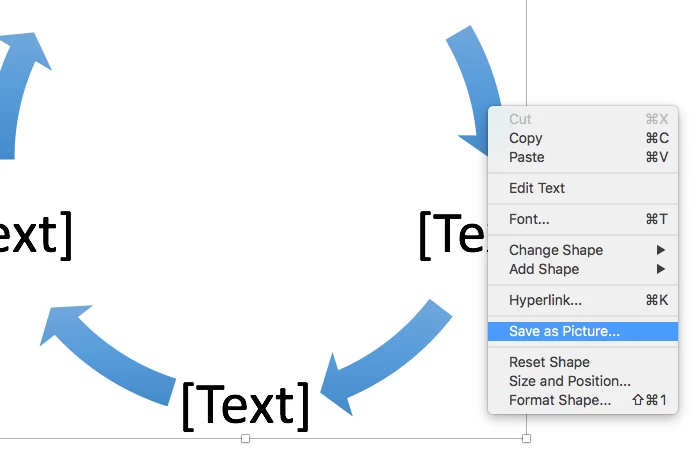
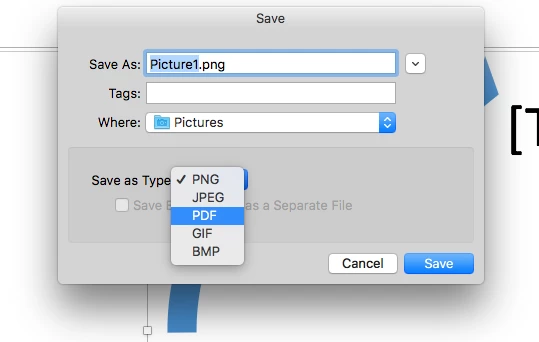
the idea is to open the file inside Adobe illustrator , it will be opened with all layers and you can modify , edit , paint , merge and continue your design with adobe illustrator like in the following picture ,
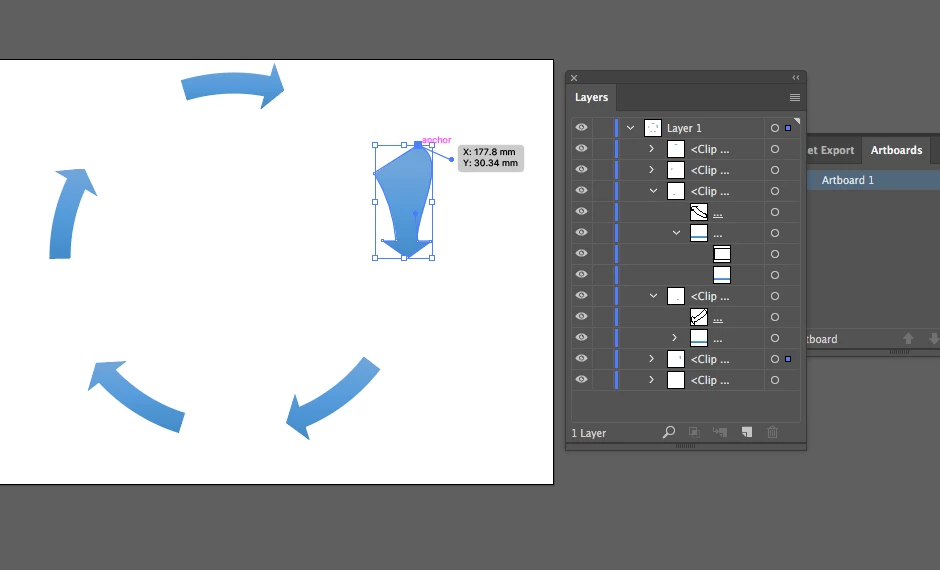
best of luck
Dr. Ayman R.


 AdChoices