This topic has been closed for replies.
Correct answer

Hey !

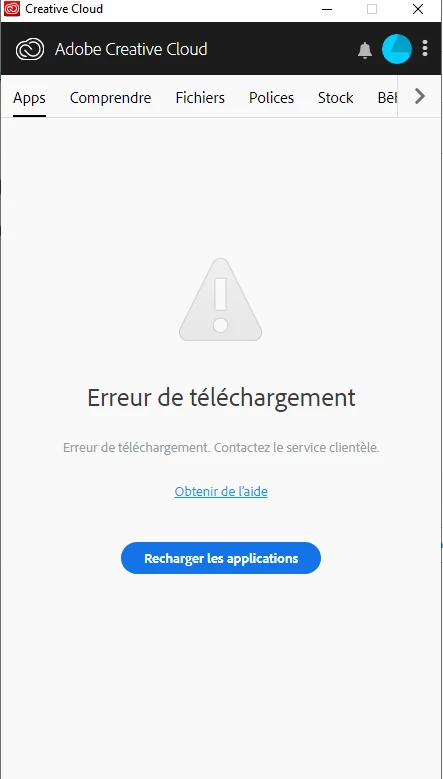
I solved this :

Uninstall XD.
Quit Creative Cloud Desktop app and kill all related processes from Task manager.
Delete temp files by going to run(Win+r) then %temp%
Delete Adobe XD CC folder from  C:\Program Files\Common Files\Adobe
Restart  computer and install XD

2 replies

Correct answer
June 5, 2019

Hey !

I solved this :

Uninstall XD.
Quit Creative Cloud Desktop app and kill all related processes from Task manager.
Delete temp files by going to run(Win+r) then %temp%
Delete Adobe XD CC folder from  C:\Program Files\Common Files\Adobe
Restart  computer and install XD
Abambo
Community Expert
Community Expert
June 5, 2019

Create a new account on your computer and try that one.

ABAMBO | Hard- and Software Engineer | Photographer