


Is my C Drive filling up due to adobe programs usages and autoupdates?
My C Disk always fill up when I do complex projects with a lot of objects, this is natural, some times filled up with +60gb (My main program is photoshop), but when I closed the project It returned to normality. 2 months ago I was with +/-110gb of free space, but then I'm like with just 82gb of free space, I don't know if this seems to do with any adobe program, but it seems too, I use only Illustrator and Photoshop, and got Premiere installed coz I want to learn it for a near future, but some times Adobe downloaded some programs to my PC automatically through CC. And I don't know if this has something to do with temporary archives too, or if new photoshop or new illustrator or premiere got much more GB's than their previous versions. So about that, Is there anyway where I can get rid of archives I don't use? And got more space, is there anything in these programs list that is really essential for my usage? This thing got in my disk almost suddenly, I don't think that could be virus, because this is a formated notebook, and since I formated it, nothing relevant happened, and I don't downloaded things from suspicious sites (passed WD too - and Windows Defender nowdays is a good antivirus).
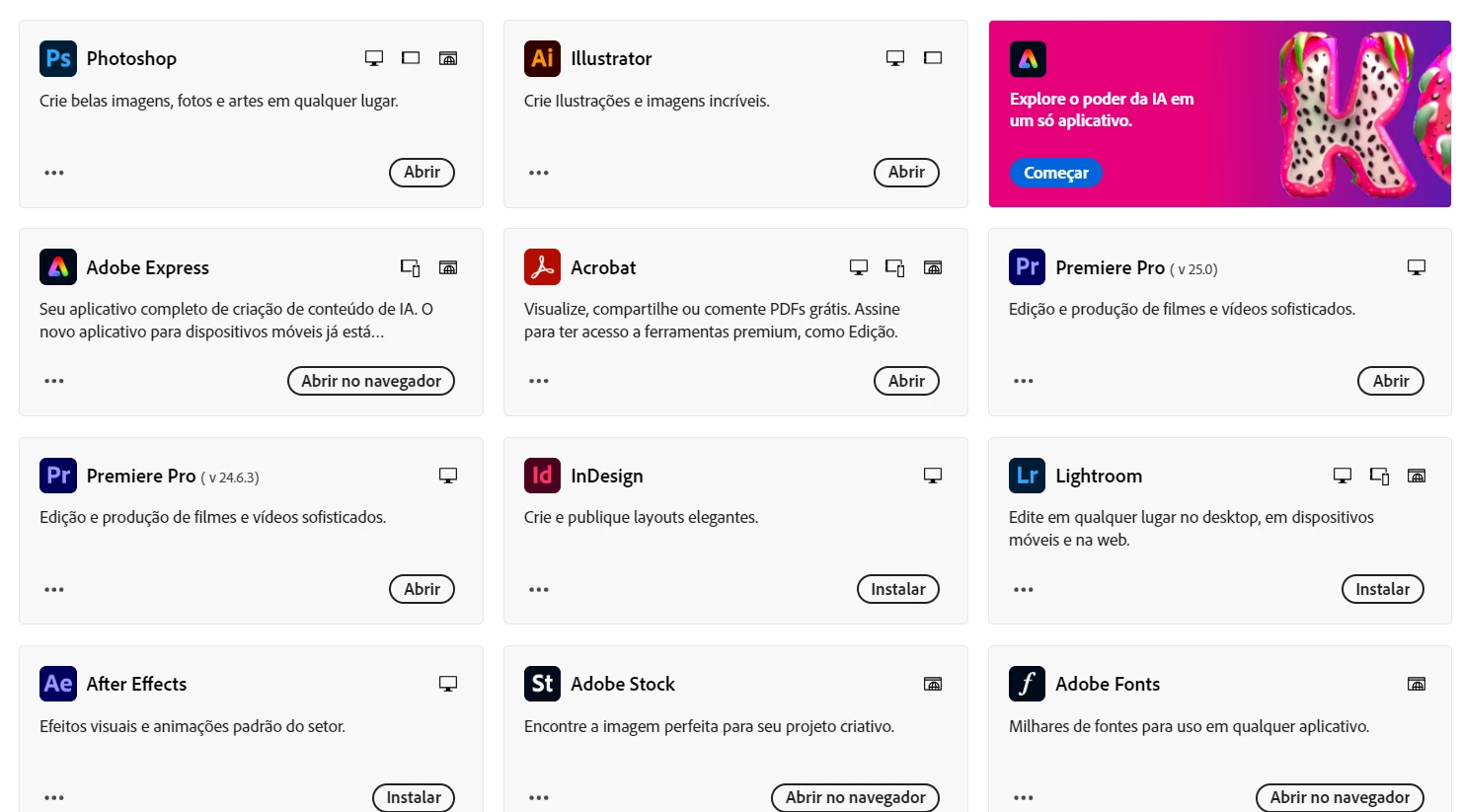
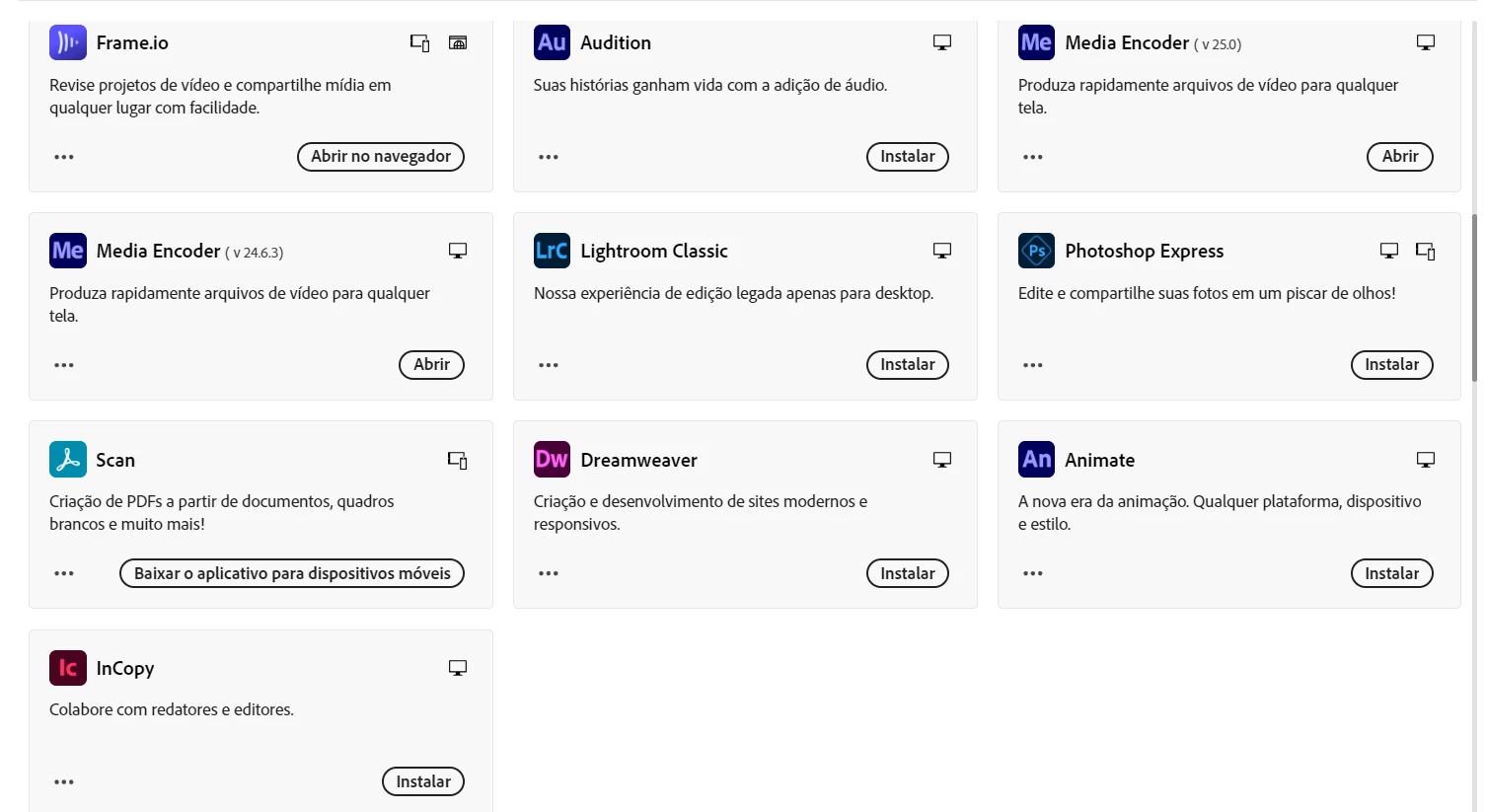
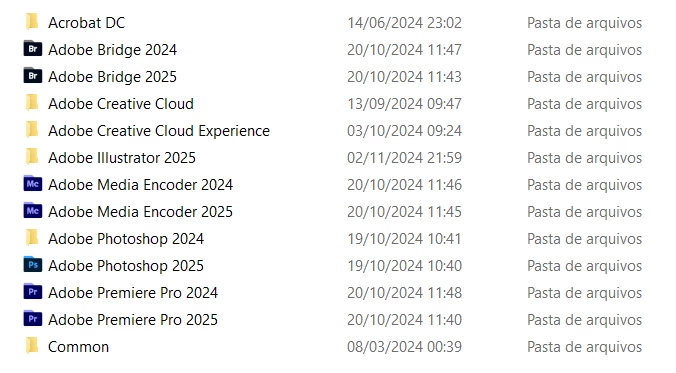
I don't use bridge nor media encoder, and I noticed that there are duplicates of the same program but from different years in this folder (idk why don't they let just the updated version). I use Illustrator and PS, and sometimes I be with these two programs opened a lot of time in my notebook (which by excellence consume some disk), but when I close them I expect it to return to 110gb space free, which is not hapenning now (1-2 months ago was like that), and I suppose that has something to do with adobe applications, since by now I'm using my note just to use these programs, navigate (I use brave browser) and nothing else more (don't know if there are unnecessary temporary archives that keep in my PC from Adobe - I thought that for each update they remove the previous versions of program, but it seems that this isn't true for new years programs).
 AdChoices