Participant
December 6, 2015
Question

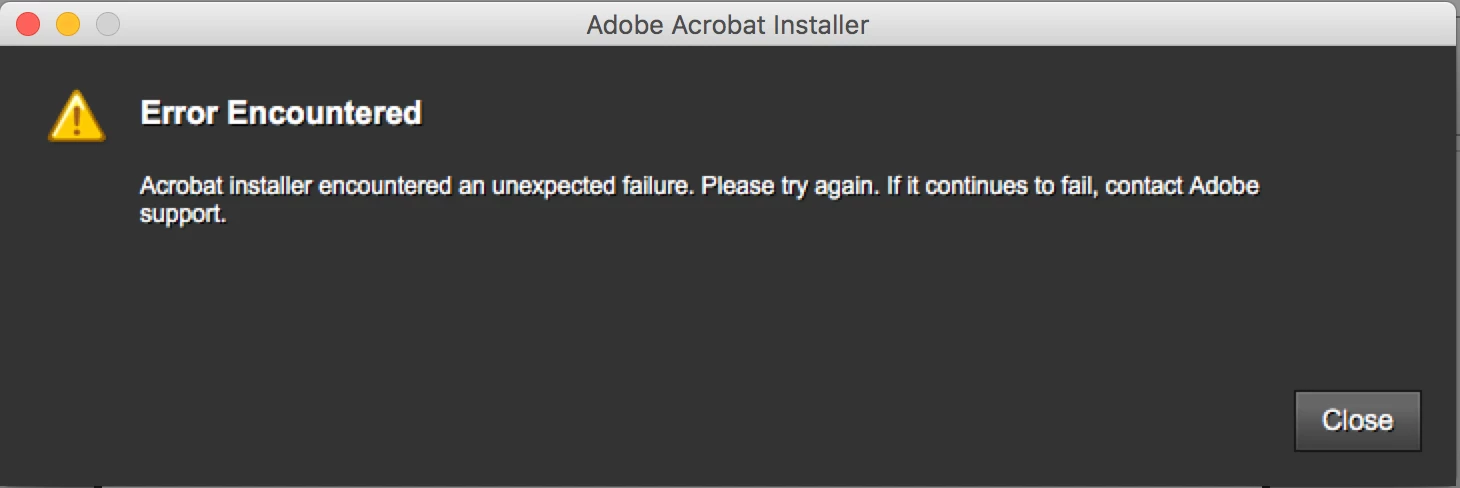
Issues downloading DC, "Abobe installer encountered unexpected failure. Please try again. If it continues to fail, contact Adobe support." I've tried several times and encounter the same issue.
  • December 6, 2015
  • 2 replies
  • 539 views

I keep getting the error above, whilst attempting to instal Adobe DC 2015, any idea on how I can get this sorted?

This topic has been closed for replies.

2 replies

Govardhan.V
Participating Frequently
December 6, 2015

Try downloading Acrobat Pro DC from below link and try to install :

Download Adobe Acrobat products | Standard, Pro | DC, XI, X

Govardhan.V
Participating Frequently
December 6, 2015

Open Applications folder and make sure there is no older version or remnant Acrobat folder left.

No other Acrobat versions or Acrobat related folders must be present on your Mac.

Then try to install Acrobat Pro DC again .

sashas92Author
Participant
December 6, 2015

Yes, I've done that multiple times as well it doesn't seem to have any effect.

Govardhan.V
Participating Frequently
December 6, 2015

Did you downloaded file named "Acrobat_2015_Web_WWMUI.dmg" ?? and then tried to install?

If yes, follow below steps:

You may try to install from Root User account .

As an alternative , you may also try to install Acrobat Pro DC via Adobe Creative Cloud app. Install it as trial , then after launching you can try to activate by entering serial number,

However , I recommend to try with Root user account first.

You may refer below link as reference :

Adobe Acrobat Pro DC tells me there was an error during the install, I tried twice and same result. This is the MAC vers…