Participant
October 10, 2021
Question

JavaScript Error

  • October 10, 2021
  • 1 reply
  • 1223 views

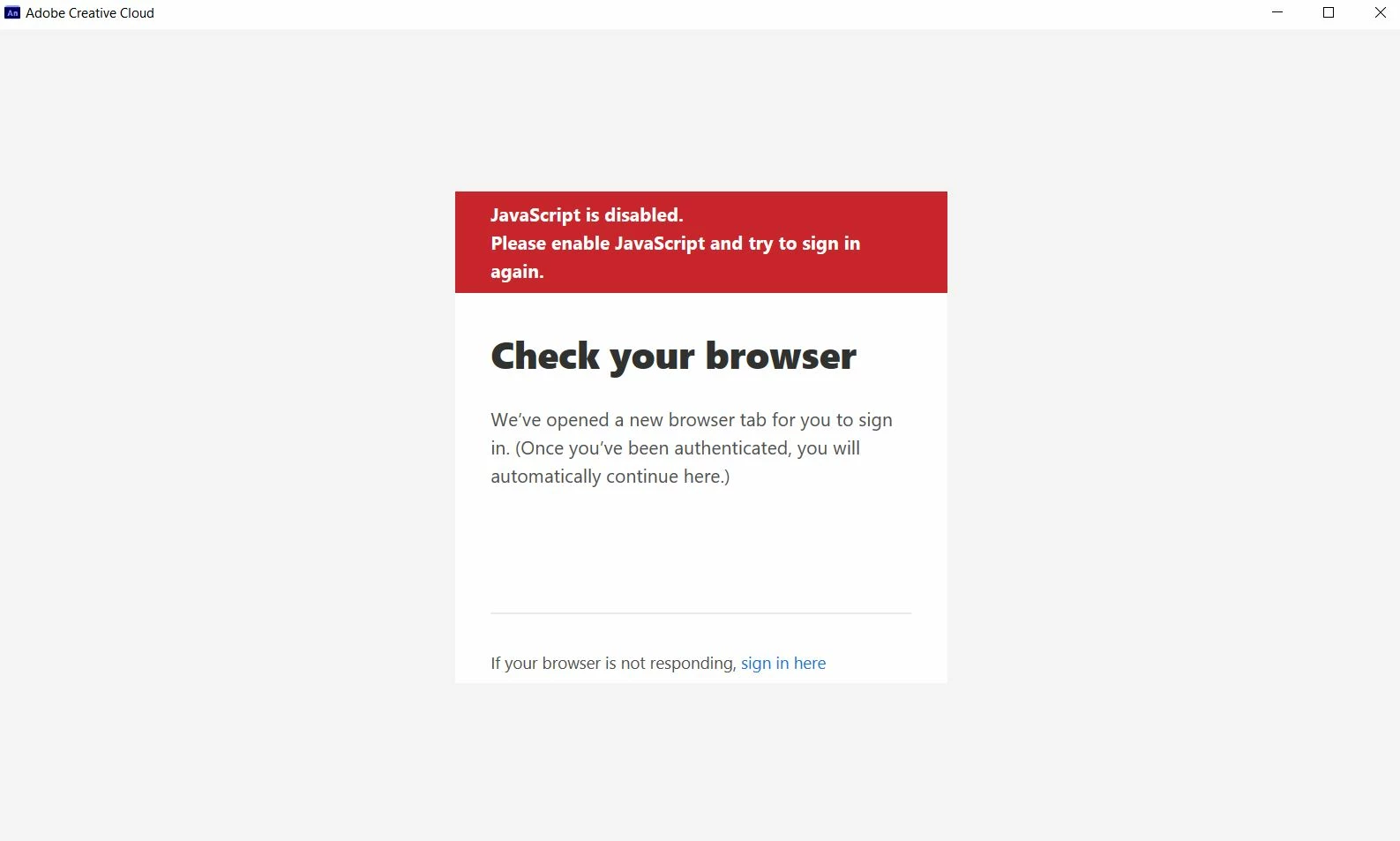
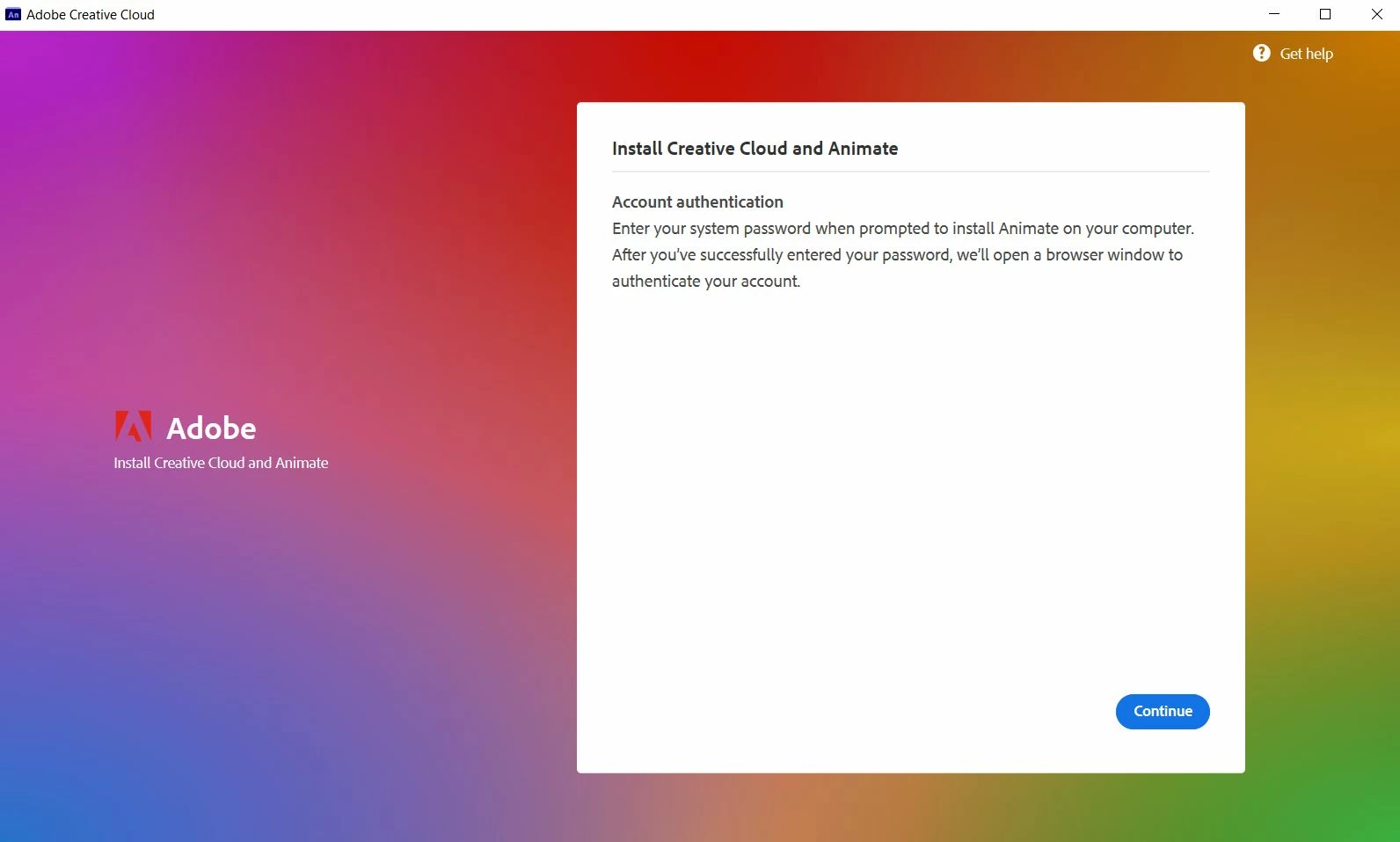
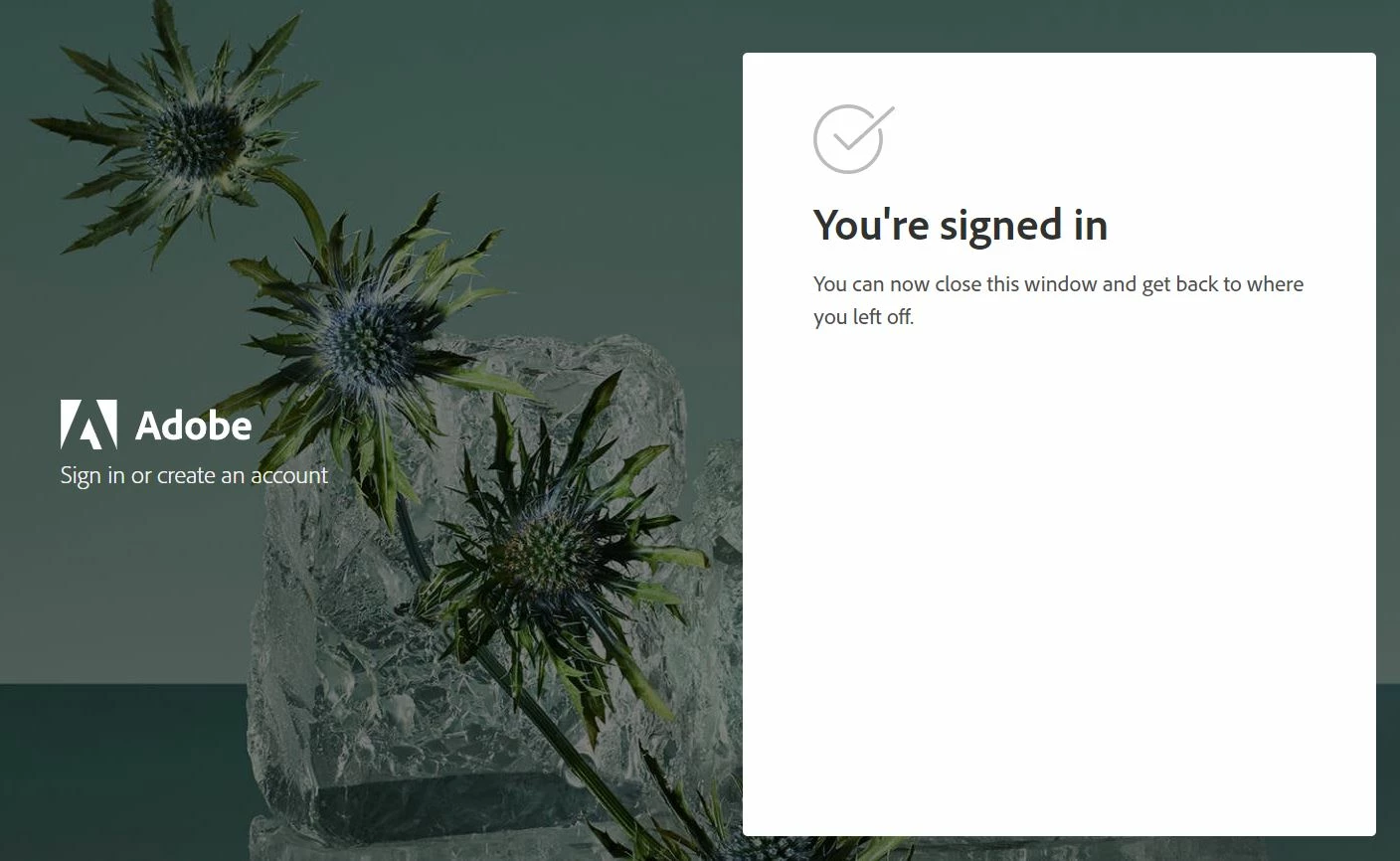
So, whenever I try to install Adobe Animate, it takes me to the screen where it logs me in and it does so! But on the installer window it says that JavaScript is disabled, but it's not. My javascript is allowed for all sites. I'd like to know how to fix this, especially since I bought this program and have subscribed to it. I don't want to have wasted my money on some issue that I know doesn't exist. Since, my javascript is enabled.

If I need to provde extra information I'd be glad to do so! I'm sorry I won't be of much help.
This topic has been closed for replies.

1 reply

Nancy OShea
Community Expert
Community Expert
October 10, 2021

Please ensure your computer meets or exceeds the minimum system requirements to run Creative Cloud + OS + all other apps you use. Check each one.
- https://helpx.adobe.com/creative-cloud/system-requirements.html

If needed, upgrade your OS and browsers to the latest versions.


Nancy O'Shea— Product User & Community Expert
Mars5EB0Author
Participant
October 10, 2021

It does, it meets all requirements for the programs I wish to buy. It just simply says that javascript is disabled when it's enabled. 

Nancy OShea
Community Expert
Community Expert
October 10, 2021

Which OS do you have?

Which browser and version #?


Nancy O'Shea— Product User & Community Expert