


Participant
June 28, 2021
Question

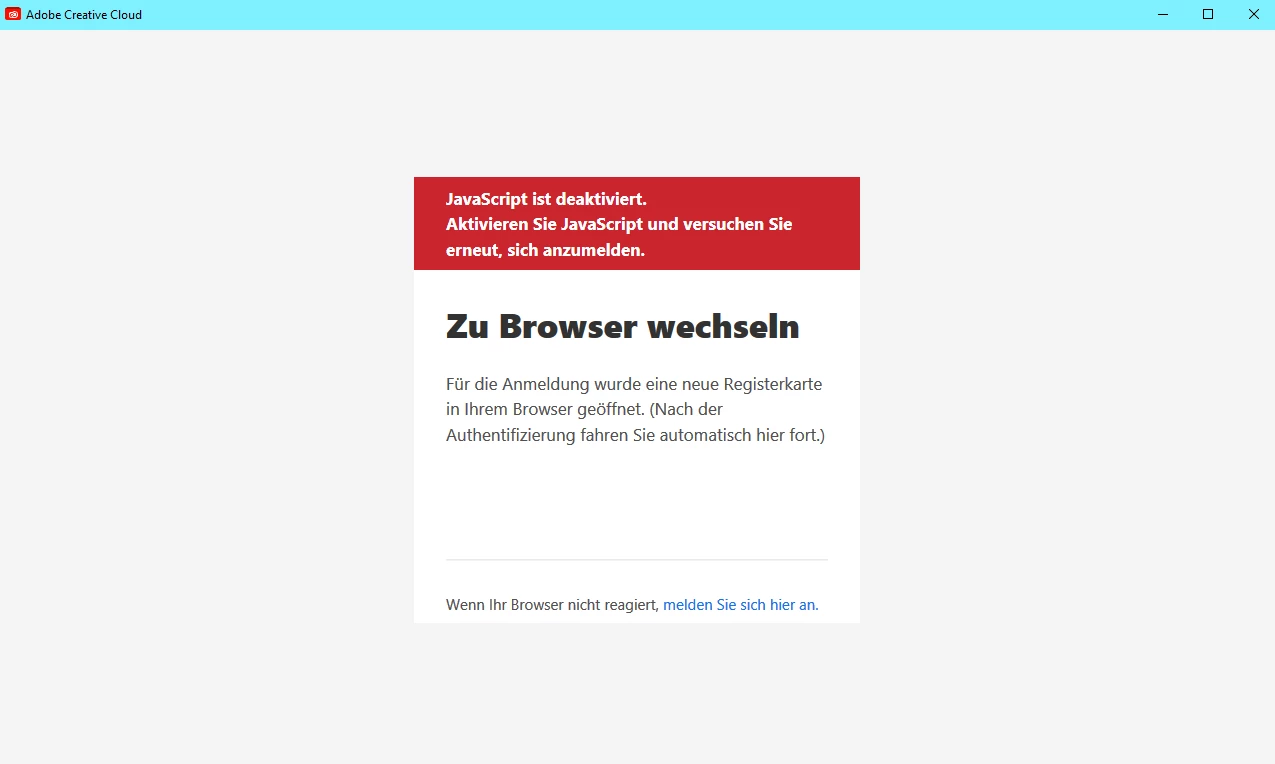
JavaScript error while installing

  • June 28, 2021
  • 2 replies
  • 1899 views

Hi,

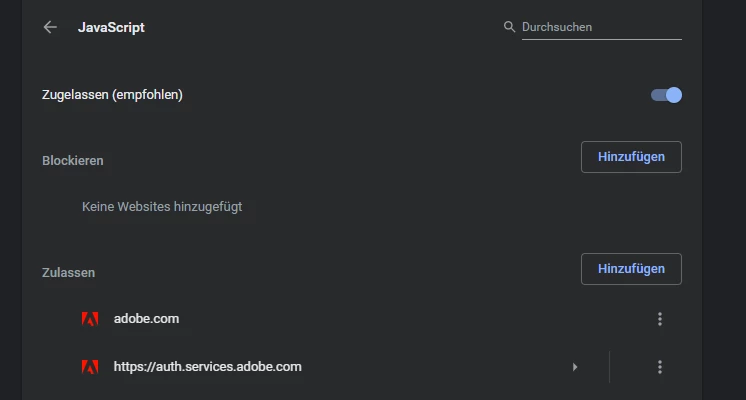
I recently bought an Adobe Creative Cloud subscription and started to download the setup files. I started the setup, my browser opened and I logged in with my account. When going to the setup-application I get an error that JavaScript is not enabled. I double- and triple-checked my browser settings on chrome and javascript is in fact enabled. I after a couple of times I tried it with other setups like illustrator and photoshop, but got the same problem.

Any solutions?
This topic has been closed for replies.

2 replies

Participant
June 28, 2021

Update:

I deinstalled chrome entirely from my pc and tried it with Microsoft Edge. Same problem.

Nancy OShea
Community Expert
Community Expert
June 28, 2021

Hi @ConstantinD.,

Adobe's website relies on JavaScript.  For best results, use a modern desktop browser that accepts cookies and does NOT have script blockers of any kind. The latest Chrome and Firefox usually work for me on Win10.  See link below:

https://helpx.adobe.com/download-install/kb/creative-cloud-desktop-app-download.html


Nancy O'Shea— Product User & Community Expert
Participant
October 30, 2021

I'm having the same problem as Constantin. My chrome is the latest version and I also tried FireFox and Edge, but none work. JavaScript is turned on on all browsers. 2 of my friends who use the same chrome version and are from the same environment were able to download both creative cloud and Photoshop. I tried the alternative download, but that wont work either. I dont have any browser extensions except honey. Is there any fix left?


Participant
June 28, 2021

When starting the setup everthing is fine:

The button: "When your browser does not react, log in here." doesnt work for more