This topic is closed to new replies. Start a new post to keep the conversation going.
kglad
kgladCorrect answer
Community Expert
November 16, 2022

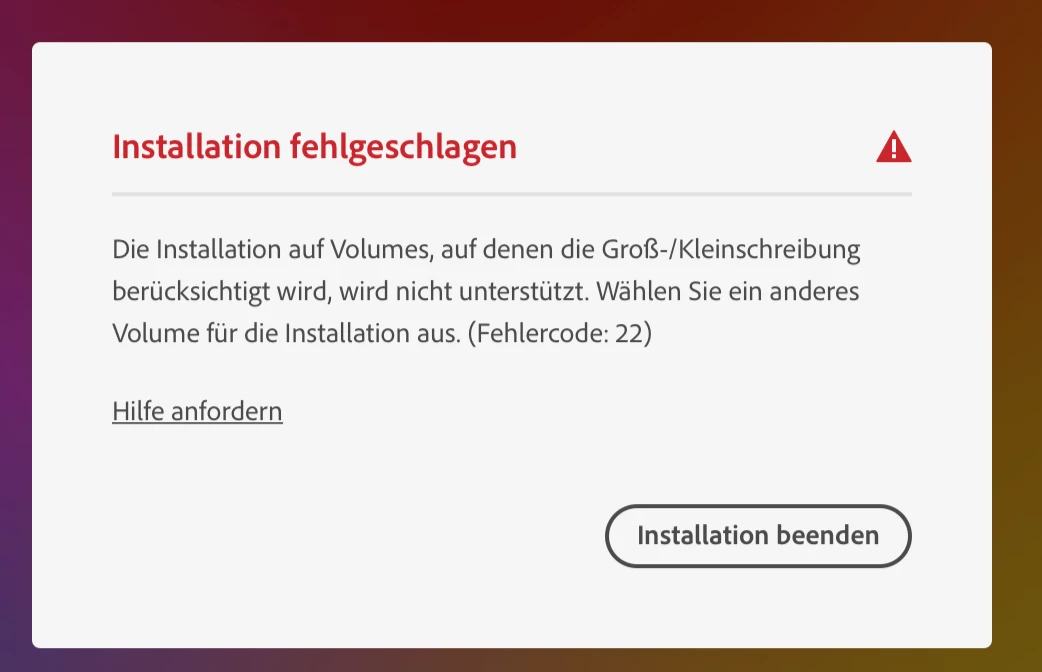
Error code 22: Case-sensitive drives not supported

Error code 22 indicates that the volume in which you are trying to install the Creative Cloud app is case-sensitive. This error usually occurs on macOS.

3 replies

kglad
Community Expert
kgladCommunity ExpertCorrect answer
Community Expert
November 16, 2022

Error code 22: Case-sensitive drives not supported

Error code 22 indicates that the volume in which you are trying to install the Creative Cloud app is case-sensitive. This error usually occurs on macOS.

Translate
Participant
November 16, 2022

Thant you. And ok.... yes I'm on mac OS.

So, do I need to rename the folder to download the data?

Translate
kglad
Community Expert
Community Expert
November 16, 2022

no, you would need to reformat your hard drive to use a non-case sensitive format.


you would lose all your data doing that, so backing up to another drive first is essential.


ie, you probably should get help (eg, apple store) before doing anything.

Translate