


Question
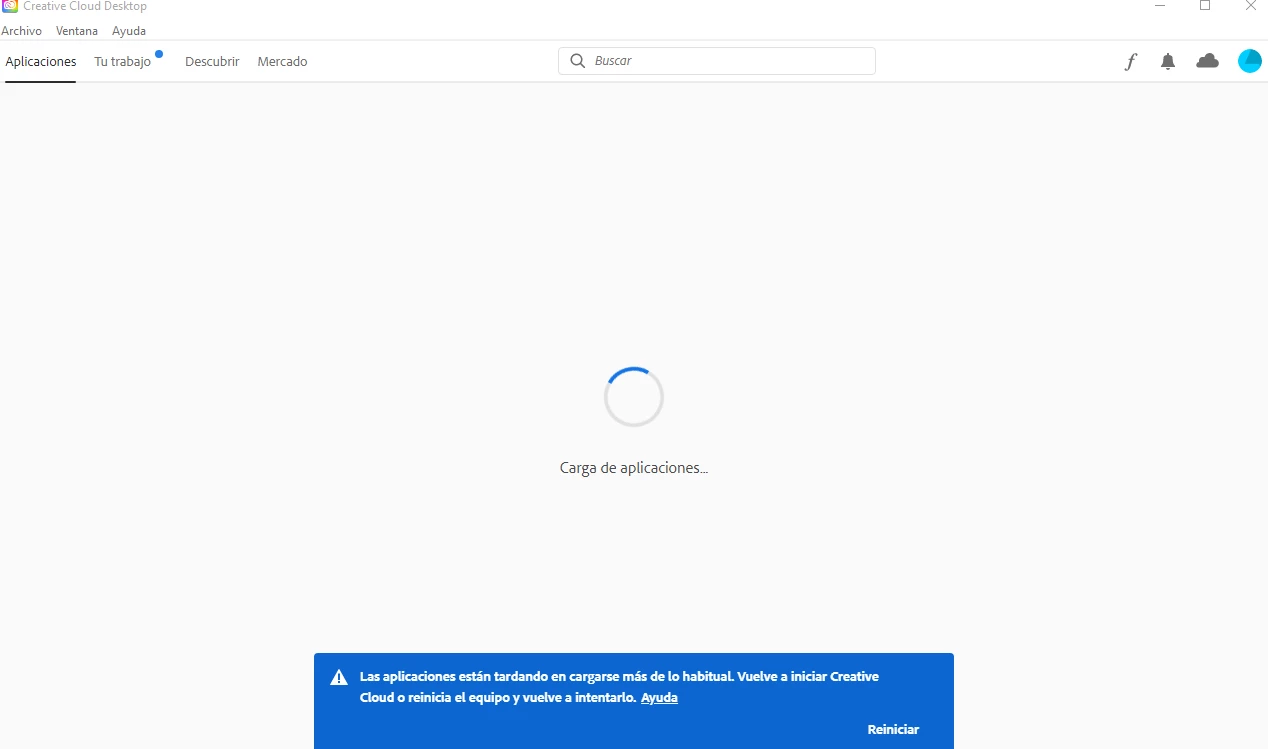
La carga de las aplicaciones parece tardar más tiempo de lo habitual.
Buenas noches, estoy intentando instalar Creative Cloud en mi ordenador por varias horas y al momento de ver las aplicaciones, aparece (La carga de las aplicaciones parece tardar más tiempo de lo habitual. Vuelva a iniciar Creative Cloud o reinicie el ordenador y vuelva a intentarlo.) Ya desactive mi firewall, mi antivirus, revise mi conexion a internet, use el AdobeCreativeCloudCleanerTool, CreativeCloudUninstaller, reinicie mi equipo, borre la carpeta, segui todos los pasos que sugiere la pagina, pero sigue apareciendo lo mismo. Mi ordenador es de 64bit y usa Windows 10 Pro, si alguien conoce de alguna otra solucion, por favor hacermela saber, muchas gracias.
 AdChoices