
thynd
Inspiring
December 22, 2018
Answered

License Limit Login Will Not Load

  • December 22, 2018
  • 1 reply
  • 490 views

Hi Folks,

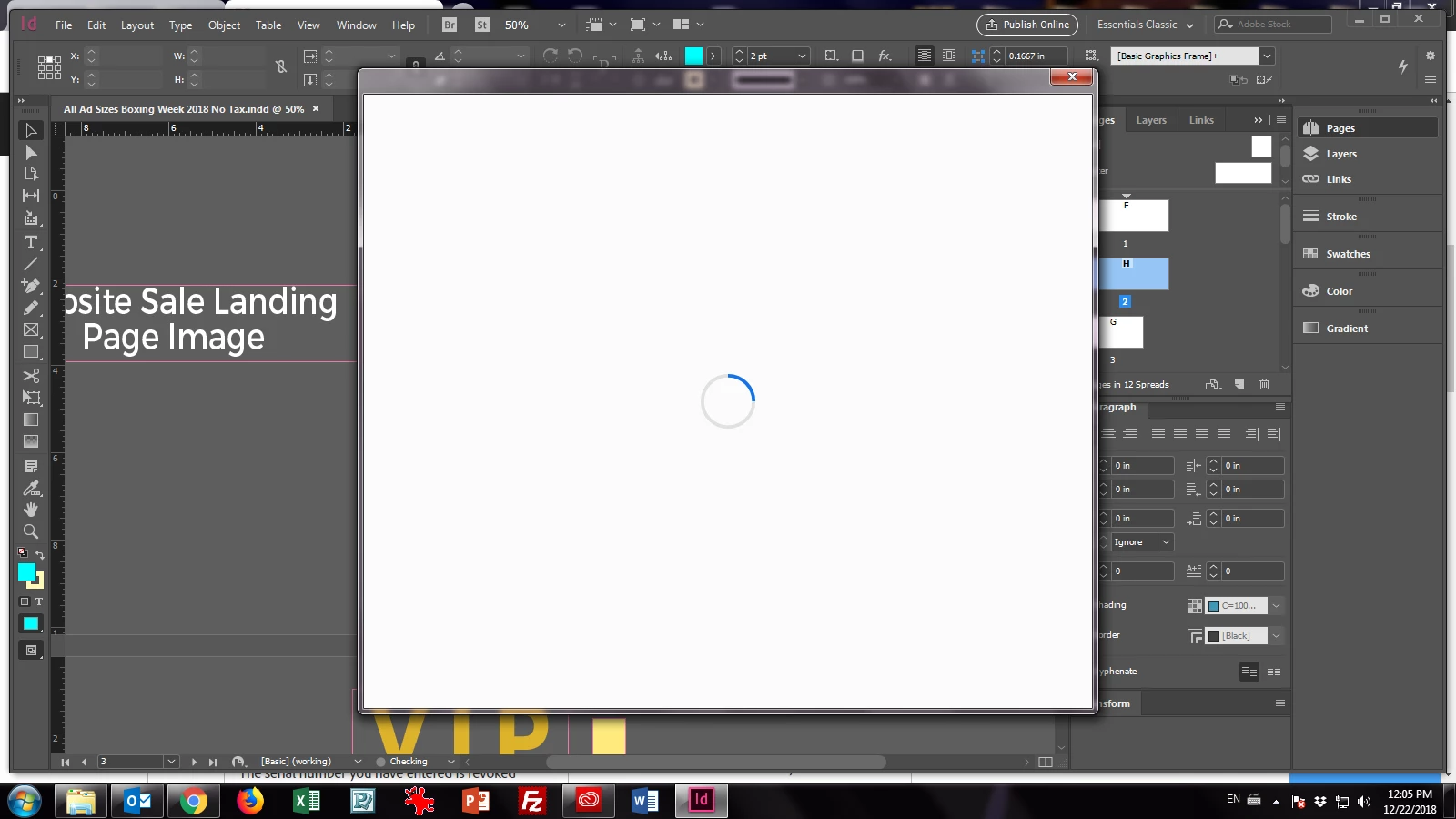
Just logged into a third machine (which I use regularly) and exceeded the license limit of my CC account. When Adobe CC opens it asks you to login and I selected to "Logout of other devices" - all par for course so far. Then normally when I open a program such as InDesign or Photoshop (I tried both) another license limit login comes up, and you essentially do the same login process again. BUT, this time the second login window froze and would not load... No matter how long I waited. I thought it might be related to my firewalls or antivirus, but after disabling them completely nothing changed. I even stopped them from running on startup and restarted to no avail. It just freezes as below. Any ideas?
Thanks.

This topic has been closed for replies.
Correct answer kglad

please try removing the Adobe-related certificates from the Windows Certificate Manager, https://helpx.adobe.com/download-install/kb/adobe-license-issues-keychain-credential-mgr.html

1 reply

kglad
Community Expert
kgladCommunity ExpertCorrect answer
Community Expert
December 22, 2018

please try removing the Adobe-related certificates from the Windows Certificate Manager, https://helpx.adobe.com/download-install/kb/adobe-license-issues-keychain-credential-mgr.html

thynd
thyndAuthor
Inspiring
December 22, 2018

Those steps almost worked. I went through all of them, tried and got the login screen properly, but after entering the login it froze. Then I tried all the steps again, rebooted and tried again. The results were the same, the login comes up (which is better than before), I entered my login and then it froze

Maybe I should reinstall the Creative Cloud App?

Appreciate your help!

kglad
Community Expert
Community Expert
December 22, 2018

using a browser that allows popups and cookies,  contact adobe support during pst business hours by clicking here and, when available, click 'chat', http://helpx.adobe.com/x-productkb/global/service-ccm.html