
jellyfrank
Participant
June 6, 2017
Answered

Lightroom CC download stops at 42%

  • June 6, 2017
  • 2 replies
  • 1354 views

I've been trying to install Lightroom through the CC desktop app, but it always stops at 42% with an "installation failed" message.

I've tried uninstalling and reinstalling CC, as well as using the cleaner tool.

Other apps install just fine through CC.

When I delete the CC app and download Lightroom from the Adobe website (so that it uses its own installer), the installation gets to 63% and then fails.

I am running Mac OS X Sierra.
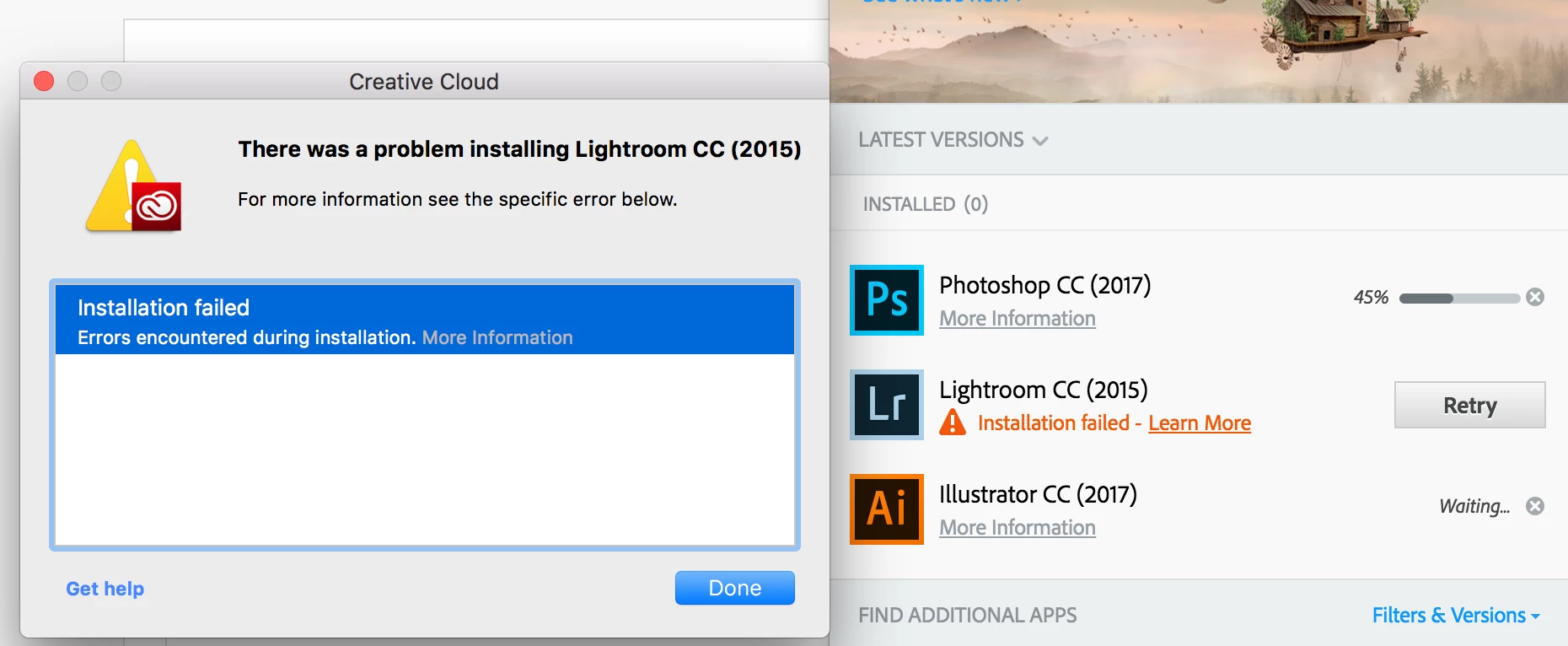
When I click on the "More Information" on the error window, it takes me to a blank browser page ( file:///tmp/C26E7592-12C9-4A6E-B772-6461B3B9D0A2/Summary.htm?mv=product&mv2=accc )
This topic has been closed for replies.
Correct answer Jeffrey_A_Wright

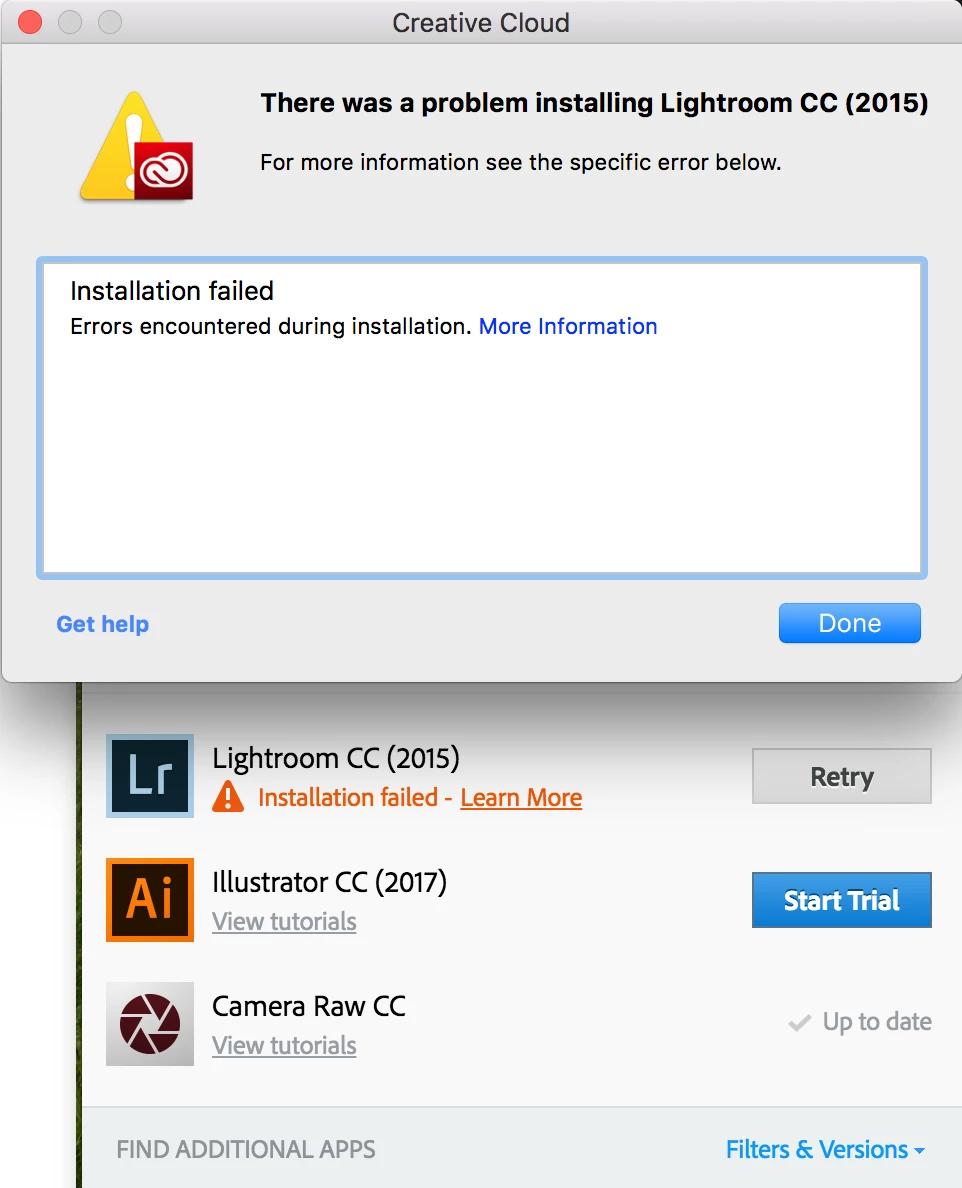
Same error : /

Screenshot:

And once again, clicking "more information" brings me to the same blank browser page - file:///tmp/D8AF9DE6-ED56-44B7-8B93-9C37A342001E/Summary.htm?mv=product&mv2=accc

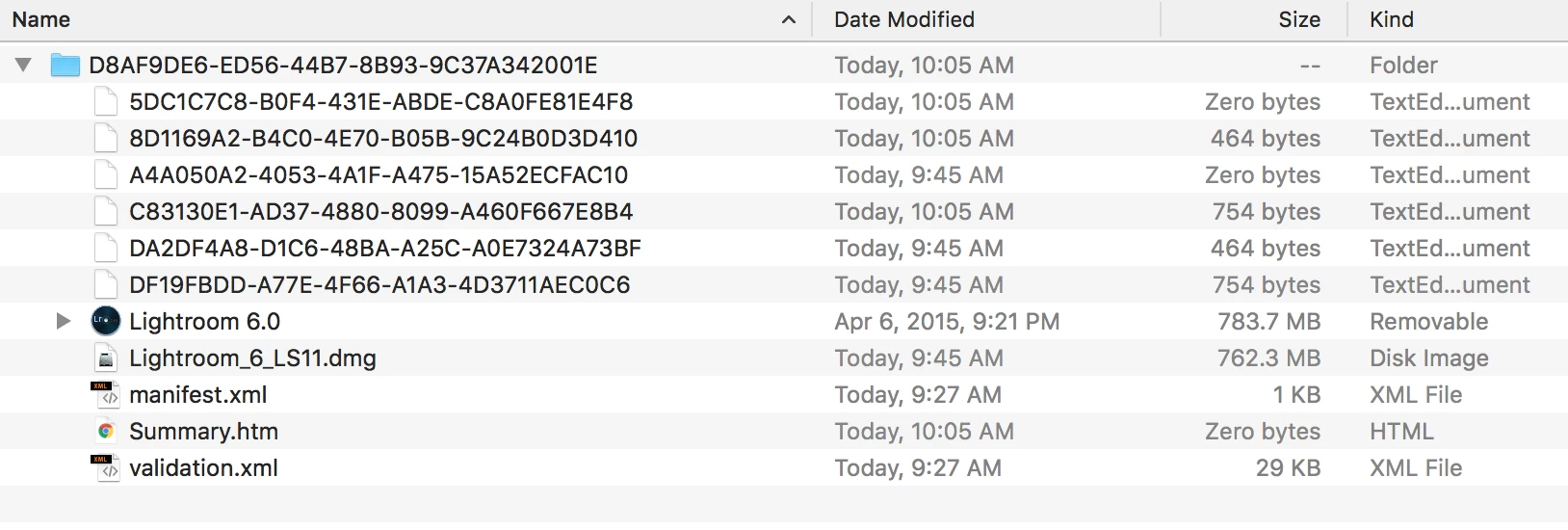
However, navigating to that file in Finder gets me here:


Jellyfrank I am sorry that you continue to face installation failures of Lightroom CC 2015 on macOS 10.12.  If the suggestions currently offered have not resolve the error then please review the product installation log to determine the cause of the installation failure.  Details on how to locate the installation log can be found at Troubleshoot Adobe Creative Cloud install issues with log files​.

You are welcome to post any errors you discover to this discussion.  The most recent errors will be at the end of the file.

2 replies

Participating Frequently
September 19, 2019

If you're on wifi, try to use mobile hotspot from your cell phone plan. That solved my problem!!

kglad
Community Expert
Community Expert
June 6, 2017

that's just after the update files are downloaded and extraction starts.  empty your temp and tmp files and make sure there's plenty of room on your c drive.

you can also update directly using the lr 6.10 link below:

Individual User Downloadable installation files available:

Download and installation help for Adobe links

Download and installation help for Prodesigntools links are listed on most linked pages.  They are critical; especially steps 1, 2 and 3.  If you click a link that does not have those steps listed, open a second window using the Lightroom 3 link to see those 'Important Instructions'.

And a big thank you to Jim @ Prodesigntools for helping me with these links!

jellyfrank
Participant
June 6, 2017

How do I empty the temp/tmp files?

kglad
Community Expert
Community Expert
June 6, 2017

use finder.