nancyw70122738
Participating Frequently
January 24, 2017
Answered

Lightroom CC Free Trial?

  • January 24, 2017
  • 2 replies
  • 2162 views

I downloaded the free CC lightroom & Photoshop free trial. Photoshop downloaded but CC lightroom did not. I have n existing copy of Lightroom 5 on my computer and it did not update that either. How can I decide if I want to upgrade to CC if I can't try using the CC lightroom?
This topic has been closed for replies.
Correct answer Jeffrey_A_Wright


Nancyw70122738 I am very sorry but Lightroom 6 and/or Lightroom CC both require a 64-bit version of Windows to install.  You can find complete details regarding the system requirements at System requirements | Lightroom .

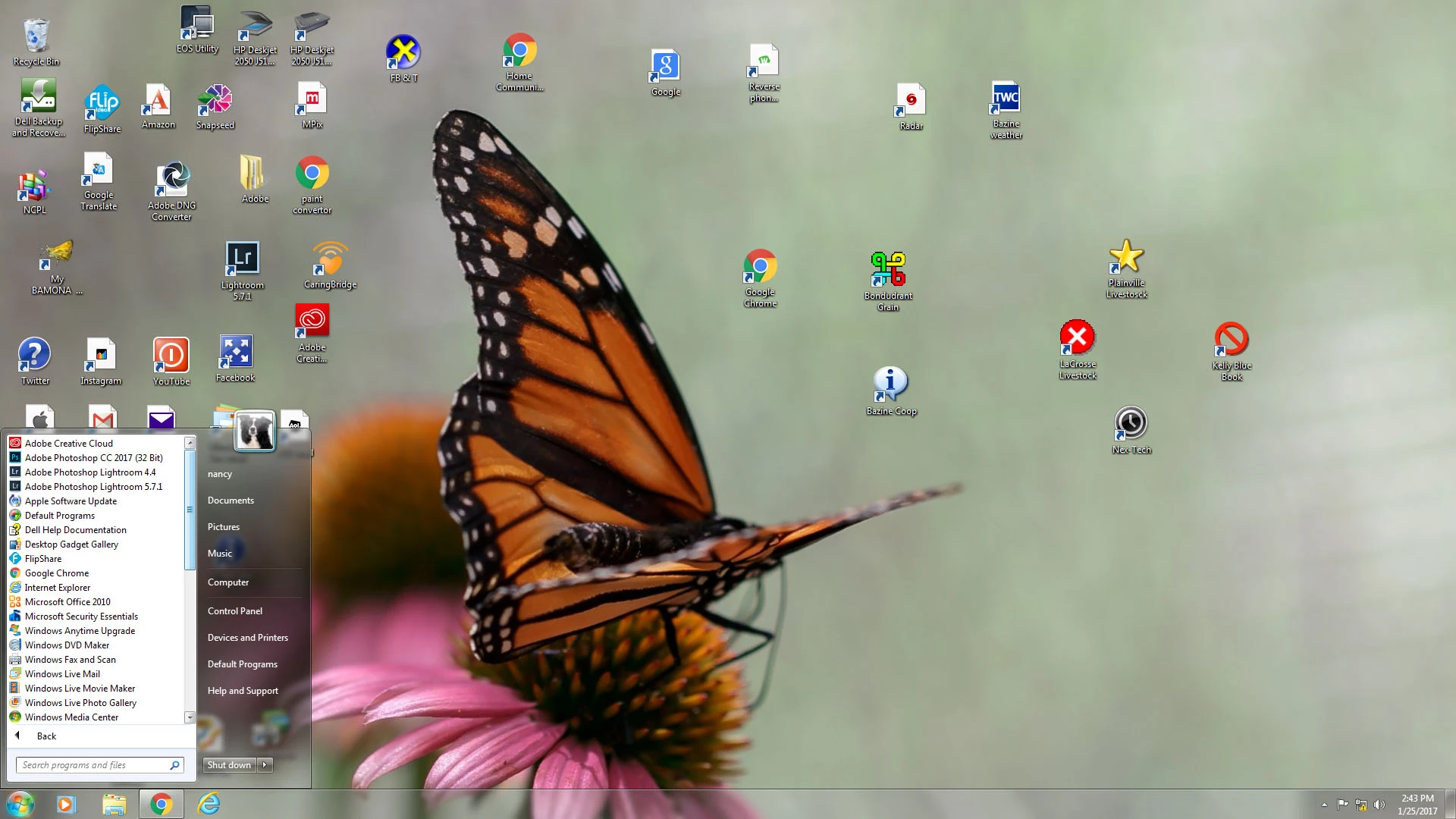
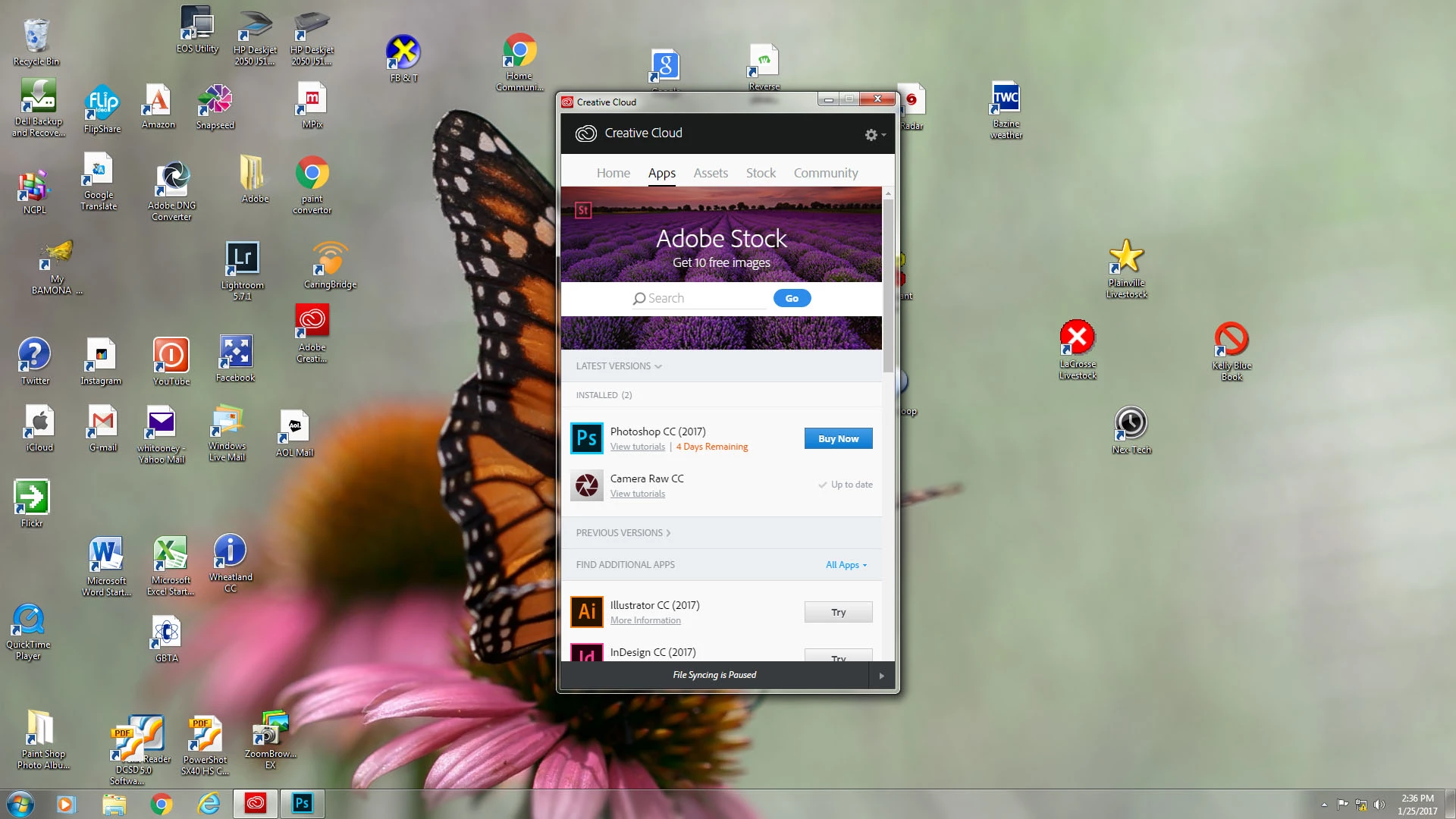
Based off your screen shots only the 32-bit version of Photoshop CC 2017 was installed.  This would seem to indicate that you are using a 32-bit version of Windows.   If your computer hardware supports a 64-bit operating system then I would recommend upgrading.  If not then you may want to look at an updated computer if you wish to use newer versions of Adobe Creative products.

2 replies

ProDesignTools
Community Expert
Community Expert
January 24, 2017

Hi Nancy,

In theory, having an older version of Lightroom installed shouldn't conflict with the installation of Lightroom 6/CC... Normally the software will ask you if you want to upgrade and convert your existing catalog over to the newer version.

When you say Lightroom CC didn't download/install, what exactly did happen? Was there any error or message or other indication? Did you happen try the Lightroom CC direct links to download without using the Creative Cloud Desktop app?

Note that if you do uninstall your older release of Lightroom as Ned suggested, your LR catalog won't be removed and will still remain on your system and available for upgrading (or any reinstallation).

nancyw70122738
Participating Frequently
January 25, 2017

I used the Creative Cloud Desktop app to install LR & PS....followed the directions & watched the download dialogue bar working for both applications. I then closed the dialogue box & had an icon for PS on my desktop, it is working perfectly.  I had no new icon for LR so went into my existing LR 5.7.l program & it was the same old program. At the top left of the screen it said "Lightroom 5" rather than LR CC and I did not have any of the upgrades, for instance the dehaze tool.  When I do a dropdown from the LR 5 it indicates I have 28 days left in my trial. So it thinks it has given me a new program to check out when in fact is it not, just the one I hold the license for.

ProDesignTools
Community Expert
Community Expert
January 25, 2017

Does the Creative Cloud Desktop app still show Lightroom available for download or update? If so, then give it another go. If not, you can try these instructions:

https://helpx.adobe.com/creative-cloud/kb/failed-install-creative-cloud-desktop.html

You can also try what Ned said, if you have your older LR5 media or installer file and license handy.

If that still doesn't work, then go for the Lightroom CC direct download links given in the previous reply above.

Ned Murphy
Legend
January 24, 2017

You could try uninstalling the older version of lightroom.  It might be interfering with the system when it tries to decide if it can install CC.  The problem with doing that is that you need to be careful to avoid CC then disallowing you to reinstall your older products should you decide against upgrading.  How do I prevent Creative Cloud from taking over my CS6 perpetual license?