
Participant
November 24, 2017
Answered

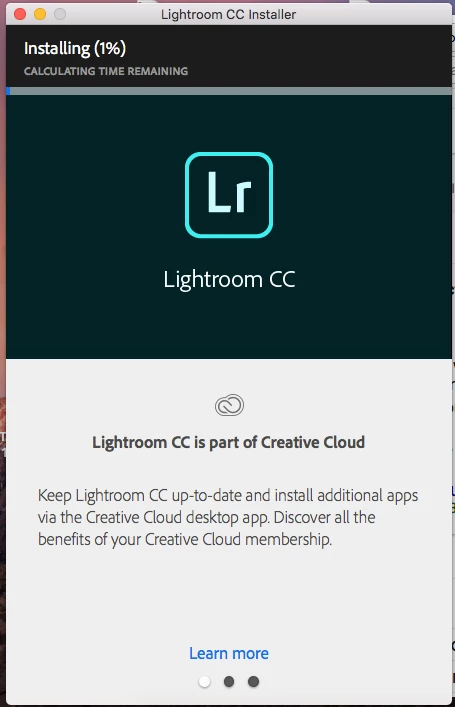
Lightroom CC Installer Stuck on 1%

  • November 24, 2017
  • 1 reply
  • 4573 views

I've download the installer, signed in to my account through the installer, and started the installation. However, the installer has not moved from 1% installation and has been like this for about 30 minutes. It also still says "Calculating Time Remaining." I am trying to install on a MacBook Pro running High Sierra 10.13. Is there anything I should do to get the installation progress moving?
This topic has been closed for replies.
Correct answer Bani Verma

Thanks for sharing the update Johns87583543 , just to confirm have you tried 'Solution 2' given in the following help document? "Failed to install" error received when installing Adobe Creative Cloud desktop app.

1 reply

Bani Verma
Community Manager
Community Manager
November 24, 2017

Hi Johns87583543

As you have mentioned you are trying to install Lightroom CC on your Mac OS 10.13 however the installer is stuck at 1% since past 30 mins.

I would recommend you to cancel the installation by quitting the installer, and then turn of any security software installed along with system firewall.

After this follow the steps shared in the following help document "Failed to install" error received when installing Adobe Creative Cloud desktop app  and then install the Creative Cloud desktop app first from here: Download Creative Cloud desktop app.

Now install Lightroom CC from within the Creative Cloud desktop app and share the results.

Participant
November 24, 2017

Ok I will try this and see what happens. This is the first Adobe product I have tried to install on my computer, and this seems like a lot of steps just to install a program.