mc1836091
Participant
July 16, 2018
Answered

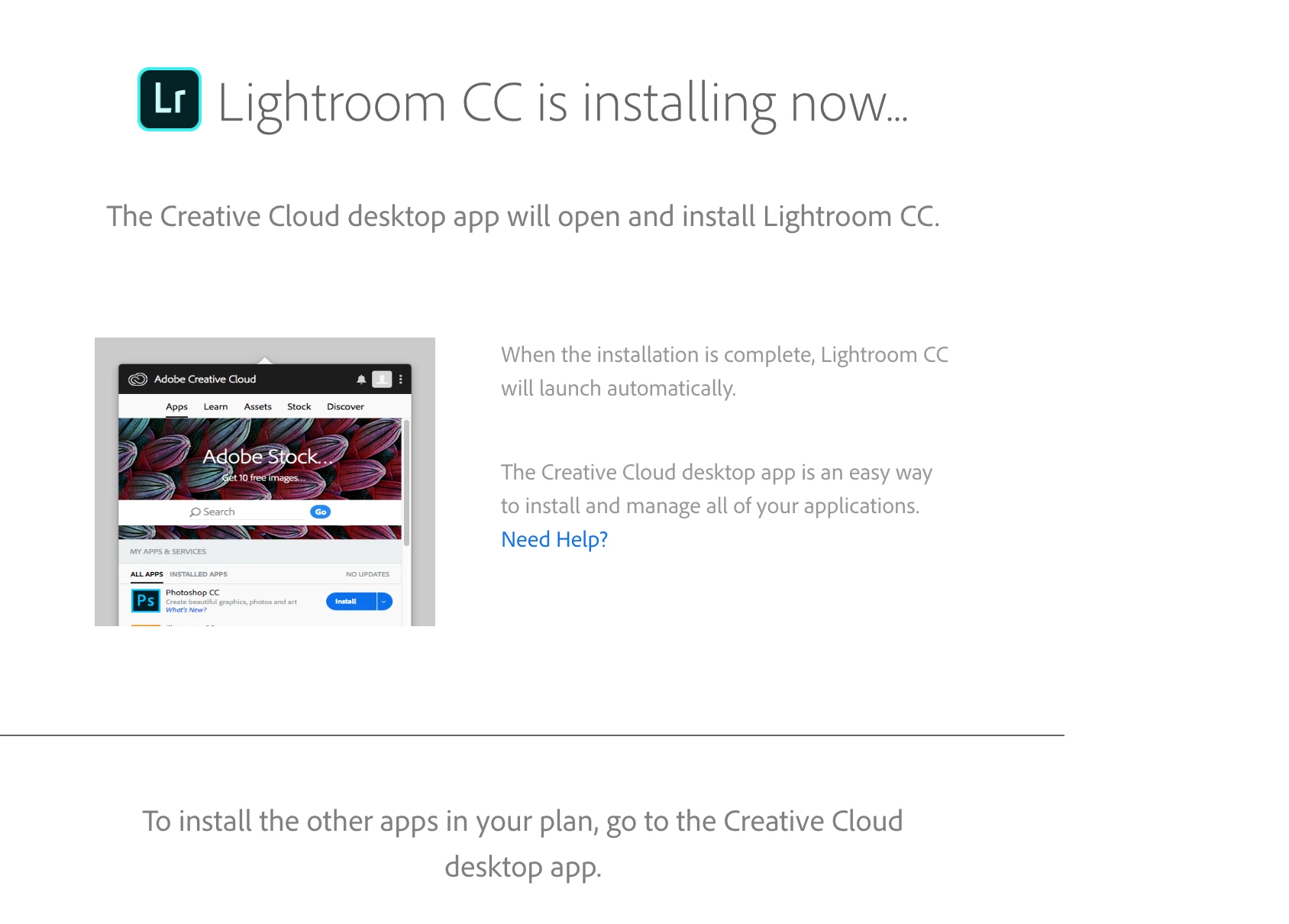
Lightroom CC is installing now... but nothing is happening on iMac 5k

  • July 16, 2018
  • 4 replies
  • 1214 views

I paid for a year of lightroom cc (classic) and followed the prompts and go to the screen below.  Nothing seems to be happening.  My activity shows the adobe app on but with no activity.  Is it stuck or is there another way to get my software?
This topic has been closed for replies.
Correct answer Jeffrey_A_Wright

Mc1836091, thanks for the update.  It is likely that the installed security software is blocking the installation of the Creative Cloud desktop app.

Please try downloading and installing the application directly from Download Creative Cloud desktop app .

4 replies

Participant
May 5, 2019

They support fast now its done

mc1836091
mc1836091Author
Participant
July 16, 2018

I'm having the same result with Safari.  There is a little screen flash when I click the download but then nothing happens. Can I just download the Lightroom Classic app directly and register it?

Jeffrey_A_Wright
Jeffrey_A_WrightCorrect answer
Legend
July 16, 2018

Mc1836091, thanks for the update.  It is likely that the installed security software is blocking the installation of the Creative Cloud desktop app.

Please try downloading and installing the application directly from Download Creative Cloud desktop app .

Participant
May 5, 2019

it does not help anything

both safari and chrome not working

mc1836091
mc1836091Author
Participant
July 16, 2018

I'm using Chrome.  Which is the best to use?  Did not see anything that says : Don't use Chrome..

Jeffrey_A_Wright
Legend
July 16, 2018

Mc1836091, which web browser are you using to start the install process?  Please use a different browser and begin by installing the Adobe Creative Cloud desktop application as discussed in Learn how to download your Adobe Creative Cloud apps .  You can then install Lightroom CC through the Creative Cloud desktop app.