


Participant
May 1, 2022
Question

Loading Creative Cloud - Loop Issue / Several App Errors

  • May 1, 2022
  • 1 reply
  • 646 views

Hello, 

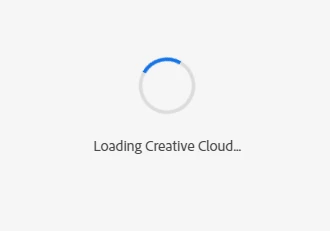
I am not able to pass through this screen in Adobe Creative Cloud, after its update.
Post this Message, i got the following error
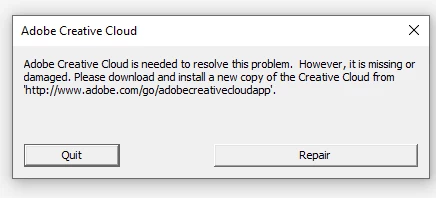

I tried everything as being meniotned or guided, but none of them is working yet.

  • I tried to Repair, still same issue, 
  • Tried uninstalling and reinstalling, does not help
  • Used Creative Clound Cleaner Tool and uninstall from there, still does not work

Not able to connect my CC library to CC apps, i need to open XD project but can't go there.
First it pops up this error, 
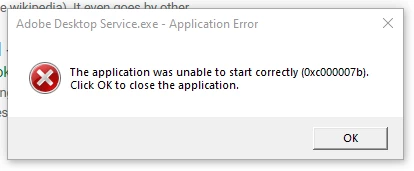
And as for the XD it keeps loading endlessly.
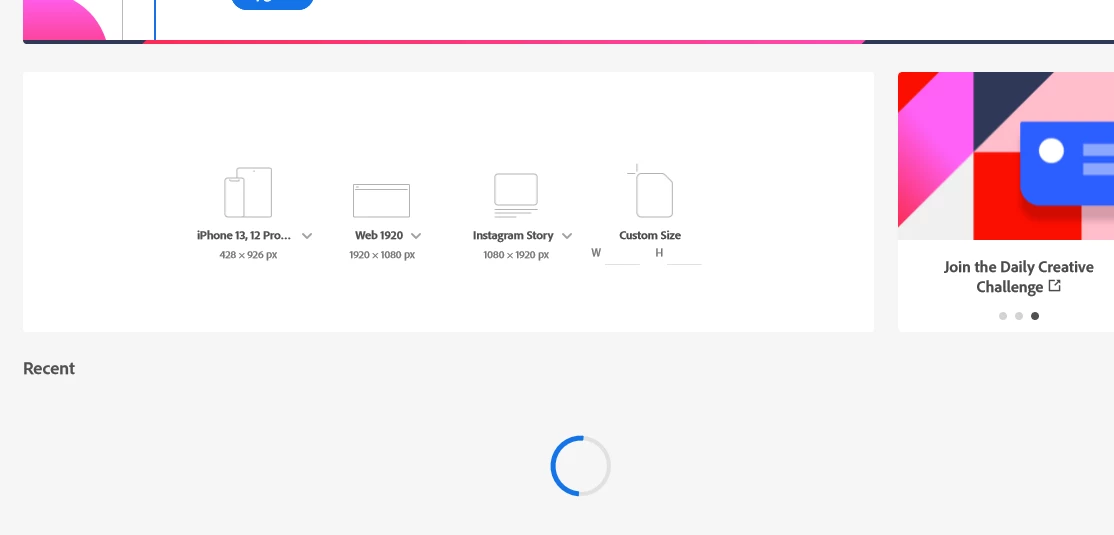
Please help me

This topic has been closed for replies.

1 reply

kglad
Community Expert
Community Expert
May 2, 2022

reset the cc desktop app: make sure it's in the foreground, then press:

Win: Ctrl + Alt + R
Mac: Cmd + Opt + R

if that fails, try to repair
https://helpx.adobe.com/download-install/kb/creative-cloud-install-stuck.html

if that fails go ahead and uninstall using the correct uninstaller from https://helpx.adobe.com/creative-cloud/help/uninstall-creative-cloud-desktop-app.html#sa_src=web-messaging and then reinstall

if that fails, do a clean cc install following each applicable step:

uninstall every cc app including preferences, https://helpx.adobe.com/creative-cloud/help/uninstall-remove-app.html
then uninstall the cc desktop app, again using the correct uninstaller, https://helpx.adobe.com/creative-cloud/help/uninstall-creative-cloud-desktop-app.html#sa_src=web-messaging
clean your computer of cc files per http://www.adobe.com/support/contact/cscleanertool.html
check for, and if available, update your os
repair all ms visual c++ versions that can be repaired.
update your ms visual c++, if it can be updated
restart your computer (don't skip this)
reinstall the cc desktop app, https://creativecloud.adobe.com/apps/all/desktop?action=install&source=apps&productId=creative-cloud
if you're unable to download the cc desktop app at this stage, use the link at the bottom of the page at https://helpx.adobe.com/download-install/kb/creative-cloud-desktop-app-download.html
use the desktop app to install your cc programs/trials

levankAuthor
Participant
May 4, 2022

Hey, 

thanks for the support provided.

I had to reset windows to make it work

kglad
Community Expert
Community Expert
May 4, 2022

you're welcome.