

(Locked by Mod. OP solve their problem)Poor print quality to laser printer from Adobe applications.
Nevermind. I kept messing around and this is a color build issue with the printer. The poor copy occured in Pages with same cmyk build I had been using. Pages black printed great. Using that random build in InDesign was better but not perfect.
Please delete this if needed.
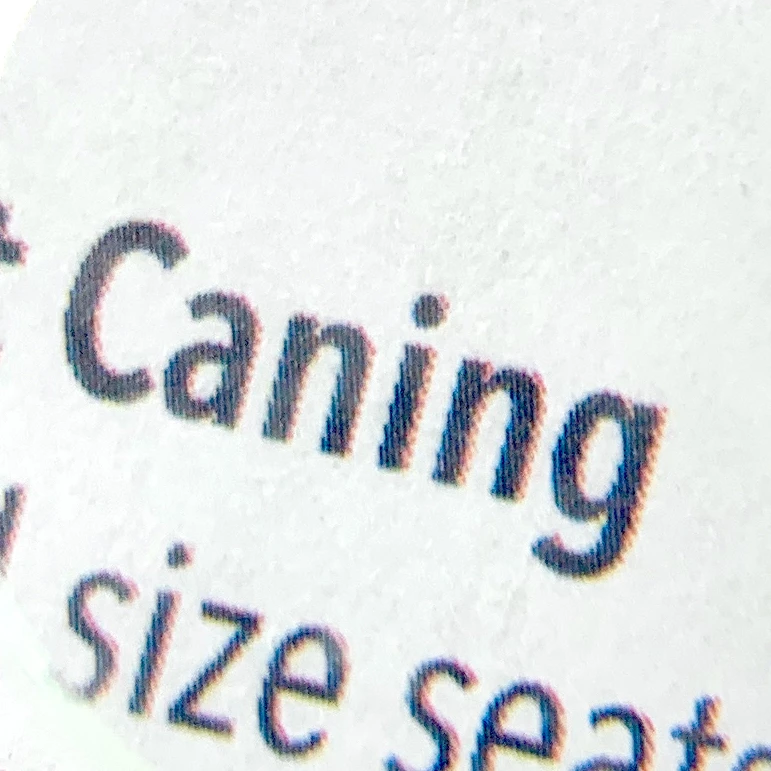
I am printing to Brother laser printer HL-L8260CDW. Other applications (Word, Text Edit, Pages, printer test page) all print crisp, clear text as expected. InDesign, Acrobat, Illustrator all print bitmapped (best word to use at this point) text. You can see jagged edges. I have tried color builds CMYK, RGB, K100, print text as black and print settings of print as image, print as bitmap changing DPI. I changed the font, printed a PDF created by someone else, etc. etc. Exported PDF using Version 1.7 per below.
This is emulations of printer. BR-Script3‡, PCL5c, PCL5e, PCL6 (PCL XL Class 3.0), PDF Version 1.7, XPS Version 1.0
It is not a post-script printer so Acrobat should print fine with PDF exports. The Adobe solution to print as image doesn't help.
Attached image is from inDesign file exported as PDF using High Quality Print preset.
Can anyone help? Please. Thanks.
Jen
Mac OS 10.15.2
Adobe CC all versions current
 AdChoices