Participant
July 13, 2018
Answered

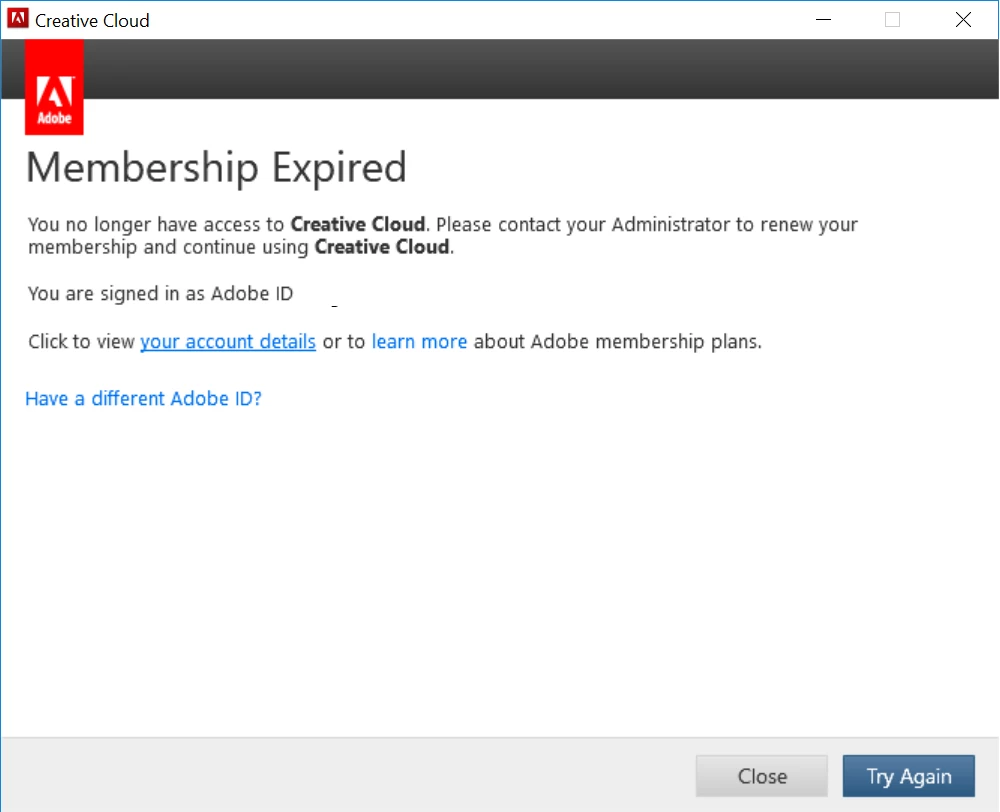
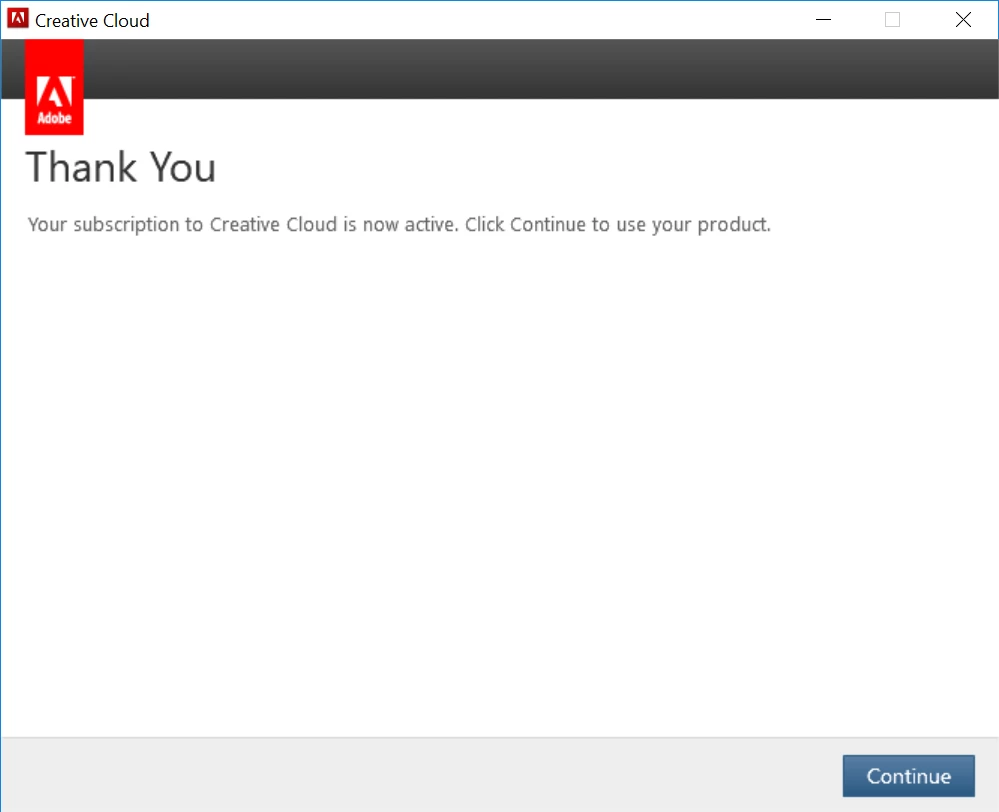
Membership Expired but it isn't?

  • July 13, 2018
  • 1 reply
  • 401 views

1) I have tried, uninstalling all the apps and creative cloud. (and restarted my pc)
2) reset host file (again i restarted after this)
3) reinstalled photoshop to test if the issue has rectified itself (again i restarted after this)
3) logged in and out (hoping for something to rectify itself.)
but to no avail, I've read "Membership expired, but it's not? CC for Teams " and i seem to be having the similar issues to them.

Could I please get help from someone to fix the issue ?
I'm already about to resort to purchasing another application if i can't get it fixed ASAP.
Thanks, any help would be greatly appreciated!
This topic has been closed for replies.
Correct answer kglad

check your account to verify your subscription is what you expect and to verify your adobe id (used in the next step), https://accounts.adobe.com/

if your account shows

a. your subscription is active,

1.  sign out and then back in to your cc desktop application using the same adobe id above to verify your subscription:  http://helpx.adobe.com/creative-cloud/kb/sign-in-out-creative-cloud-desktop-app.html

2.  if that fails, https://helpx.adobe.com/manage-account/kb/stop-creative-cloud-trial-mode-after-purchase.html

3.  if that fails, https://helpx.adobe.com/creative-cloud/kb/cc-reverts-to-trial.html

4.  if that fails, using a browser that allows popups and cookies,  contact adobe support during pst business hours by clicking here and, when available, click 'chat', http://helpx.adobe.com/x-productkb/global/service-ccm.html

if your account shows

b. you have no subscription and you're paying for one

1. using a browser that allows popups and cookies,  contact adobe support during pst business hours by clicking here and, when available, click 'chat', http://helpx.adobe.com/x-productkb/global/service-ccm.html

1 reply

kglad
Community Expert
kgladCommunity ExpertCorrect answer
Community Expert
July 13, 2018

check your account to verify your subscription is what you expect and to verify your adobe id (used in the next step), https://accounts.adobe.com/

if your account shows

a. your subscription is active,

1.  sign out and then back in to your cc desktop application using the same adobe id above to verify your subscription:  http://helpx.adobe.com/creative-cloud/kb/sign-in-out-creative-cloud-desktop-app.html

2.  if that fails, https://helpx.adobe.com/manage-account/kb/stop-creative-cloud-trial-mode-after-purchase.html

3.  if that fails, https://helpx.adobe.com/creative-cloud/kb/cc-reverts-to-trial.html

4.  if that fails, using a browser that allows popups and cookies,  contact adobe support during pst business hours by clicking here and, when available, click 'chat', http://helpx.adobe.com/x-productkb/global/service-ccm.html

if your account shows

b. you have no subscription and you're paying for one

1. using a browser that allows popups and cookies,  contact adobe support during pst business hours by clicking here and, when available, click 'chat', http://helpx.adobe.com/x-productkb/global/service-ccm.html