


Participant
February 1, 2024
Question

Message d'erreur 12013 : que faire ?

  • February 1, 2024
  • 2 replies
  • 1927 views

Bonjour, 

Hier soir j'étais tranquillement en train de travailler sur la suite adobe et d'un coup, tout mes logiciels se sont fermés. Maintnenant quand j'essaie de les rouvrir, j'ai toujours ce message : 
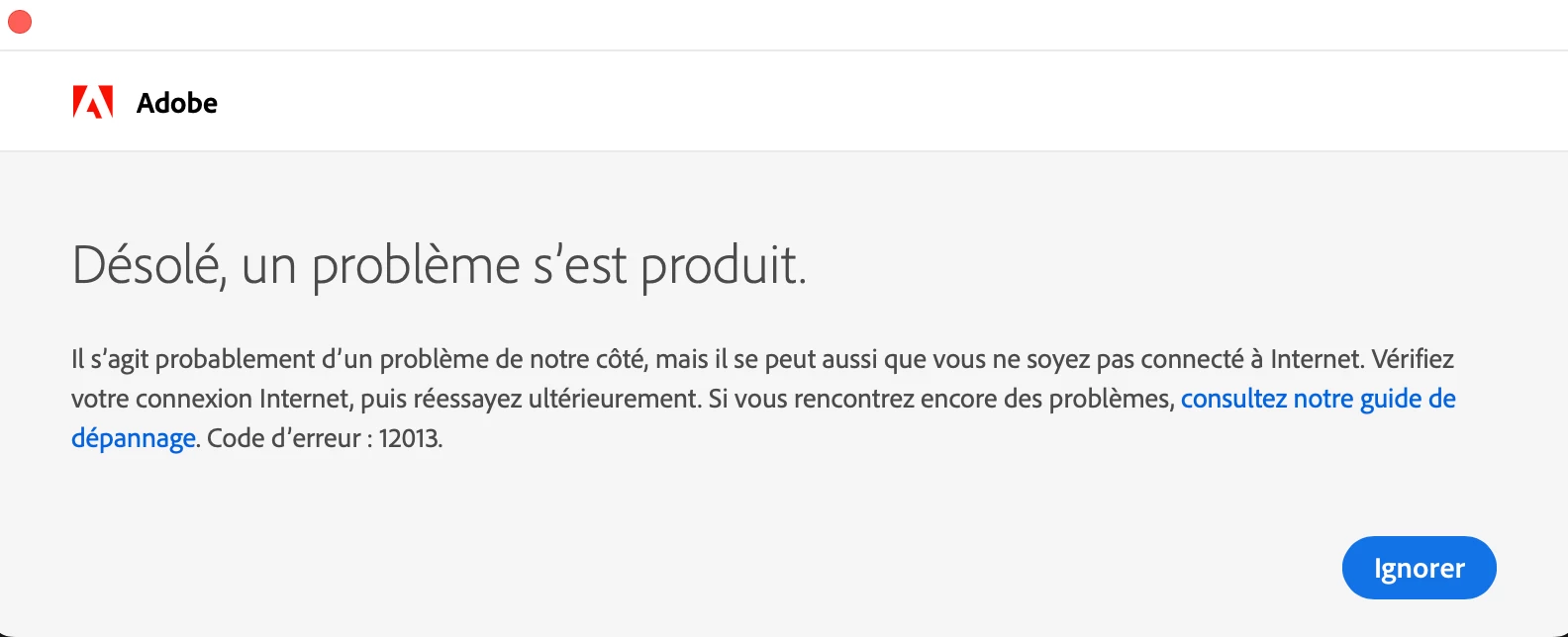
 

J'ai essayé de mettre mon mac a la dernière mis à jour (j'ai un macbook pro M1 max 32go). Desinstallé puis reinstallé créative cloud mais malheureusement j'ai toujours ce message d'erreur. Je précise que ma wifi fonctionne très bien et que l'horloge de mon mac est reglée correctement 

Si quelqu'un peux résoudre ce problème, ce serait génial ! 

Merci d'avance

This topic has been closed for replies.

2 replies

kglad
Community Expert
Community Expert
February 1, 2024

@THIBAUT34753902sore 


please don't post duplicate messages. 


if you have an old os, your default browser must support tls 1.2, https://helpx.adobe.com/x-productkb/multi/eol-tls-support.html


to test your default browser's tls you can use , https://clienttest.ssllabs.com:8443/ssltest/viewMyClient.html


otherwise, confirm that you can connect to the secure adobe servers by reading, http://helpx.adobe.com/x-productkb/policy-pricing/activation-network-issues.html


do you see both logos after clicking "link"?


if you can and still see a connection error try these steps, https://helpx.adobe.com/download-install/kb/unable-to-reach-adobe-servers.html


if those fail, make sure you also tried the steps at, https://helpx.adobe.com/download-install/kb/common-network-connectivity-issues.html


if that fails, try https://helpx.adobe.com/download-install/kb/cannot-verify-subscription-offline-mode.html


if those all fail, white list the adobe network endpoints, https://helpx.adobe.com/enterprise/kb/network-endpoints.html

Community Expert
February 1, 2024