

Missing File Icons After Installation
After the recent update to the 2015.3 versions of Illustrator, After Effects and Premiere Pro, all of the .ai, .aep and .prproj icons have no image. I contacted the AdobeCare Twitter account and they recommended that I use the Adobe CC Cleaner Tool and fresh install them all. I did this and it worked perfectly for Ai, but didn't for AE or PR.
They suggested I post my issue on here to see if any of you have experienced a similar issue or have resolved it.

What's really weird is that the icon appears in the properties menu, but not in the Explorer window.
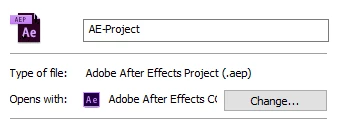
And I have no idea what's going on with this icon.
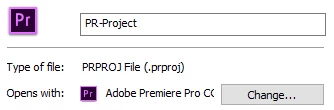
Just to clarify I had updated Photoshop as well and that had no issues with the icons. All were updated from the previous versions of cc 2015 and non had the issue with the missing file icons.


 AdChoices