kimmichaelides
Participant
May 27, 2015
Answered

My desktop App is blank and I cant sign in

  • May 27, 2015
  • 1 reply
  • 474 views

Hi,

I have downloaded and installed (as per instructions) Creative Cloud Installer several times now... and uninstalled to see if the original was corrupt for some reason. I have re-started the computer, made sure my software was up-to-date etc.

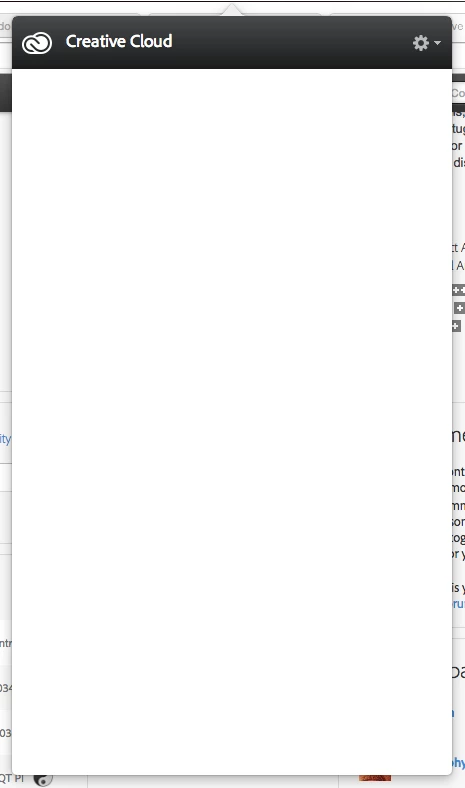
The CC App on my desktop is blank (see pic attached) and wont even allow me to sign in. I followed your link on an earlier query but I dont have any strange symbols in my email or password. I have also ensured my profile is completely filled in. I have gone to the web to try and download InDesign, but it keeps telling me to install the CC App.

So I'm going around in circles.

Help!
This topic has been closed for replies.
Correct answer Sheena Kaul

Hi,

None of the above suggestions have worked. I have just signed up as a creative cloud member and paid my money but I cannot download any programs to use. Please advsie the next step.

KIM


Kim, I had posted the links for Mac as well.

I have sent you a Private message, please respond to that.

1 reply

Rajashree Bhattacharya
Legend
May 27, 2015

Please check: New Creative Cloud App unusable: it's blank!

Cloud Desktop App is blank?

Let us know if it worked.

Regards

Rajshree

kimmichaelides
Participant
May 27, 2015

Hi Rajshree,

None of these things worked. I have installed and uninstalled several times, deleted OOBE folder and AAmUpdater folder, emptied the trash, re-started the computer, re-installed...

I am working on a brand new Macbook Pro 3.1 ghz Intel Core i7 running Yosemite 10.10.3

Please help. I need Indesign for my work.

Kim

Sheena Kaul
Legend
May 27, 2015

Hi Kim,

Please refer to the help document below:

Blank white screen | Sign in | Creative Cloud Packager

You may also refer to the threads below where the issue has been addressed:

creative cloud is blank window why?

Re: Creative Cloud app opening blank

Regards,

Sheena