Sunglow79
Participant
July 2, 2013
Answered

New Creative Cloud Desktop not working

  • July 2, 2013
  • 2 replies
  • 4950 views

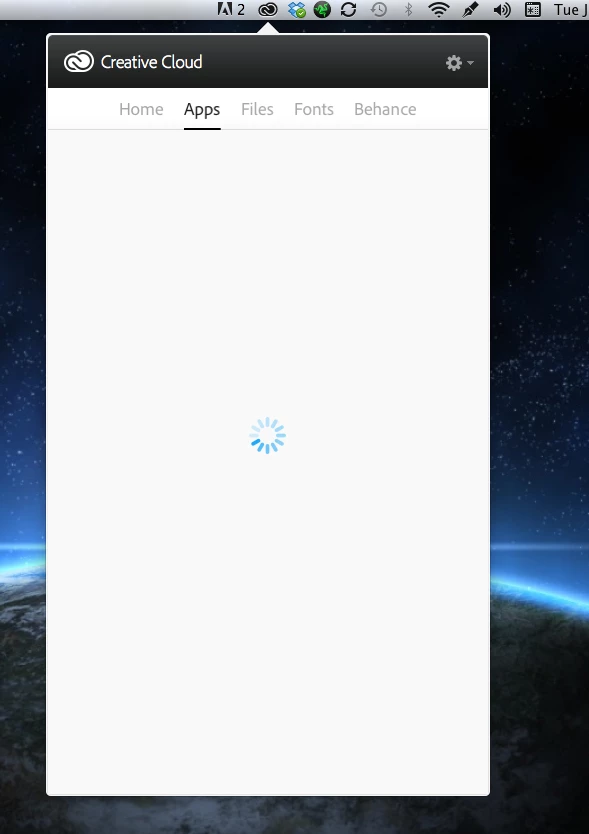
I use a macbook pro, and have OSX 10.8.4. When checking the Apps window on the drop down all I get is a loading spinner, and it just keeps spinning and spinning forever..... My internet is fine, all my programs work fine, I'm just not sure how I will know if there is an update and why this is happening?
This topic has been closed for replies.
Correct answer iAnkitkhurana

Hi,

If internet is fine then this might be becase of Creative cloud files, please try the steps metioned in http://helpx.adobe.com/creative-cloud/kb/unknown-server-error-launching-cc.html and see if it works.

Ankit

2 replies

Participant
May 22, 2018

Nothing works. I've uninstalled and reinstalled indesign and creative cloud three times, rebooted heaps. It's a ripoff and a problem adobe could/should fix. Someone has tampered with the serial number and it needs to be reset by adobe.

Adobe should be financially liable for our frustrated wasted time.

iAnkitkhurana
Adobe Employee
iAnkitkhuranaCorrect answer
Adobe Employee
July 2, 2013

Hi,

If internet is fine then this might be becase of Creative cloud files, please try the steps metioned in http://helpx.adobe.com/creative-cloud/kb/unknown-server-error-launching-cc.html and see if it works.

Ankit

Jeffrey_A_Wright
Legend
July 2, 2013

Moving this discussion to the Creative Cloud Download & Install forum.

jbm007
Community Expert
Community Expert
August 5, 2015

Have you tried this?

  1. Close the Creative Cloud Desktop application.
  2. Navigate to the OOBE folder.

    Mac OS: /Users/[user name]/Library/Application Support/Adobe/OOBE

  1. Delete the opm.db file.
  2. Launch the Creative Cloud Desktop application.