

Question
New "Log out from other computer" does not work with Ps 2019
I installed macOS Mojave, before I updated to Adobes 2019 line.
Now I get a very lovely dialog box which should make it easier to log out from another computer if you are over the max limit - surprisingly good idea -
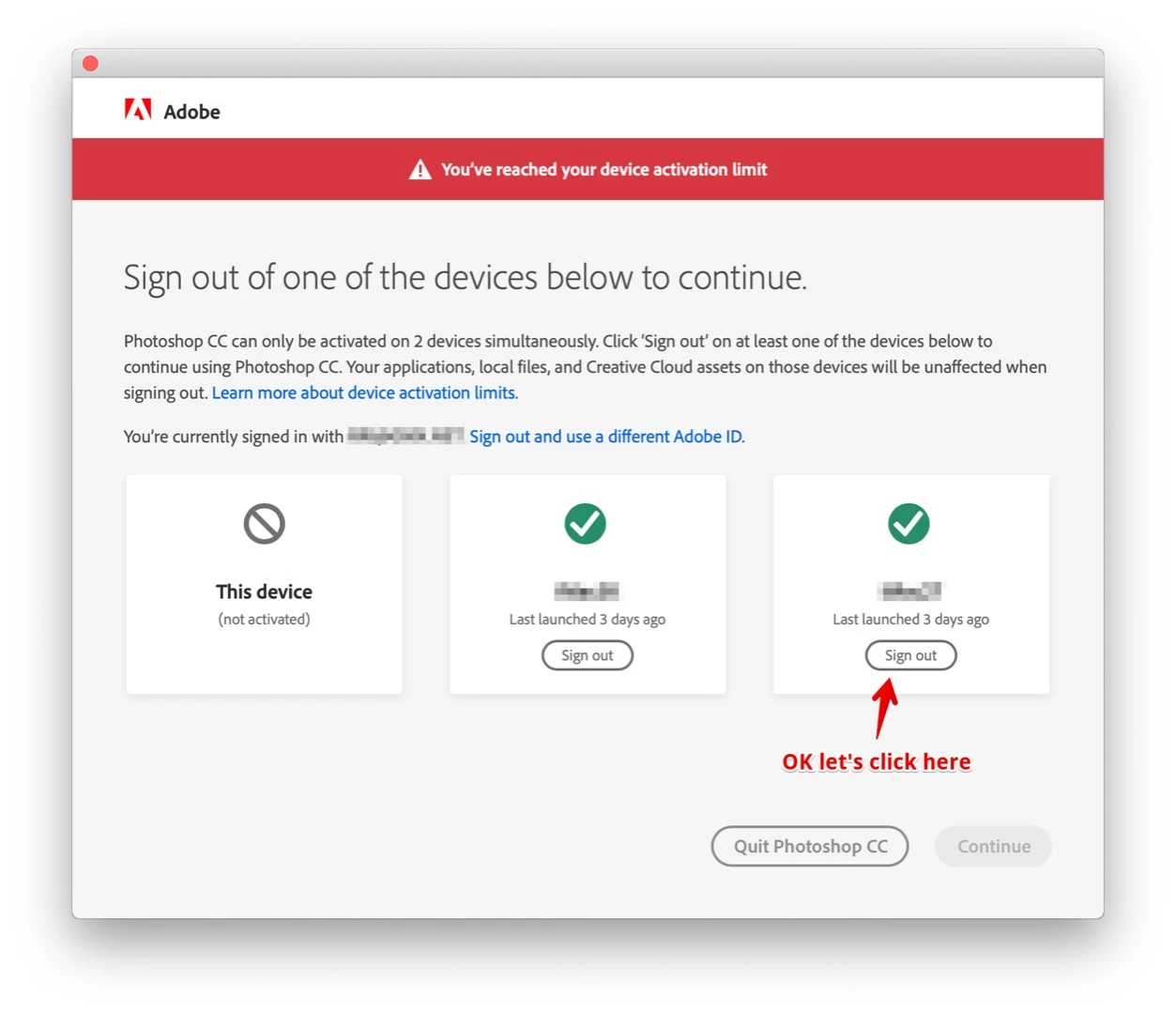
but after doing so, then clicking (Continue)
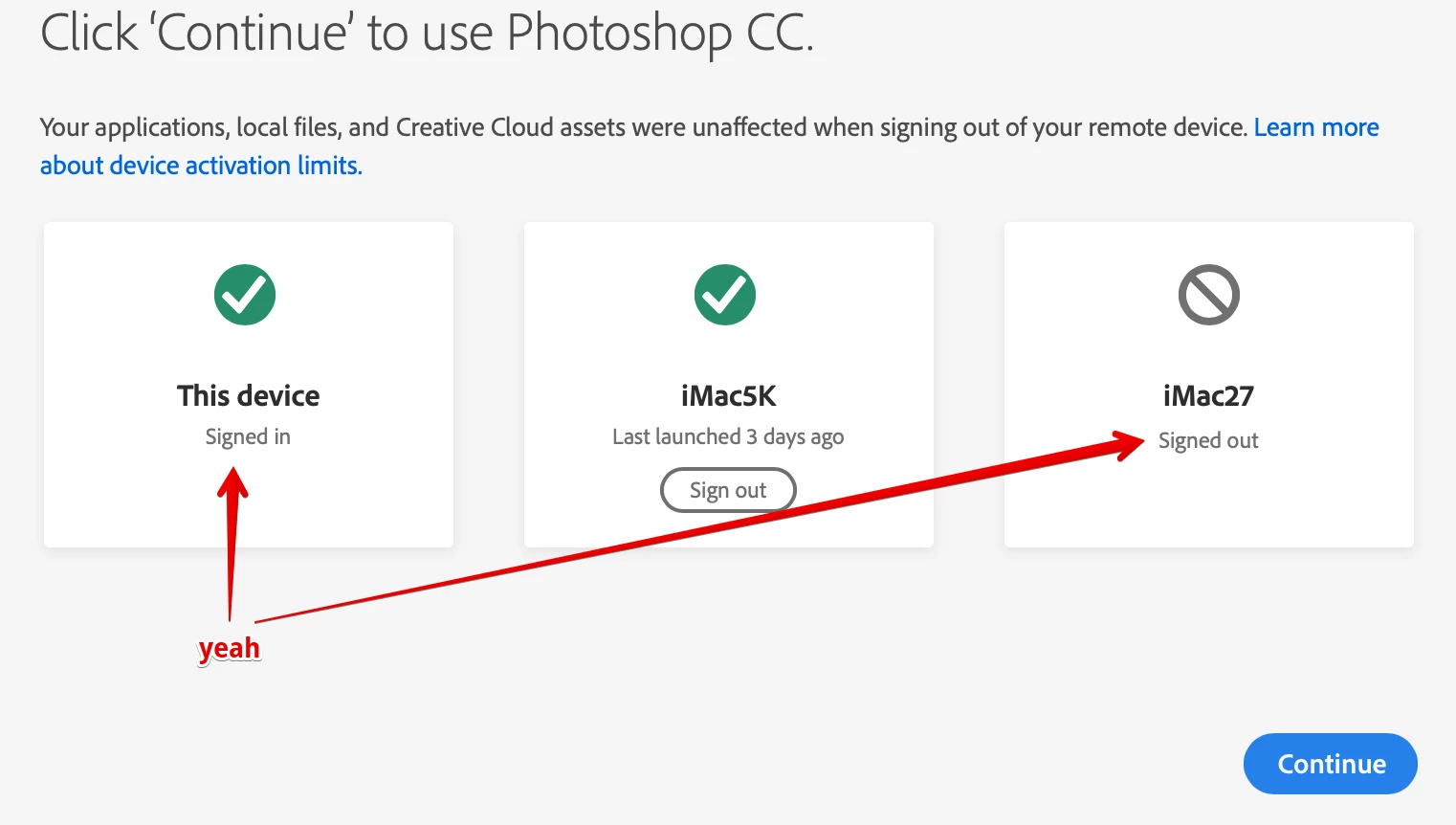
another dialog box pops up for the blink of an eye, impossible to read something in there, then, it disappears and Ps 2019 crashes.
FYC: The user account I am working with is a Standard user account without admin rights. And I will not change this. It is the best protection ever.
Interesting: this problem concerns only the 2019 labeled products. I can start Ps 2018. 
Appreciate any help!
 AdChoices