Question
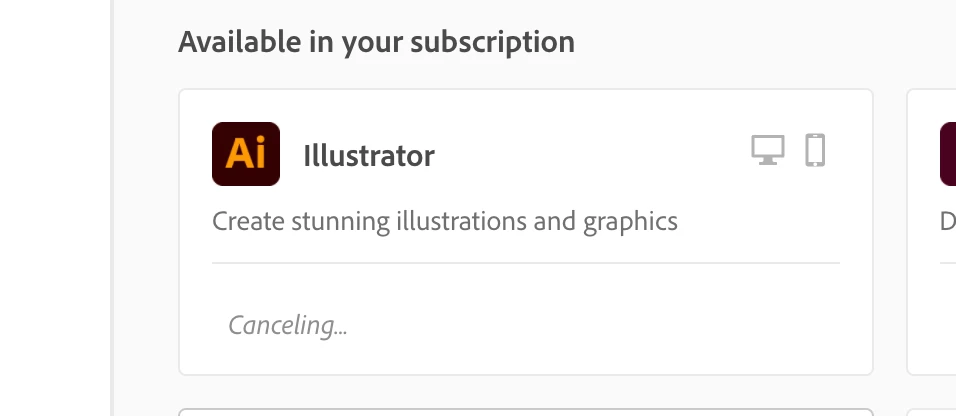
On Creative Cloud Apps Page, "Cancelling" Installation of App
On the Creative Cloud Apps Page, I clicked to install Illustrator, but then realized I wanted to install Audition instead, so I clicked "cancel" on the Illustrator download, and tried to install Audtition, but Audition said it was "waiting." Illustrator's installation still says "cancelling" and hasn't stopped, and that's what I think is hindering my Audition download.
How can I get the installation to fully cancel?
 AdChoices