


Partial Deletion of Pre-Installed Creative Cloud from New Mac Studio M1 Ultra
The title says it all. I'm new to Apple computers. Since 1999 I've been building and overclocking PC's. Now I bought a Mac because of photography, Lightroom and Windows 11. I didn't know Creative Cloud was a crucial program for this Mac machine. I thought it was an unnecessary, watered down version of Adobe Creative Cloud. Then I read somewhere, after I partially deleted the program, that it is an essential part of Ventura. That's when I said, "Uh oh!" I contacted Apple support this morning and they suggested that I contact the developer to determine if the part of the program that is still on the machine is enough to function without a problem. I didn't backup the machine using TimeMachine because I didn't know about it. I saw it in settings and overlooked it. After the incident, I searched online for the description of the program. Too late! Now I've learned an important lesson about Mac OS. What can I do to restore this, if necessary?
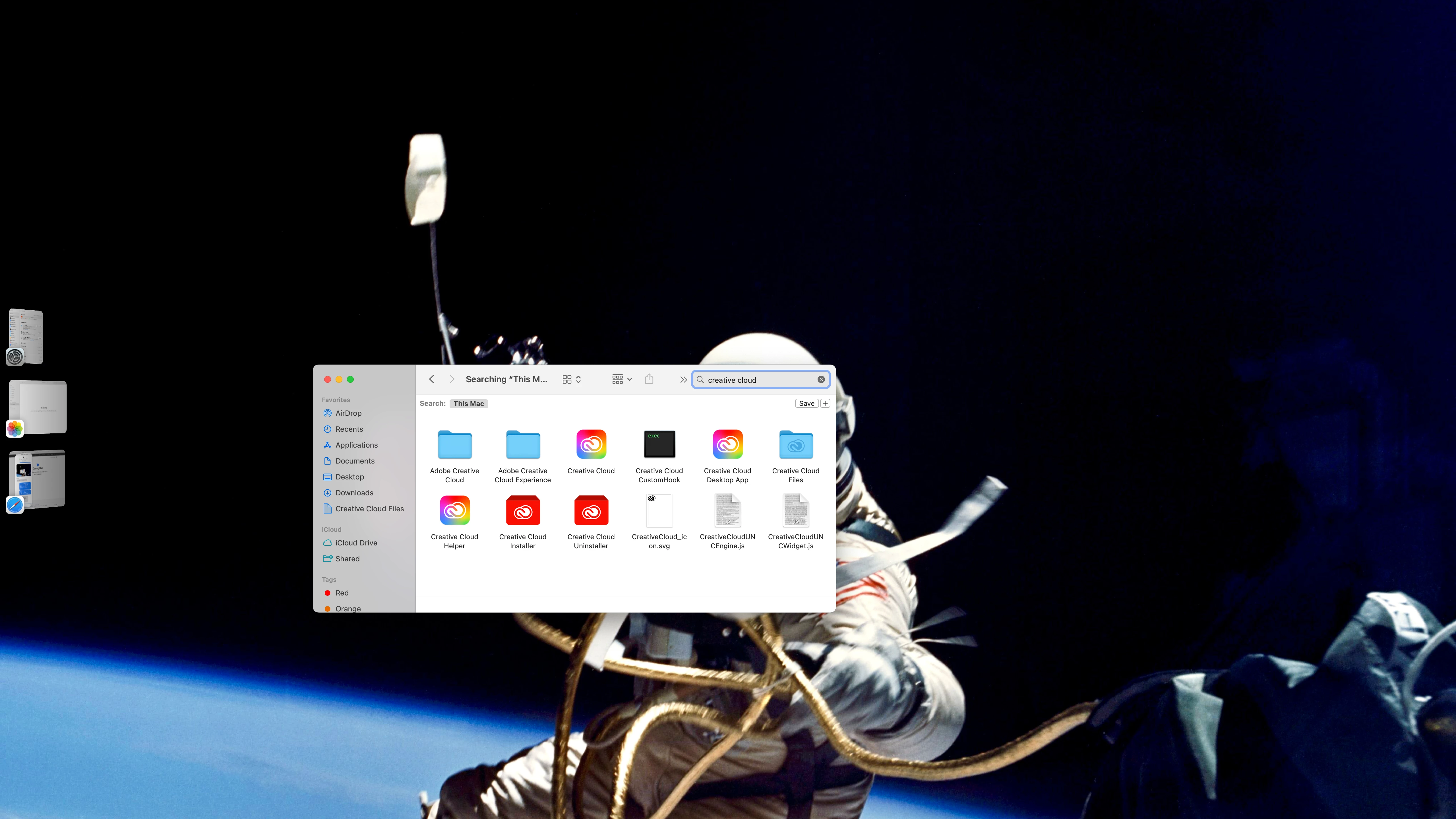
Attached first image displays the machine information. The second image is a screenshot of the result of a search for Creative Cloud. The items displayed are what's left of Creative Cloud. Thank you for the help I receive here. I hope you all remain safe, healthy and covid-19 free.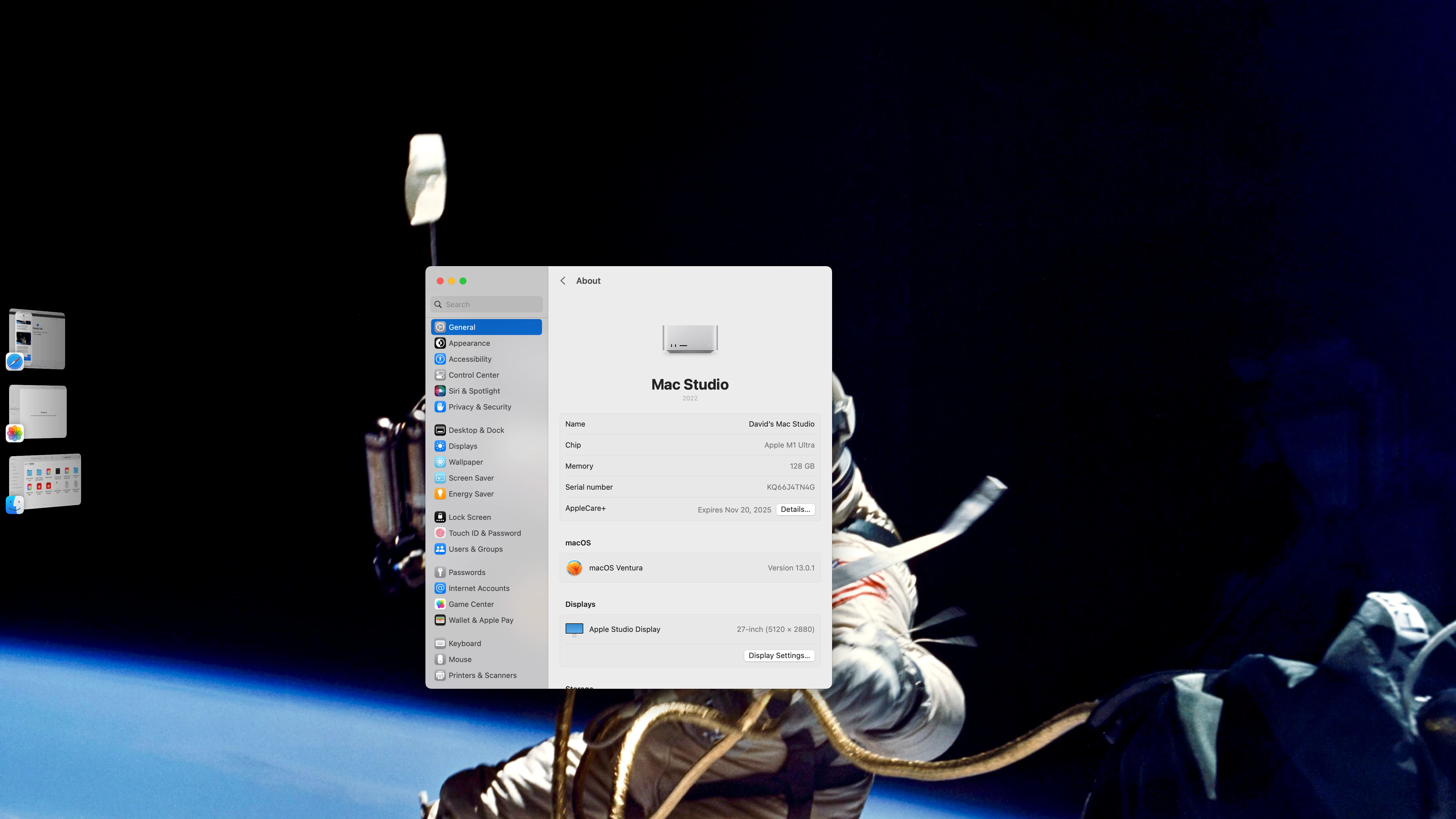
 AdChoices