


Question
password problem since installation
I downloaded adobe acrobat DC on the 4th of October 2021.
The problems only started happening IMMEDIATELY after downloading the latest version of adobe acrobat.
It works when I access it. When I downloaded it, it IMMEDIATELY changed the icons on my screen for my pdf's. That is not a problem,
but then when I access any websites that I have a password stored on, I find that NONE of my saved passwords are saved any more.
also
on games, like candy crush, on facebook, every time I use them they insist on guiding me through all the rules before I can play
this never happened before
I have checked google chrome (7 hours yesterday) and have done everything they suggest to correct the problem but it appears it is not coming from google chrome. As the ONLY app installed on that day is adobe acrobat then I think there may be a bug in it.
I have had no updates for a couple of weeks from google so it can't be that
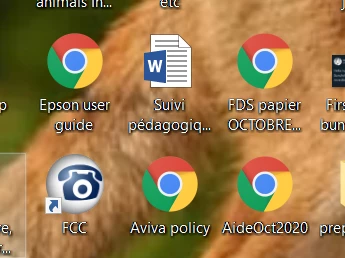
That is a screen shot of my pc screen showing the changed icons.
Has anybody else had this problem and if so how have you solved it?
Many thanks
Paul Hughes
 AdChoices