

Photography - image ready for retina display
Hello Magic community,
My boss came up with a question which I was not prepared for 😕😕
Are your images ready for retina display? what the hell he talked about? I ain't no idea... well, I should as I am a photographer.
So I need to get on track with this. We talk about images, landscape photography. Can you guys suggest me the exact setting for images jpg 900 x 600 px 72 dpi.
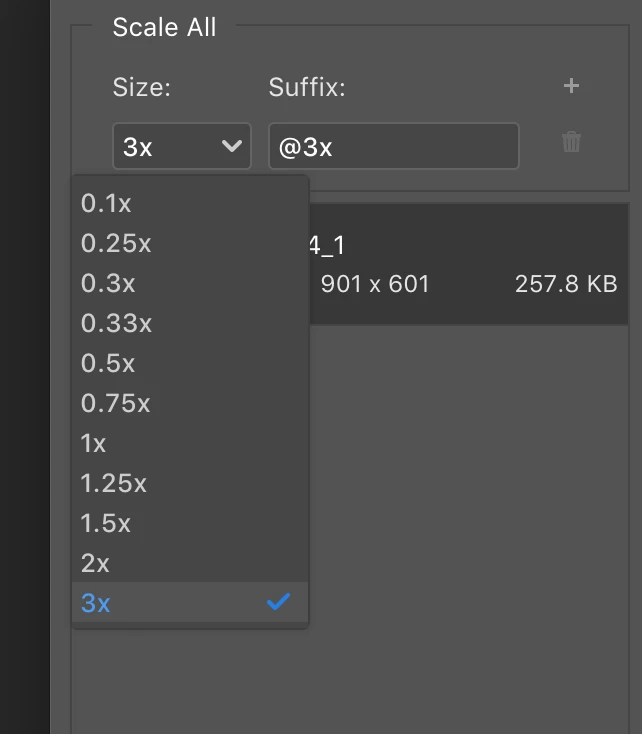
Please have a look at the screenshot and inbox your recommendation to me.
Or should I start from the TIFF file and export AS and pick one of the settings from the dropdown menu?
So,
question number 1: do i need open in Photoshop a tiff full resolution and EXPORT AS and pick any of the options from the drop-down menu?
question number 2: Do I need do this operation starting from a jpg 72 dpi and EXPORT AS and pick any of the options from the drop-down menu?
What is the best option to display my photos through my website?
Many Thanks guys and have a good week !!!


 AdChoices