Participant
July 17, 2017
Answered

Photoshop and Lightroom CC don't validate

  • July 17, 2017
  • 1 reply
  • 197 views

Hello,


I signed up for the

Annual plan, monthly payment

13.00 SGD per month for the photography  plan.

on the 21/01/17.

I have been using the 2 programme normally until recently.

Suddenly when I was launching it,
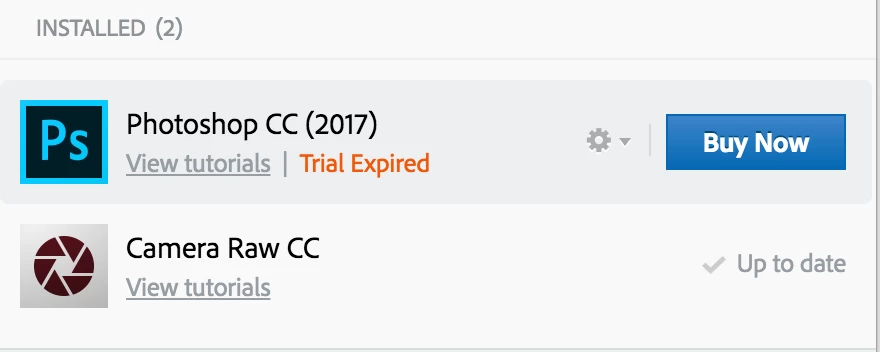
this happened.

I tired reinstalling both programs, signing in and out of adobe cloud. Uninstall and install.

Many times it leads back to this problem.

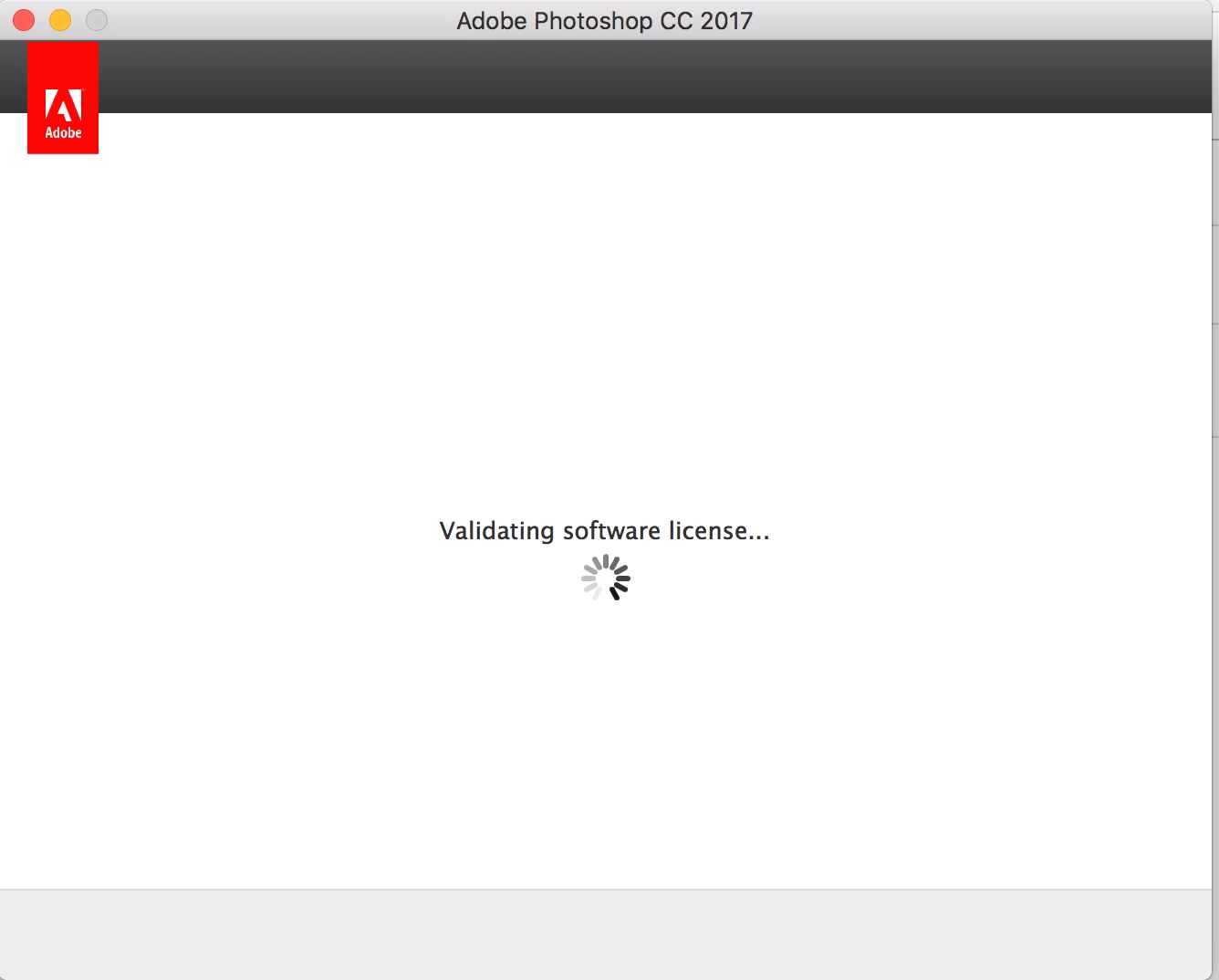
But when i opened the program, this showed up. it validates, then goes off.. then pops back up again to validate. again and again. without any signs of opening the program.

When I tried to click 'Buy now' , it leads me to my account. buy when I tried to purchase it again. It tells me that I already own the plan.
I have been trying the past 2 hours to solve it by going through the customer problem solving pages but non of them seem to work.

I tried all solution 1-5 but to to avail.
Please help me solve this. I have tons of work to do..

Thanks,
Elton.

This topic has been closed for replies.
Correct answer kglad

confirm that you can connect to the secure adobe servers.

for help with that and other common secure adobe.com connection problems read, http://helpx.adobe.com/x-productkb/policy-pricing/activation-network-issues.html

if you confirm your connection:

check your account to verify your subscription is what you expect and to verify your adobe id (used in the next step), https://www.adobe.com/account.html

if your account shows

a. your subscription is active,

1.  sign out and then back in to your cc desktop application using the same adobe id above to verify your subscription:  http://helpx.adobe.com/creative-cloud/kb/sign-in-out-creative-cloud-desktop-app.html

2.  if that fails, https://helpx.adobe.com/creative-cloud/kb/cc-reverts-to-trial.html

if your account shows

b. you have no subscription and you're paying for one

1. using a browser that allows popups and cookies,  contact adobe support during pst business hours by clicking here and, when available, click 'still need help', http://helpx.adobe.com/x-productkb/global/service-ccm.html

[moved from Downloading, Installing, Setting Up to Creative Cloud Download & Install]

1 reply

kglad
Community Expert
kgladCommunity ExpertCorrect answer
Community Expert
July 17, 2017

confirm that you can connect to the secure adobe servers.

for help with that and other common secure adobe.com connection problems read, http://helpx.adobe.com/x-productkb/policy-pricing/activation-network-issues.html

if you confirm your connection:

check your account to verify your subscription is what you expect and to verify your adobe id (used in the next step), https://www.adobe.com/account.html

if your account shows

a. your subscription is active,

1.  sign out and then back in to your cc desktop application using the same adobe id above to verify your subscription:  http://helpx.adobe.com/creative-cloud/kb/sign-in-out-creative-cloud-desktop-app.html

2.  if that fails, https://helpx.adobe.com/creative-cloud/kb/cc-reverts-to-trial.html

if your account shows

b. you have no subscription and you're paying for one

1. using a browser that allows popups and cookies,  contact adobe support during pst business hours by clicking here and, when available, click 'still need help', http://helpx.adobe.com/x-productkb/global/service-ccm.html

[moved from Downloading, Installing, Setting Up to Creative Cloud Download & Install]