Participant
October 18, 2018
Answered

Photoshop CC 2018 Doesn't download or show Apps tab

  • October 18, 2018
  • 1 reply
  • 415 views

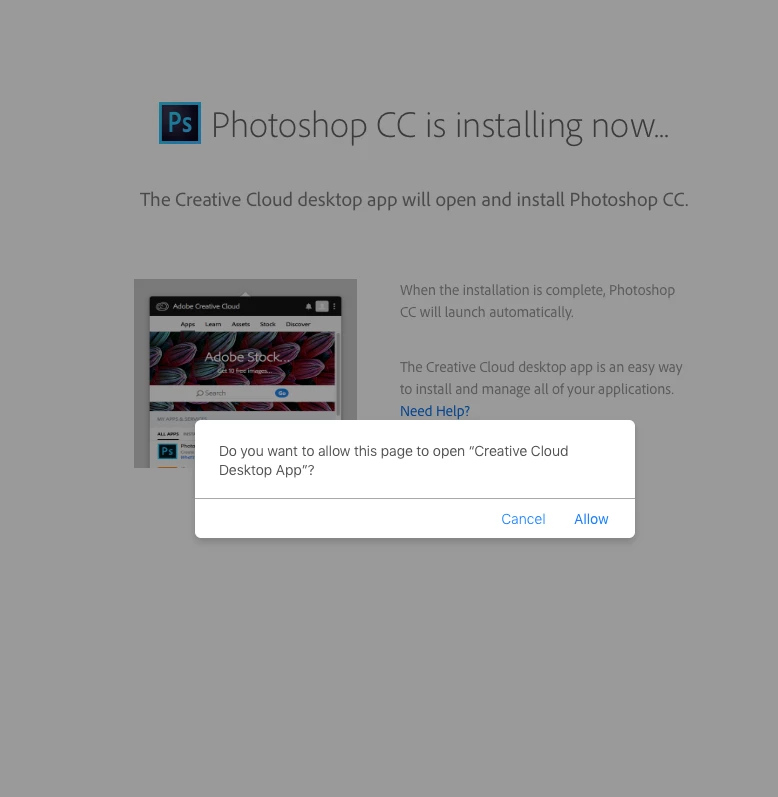
Photoshop popped up info box stating generator failed quit photoshop and if continues uninstall & reinstall. I uninstalled photoshop but when I go to Creative cloud app on desk top it doesn't show any apps to download from. I've tried using the Adobe cleaning tool and uninstall & re installing adobe creative cloud but still won't show apps within the Cloud app panel. I've tried downloading photoshop from adobe website but the comes up it asks if it'd allow to open and start downloading from cloud panel. Takes me to panel but apps do not show up. HELP ME redownload photoshop pleaseeee
This topic has been closed for replies.
Correct answer Bani Verma

Hi Alex_DJ_BIG_CAT,

As per your description, it seems that the Creative Cloud desktop app is not working properly.

To resolve this issue please follow the steps given in 'Solution 3' of the following help document: "Failed to install" error received when installing Adobe Creative Cloud desktop app"

After this redownload the desktop app from the following link and use it to install Photoshop: Download Creative Cloud desktop app.

Let us know if this helps.

1 reply

Bani Verma
Bani VermaCorrect answer
Legend
October 18, 2018

Hi Alex_DJ_BIG_CAT,

As per your description, it seems that the Creative Cloud desktop app is not working properly.

To resolve this issue please follow the steps given in 'Solution 3' of the following help document: "Failed to install" error received when installing Adobe Creative Cloud desktop app"

After this redownload the desktop app from the following link and use it to install Photoshop: Download Creative Cloud desktop app.

Let us know if this helps.