
Photoshop CC disappeared from my Creative Cloud installed bundle.
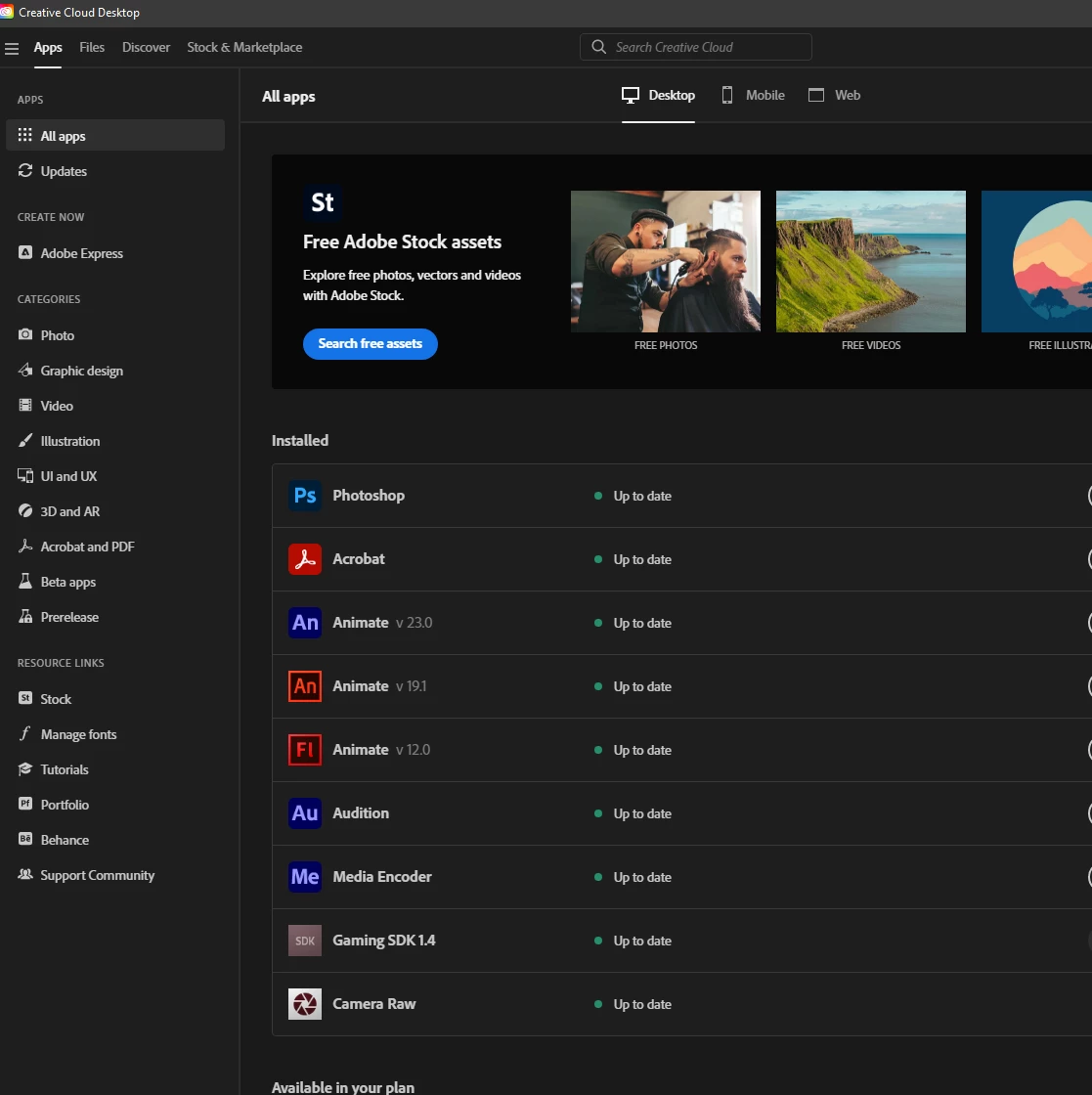
Good morning. After receiving the Adobe CC Photoshop error message telling me my scratch disk was full, I recovered a lot of storage space and reopened CC. (No programmes were deleted). When I then tried to open Photoshop CC from my installed Creative Cloud folder, it had disappeared. (Lightroom CC and Camera Raw CC were still there). When I accessed my CC acount, the only available option for Photoshop was for "Photoshop" (without the CC in the title). There was no "Photoshop CC." I installed the available version of Photoshop and it's working fine, but is this the correct Photoshop for the CC Photography Package or should it be Photoshop CC, please? If it IS the correct one, that's great. If it's NOT, where do I find the CC version as it's not showing as being available in my CC account? Will Photoshop (not CC) cost me more? Many thanks, if you can help.



 AdChoices