



Photoshop Elements 2021 fails to install
Hello,
I have had to install Windows 11 anew to make my computer compatible with the TPM 2.00 standard. Fortunately, all my personal files are stored in a separate drive so I have no problem with loss of data. I have, however, to reinstall all my programs on the system drive. Photoshop Elements is giving me trouble. I installed it afresh into C:\ProgramFiles from my copy of the 2021 installation file in Drive D.
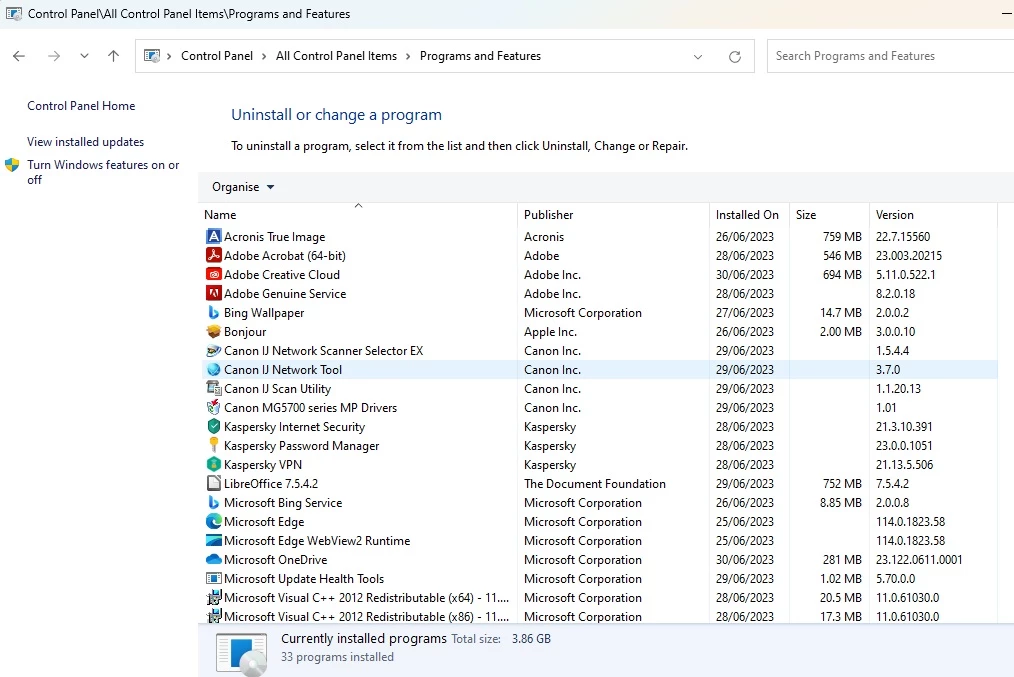
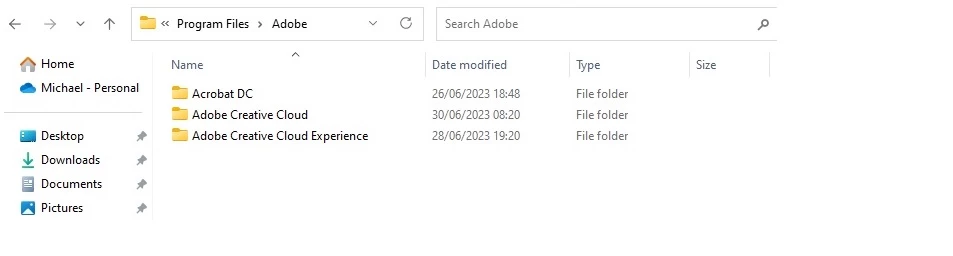
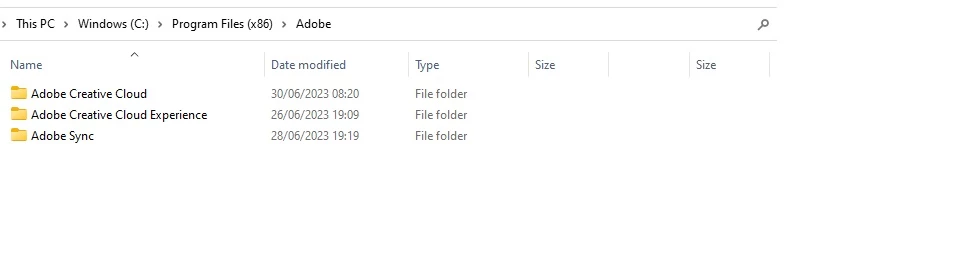
There is no entry in Control panel>Programs and features for Photoshop, so no program to remove. I have checked in both drives and deleted any remaining files connected to Photoshop.
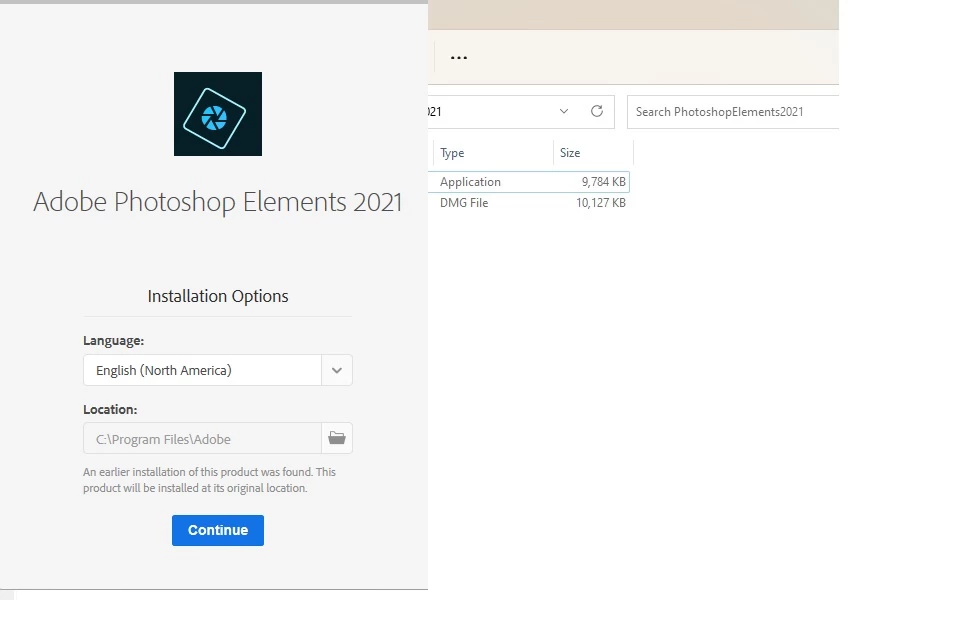
Yet when I install Photoshop Elements 2021 again I receive the message that a previous copy has been found !
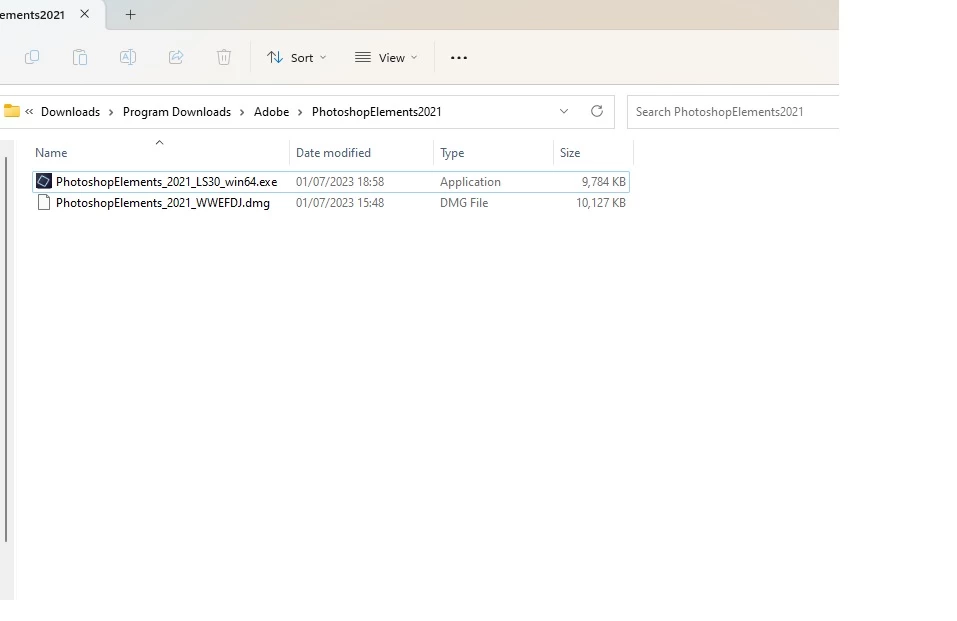
In case my installation file: PhotoshopElements_2021_LS30_win64.exe may have been corrupted, I downloaded the file again from my Adobe Products page. And attempted to install with the new file. No success with the same error message. Control panel shows no program installed once more.
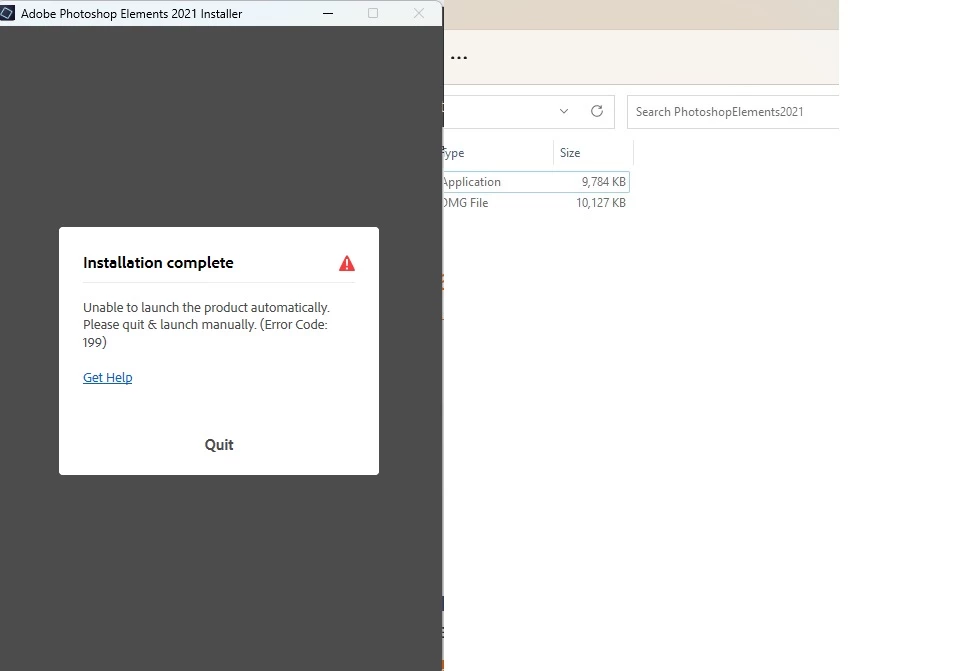
IO attach several screen prints illustrating the various pages of installation etc.
Any advice would be greatly appreciated. Thanks in advance.
PS. After only 2 years, why is it so difficult to download PE 2021 from the Adobe site?
Photoshop Elements 2021 fails to install
Hello,
I have had to install Windows 11 anew to make my computer compatible with the TPM 2.00 standard. Fortunately, all my personal files are stored in a separate drive so I have no problem with loss of data. I have, however, to reinstall all my programs on the system drive. Photoshop Elements is giving me trouble. I installed it afresh into C:\ProgramFiles from my copy of the 2021 installation file in Drive D.
There is no entry in Control panel>Programs and features for Photoshop, so no program to remove. I have checked in both drives and deleted any remaining files connected to Photoshop.
Yet when I install Photoshop Elements 2021 again I receive the message that a previous copy has been found !
In case my installation file: PhotoshopElements_2021_LS30_win64.exe may have been corrupted, I downloaded the file again from my Adobe Products page. And attempted to install with the new file. No success with the same error message. Control panel shows no program installed once more.
IO attach several screen prints illustrating the various pages of installation etc.
Any advice would be greatly appreciated. Thanks in advance.
PS. After only 2 years, why is it so difficult to download PE 2021 from the Adobe site?
Processor AMD Ryzen 3 3100 4-Core Processor 3.59 GHz
Installed RAM 16.0 GB
System type 64-bit operating system, x64-based processor
Edition Windows 11 Home
Version 22H2
Installed on 28/06/2023
OS build 22621.1848

 AdChoices