Participant
March 8, 2021
Question

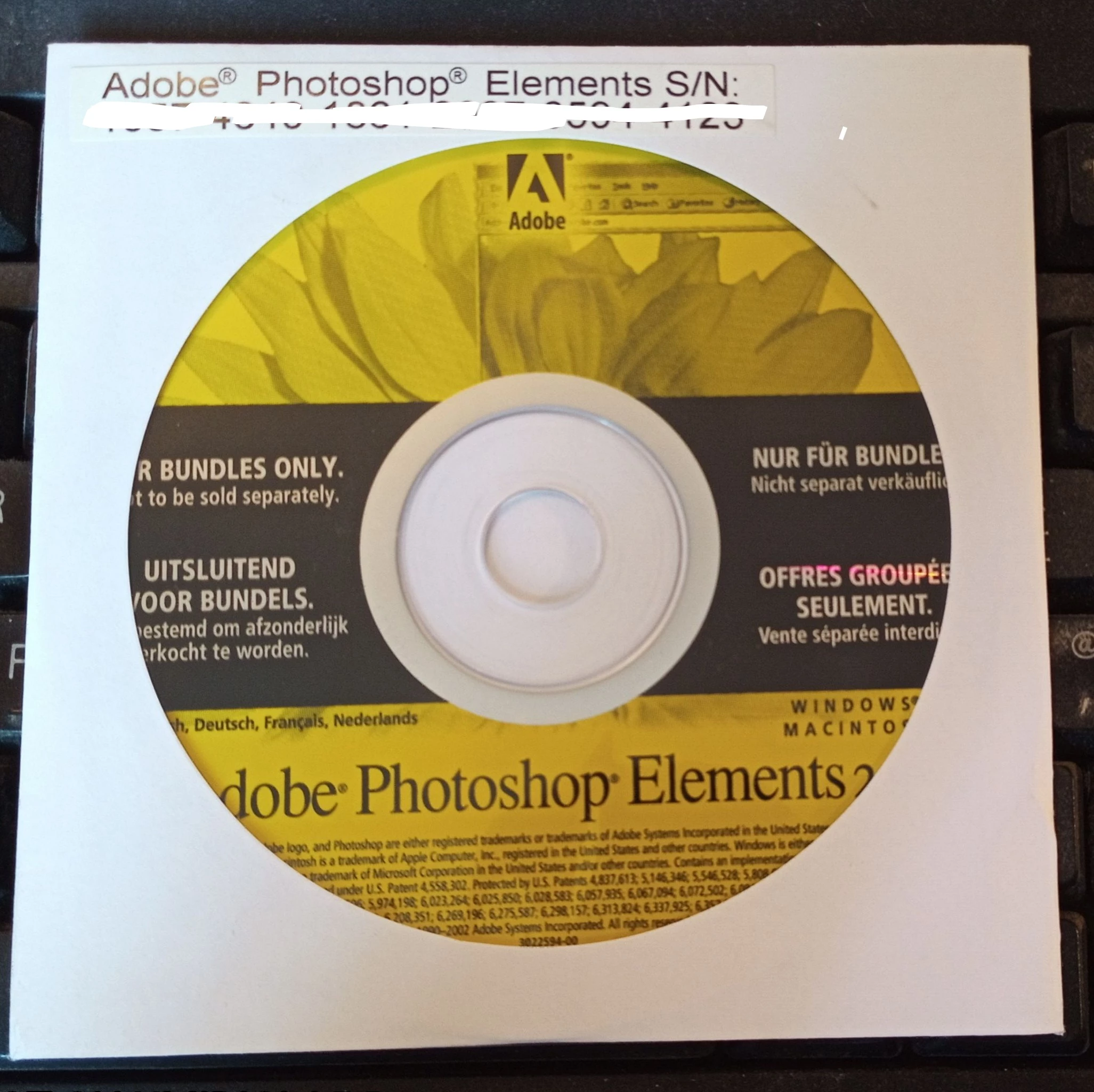
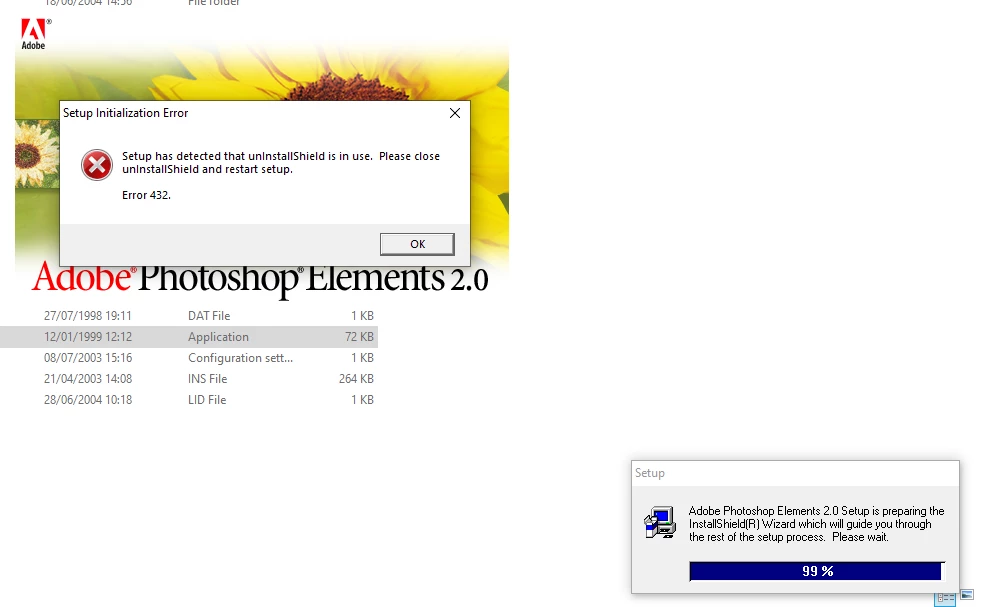
Photoshop Elements (bundled) fails to install with a 432 error.

  • March 8, 2021
  • 2 replies
  • 1171 views

Hi,


I previously had this software installed on my old Windows XP Pro machine but the PC hardware failed so I've had to buy a new PC with Windows 10 Pro. Most of the software I was previously using has reinstalled succesfully but Photoshop Elements repeatedly fails with this 432 error (uninstallshield in use, see attached screen shot). Photshop Album s/w on the same disc installs without any problems. 


I've tried limiting my Anti-virus software but it makes no difference. 


This s/w was bundled with my high-end Epson scanner and does everything I need of this sort of program so I'm reluctant to spend any money on upgrading to a newer version. 


Thanks in advance for any help.
 

This topic has been closed for replies.

2 replies

Peru Bob
Community Expert
Community Expert
March 8, 2021

Photoshop Elements 2.0 won't run properly on Windows 10, even if you manage to install it.

LinSims
Community Expert
Community Expert
March 8, 2021

Could it run in compatibility mode?

Peru Bob
Community Expert
Community Expert
March 8, 2021

It won't make a difference.

AxelMatt
Community Expert
Community Expert
March 8, 2021
My System: Intel i7-8700K - 64GB RAM - NVidia Geforce RTX 3060 - Windows 11 Pro 25H2 -- LR-Classic 15 - Photoshop 27 - Nik Collection 8 - PureRAW 5 - Topaz Photo
Participant
March 12, 2021

Many thanks, this has worked eventually with a bit of further trial and error and modifying the virtual memory settings, but despite the pessimism from others, I'm pleased to report that Elements 2.0 does work on Windows 10. Thanks to all who respeonded.

Peru Bob
Community Expert
Community Expert
March 12, 2021

For the benefit of others, can you specify what steps you took?