


Question
Photoshop Installation Failed
Hello,
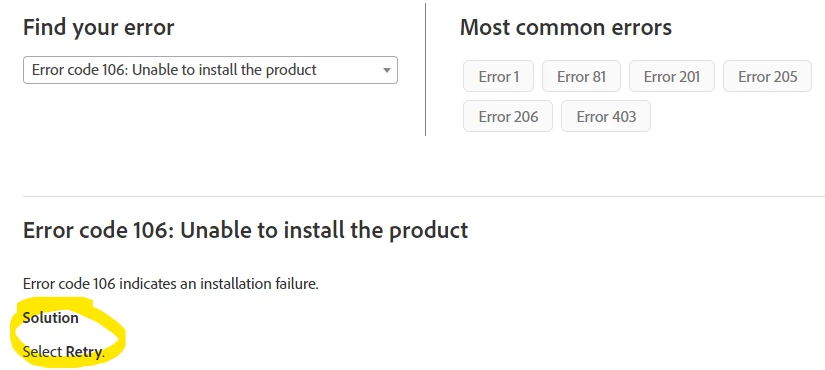
I attempted to reinstall Photoshop due to a separate problem, and it's now repeatedly failing to install. I've tried every solution I can see online from making a local administrator account, to finding direct download links, to Adobe support's incredibly unhelpful "just click retry" solution when I indicate my error message on the support site. Any help would be appreciated in resolving this because I feel like I've tried everything I can think of on my end.
Here is a snipped of my error message:

Just in case, it reads:
Exit Code: 106
-------------------------------------- Summary --------------------------------------
 - 2 fatal error(s), 1 error(s), 0 warnings(s)

FATAL: Failed in writting uninstall xml at path '
'
FATAL: Error occurred in install of package (Name: AdobeColor_Photoshop_1_0-mul Version: 1.0.5). Error code: '106'
ERROR: Failed to create file at path :C:\Program Files (x86)\Common Files\Adobe\Installers\uninstallXml\COPS_1_0_32_AdobeColor_Photoshop_1_0-mul_1.0.5.pimx Error:5
-------------------------------------------------------------------------------------
Here is what Adobe instructs me to do for this error. Extremely unhelpful, Adobe.
 AdChoices