
Question
Photoshop installer not opening on Mac OS Catalina 10.15.5
I'm trying to download a trial version of photoshop.
I just upgraded my Mac OS to Catalina 10.15.5.
I've downloaded the Photoshop installer onto my Applications folder.
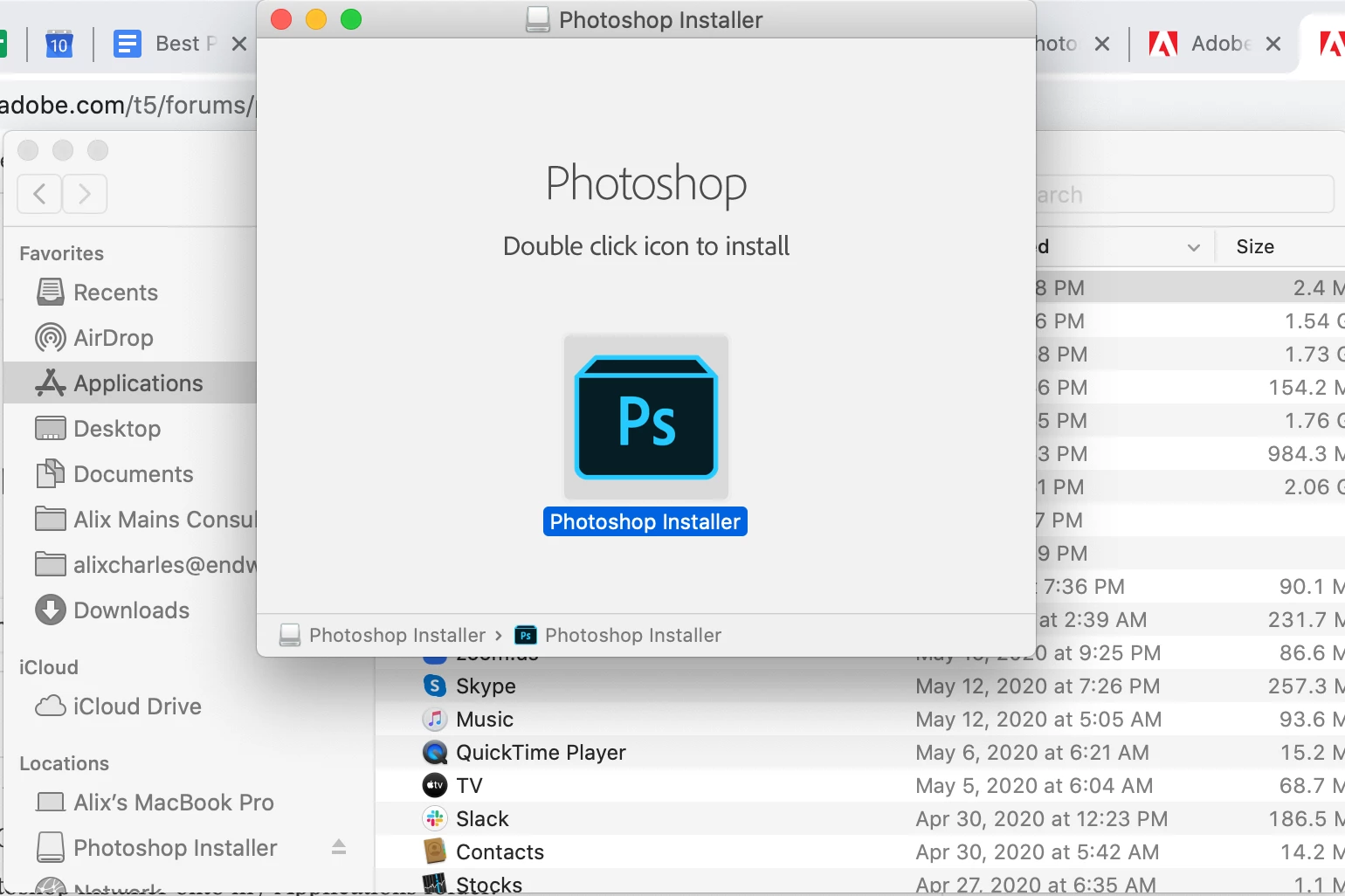
When I click to run it, it opens a window like this one, but then when I double click on the icon, NOTHING happens. Nothing opens, nothing. The only difference is that I see a little "harddrive" icon on my desktop that says Photoshop Installer.
I've tried so many things and nothing works:
- ejecting the installer and trying again
- deleting the .dmg file and redownloading it
- restarting my computer
- deleting all other older versions of photoshop on my computer
....
help please!!
 AdChoices