
Question
Photoshop is not opening, error comes up and it quits
Hello!
Hope someone can help with this, everytime I open Photoshop this message comes up
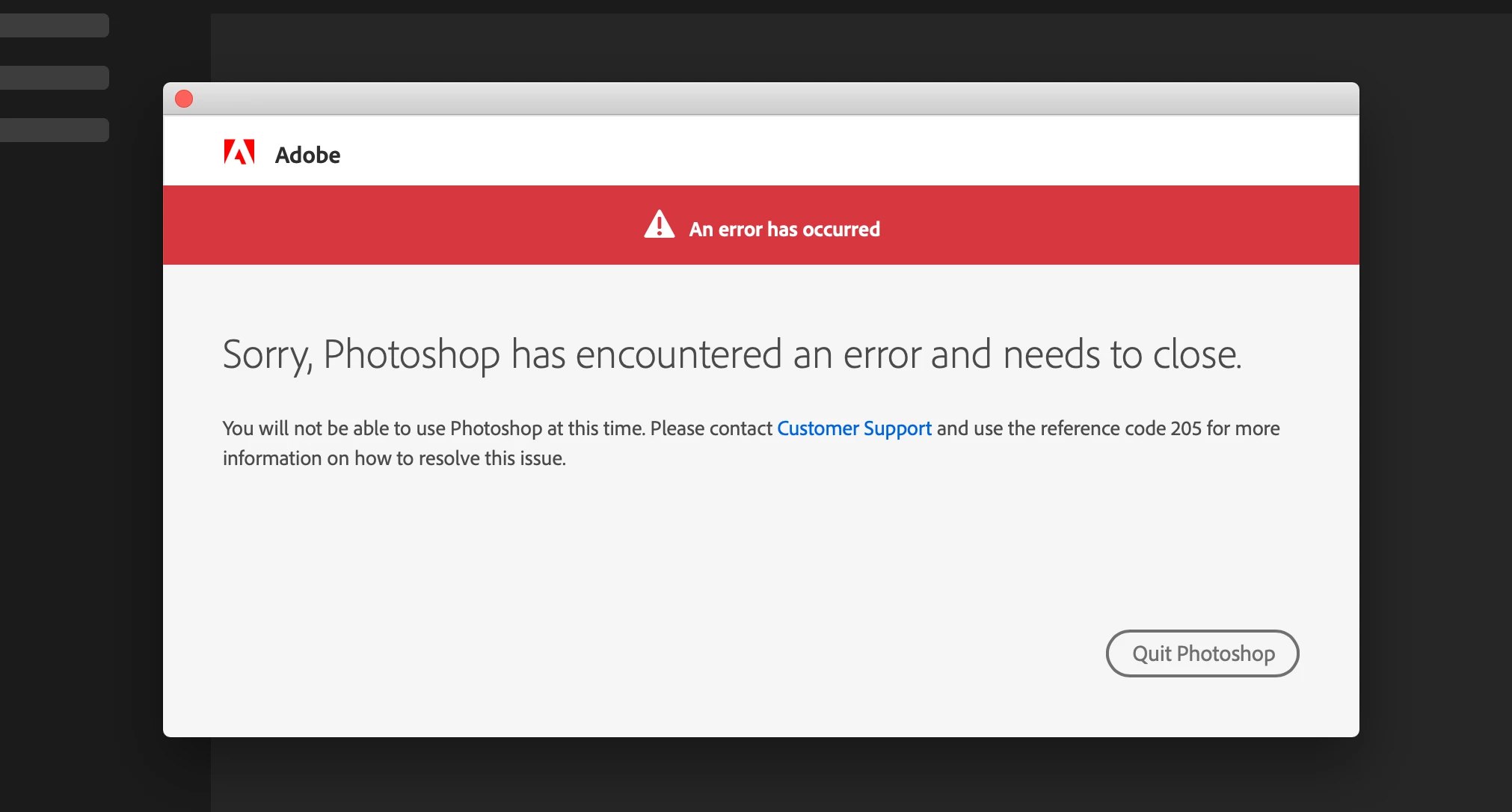
It's only happenig with Photoshop, all the other Adobe programs work. I've tried uninstalling every app (and Creative Cloud) and installing everything again, I've tried installing older version of Photoshop (even though there's not many versions to choose from from my CC app) and nothing has worked, the same error still comes up
Any suggestion on how to solve this will be massively appreciated!
 AdChoices