Participant
December 2, 2022
Question

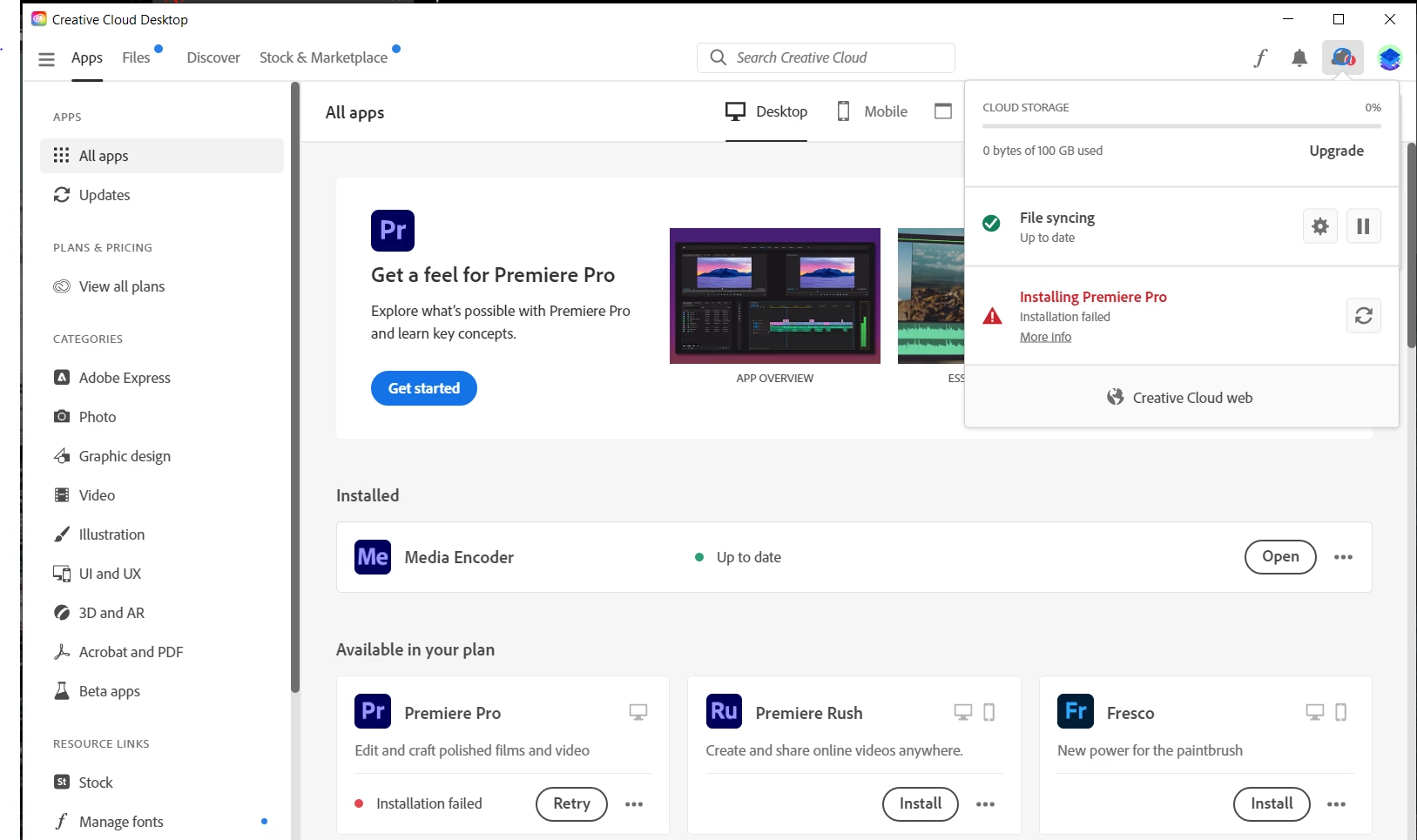
Premiere pro failed to install

  • December 2, 2022
  • 5 replies
  • 1635 views

I just bought premiere pro but that error came up for some reason what can I do to fix it. Thank you



5 replies

kglad
Community Expert
Community Expert
December 2, 2022

check to see if your computer meets specs.  premiere pro is very demanding on computer hard ware, https://helpx.adobe.com/creative-cloud/system-requirements.html

Participating Frequently
December 2, 2022

Force quit the CC and make sure you have enough space for installation. Restart machine, click on more info to know error and workaround to resolve.

thanks,

Suraj

Ann Bens
Community Expert
Community Expert
December 2, 2022

Does your machine meet minimum specs?

Try a different browser.

MarekMularczyk
Community Expert
Community Expert
December 2, 2022

Have you tried again?

Maybe try to log out from Creative Cloud and then log back in?

If this doesn't work, try to log out, restart your computer, log back in (into CC app) and try installing Premiere again?


Adobe Community ExpertAdobe Certified Professional
Community Expert
December 2, 2022

Any luck with this since several hours have passed? In case it's just a server communication kind of thing?  

If it's really refusing to install you might try uninstalling and reinstalling CC. For really stubborn installation problems there is an Adobe CC Cleaner Tool: https://helpx.adobe.com/creative-cloud/kb/cc-cleaner-tool-installation-problems.html