


Participant
November 3, 2022
Question

problem installing illustrator

  • November 3, 2022
  • 2 replies
  • 159 views

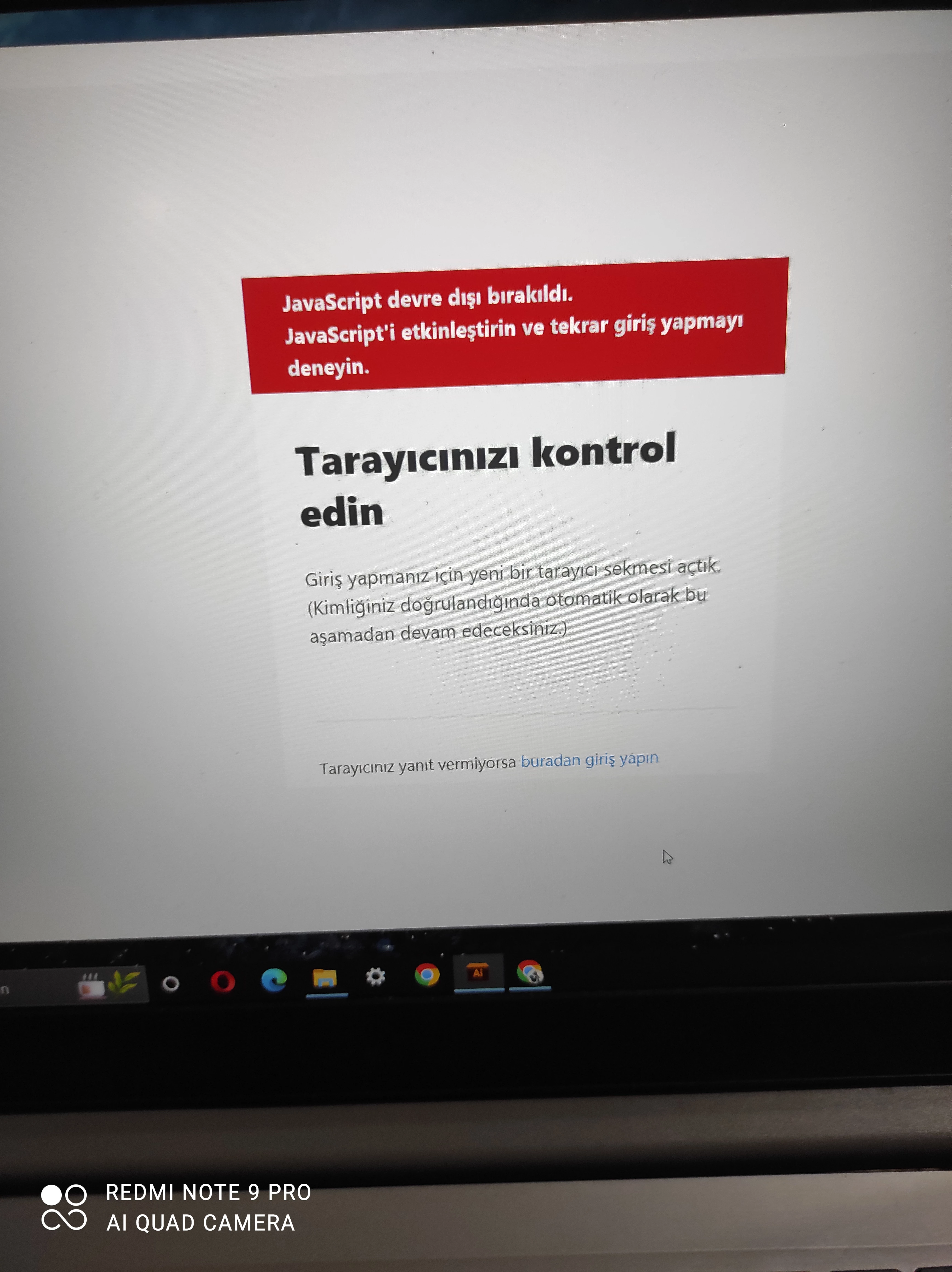
I just registered. 2.76 kilobyte Adobe illustrator file is loaded on the computer. I opened. I wanted to continue. I got the information that the browser was logged in. *Java script is disabled, said enable it. I did what you said but the same problem is repeating. 
This topic has been closed for replies.

2 replies

kglad
Community Expert
Community Expert
November 3, 2022

install the cc desktop app from here https://creativecloud.adobe.com/apps/all/desktop?action=install&source=apps&productId=creative-cloud and use it to install your adobe subscription and trial programs. 


if you have trouble downloading the cc desktop app or you see an error message when trying to install, make sure you have a compatible os (https://helpx.adobe.com/creative-cloud/system-requirements.html), and use the alternative download links at page bottom here, https://helpx.adobe.com/in/download-install/kb/creative-cloud-desktop-app-download.html

Participant
November 3, 2022

My computer model Lenovo s145 / Windows 10