Participant
April 16, 2015
Answered

Problema com o aplicativo após a instalação

  • April 16, 2015
  • 2 replies
  • 412 views

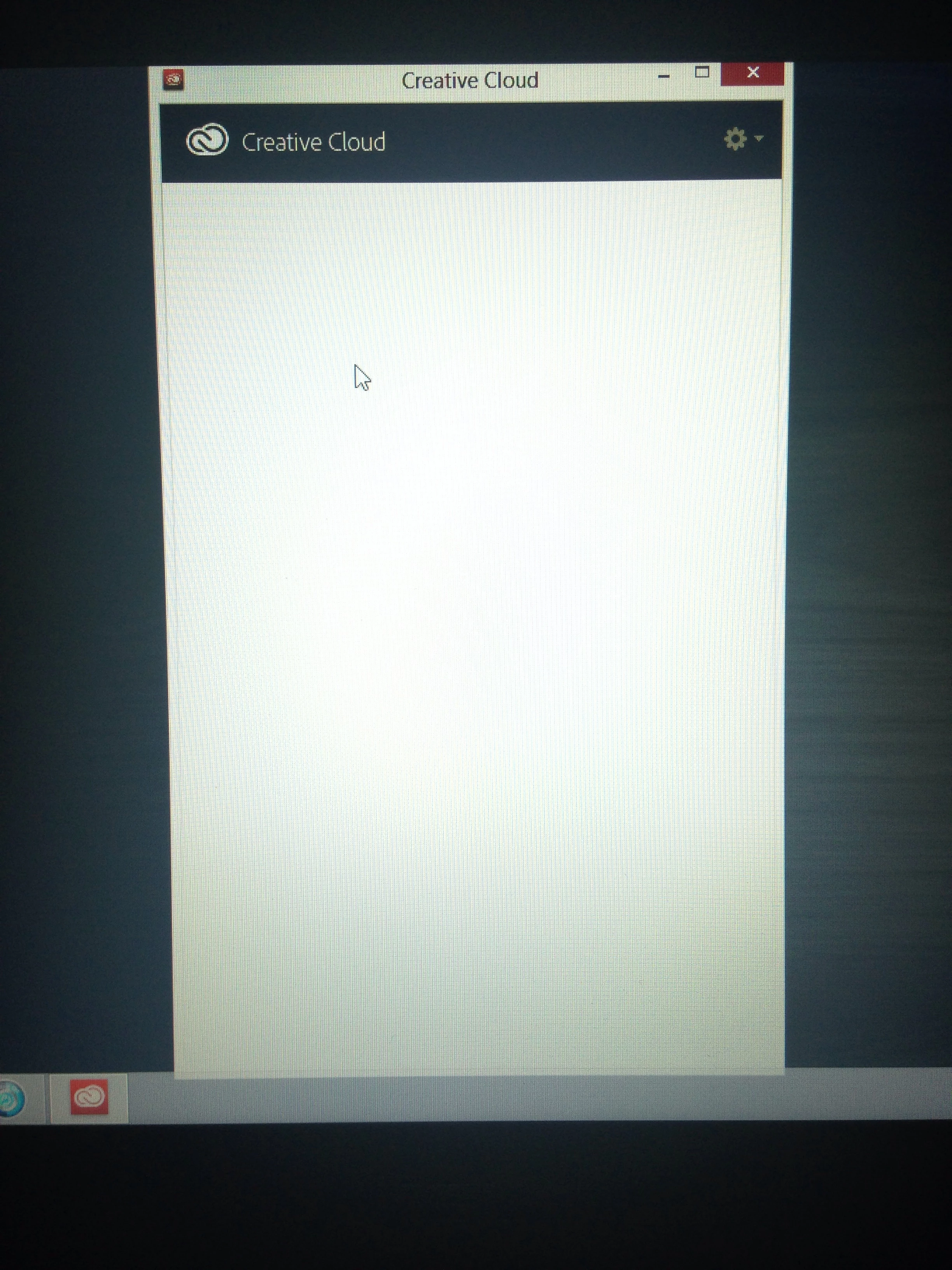
Eu baixei o aplicativo e o instalei em meu computador. Porém, após a instalação ao abrir o aplicativo Creative Cloud, ele não aparece nada, fica apenas uma tela em branco, sem aparecer a opção para efetuar login é também sem a lista de programas que posso baixar. Já desinstalei e instalei novamente, mas o erro permanece. O que eu faço?
This topic has been closed for replies.

2 replies

kglad
Community Expert
Community Expert
April 16, 2015

use this solution from CC desktop lists applications as "Up to Date" when not installed

Remove the OPM.db file and log in again

Remove the OPM.db file and relogin into the Creative Cloud desktop application using the Adobe ID tied to your subscription.

    Mac OS: You can locate the OPM.db file in the \User\<user name>\Library\Application Support\Adobe\OOBE folder. To access the hidden user Library folder, see Access hidden user library files | Mac OS 10.7 Lion.

    Windows: You can locate the OPM.db file in the \Users\<user name>\AppData\Local\Adobe\OOBE folder.  To view the hidden AppData folder, see Show hidden files, folders, filename extensions | Windows XP, Vista, Windows 7.