Answered
Problema de conexion adobe
Intento abrir premiere y me salta este mensaje. Tengo conexion a internet y hasta hoy lo venia usando sin ningun problema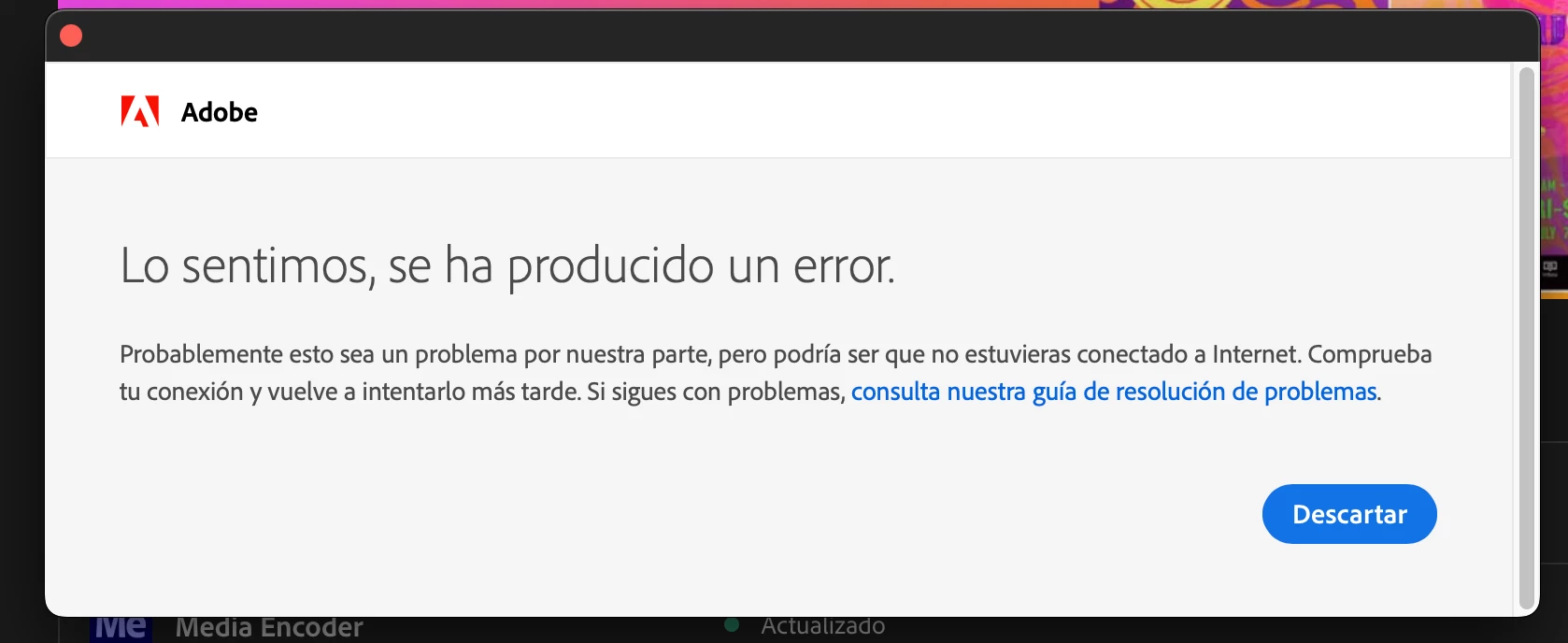

Intento abrir premiere y me salta este mensaje. Tengo conexion a internet y hasta hoy lo venia usando sin ningun problema
adobe connection errors are common and are not related to whether you're connected to the internet. they're related to connecting to adobe's secure servers.
if you have a non-current os, your default browser must support tls 1.2, https://helpx.adobe.com/x-productkb/multi/eol-tls-support.html
to test your default browser's tls you can use , https://clienttest.ssllabs.com:8443/ssltest/viewMyClient.html
otherwise, confirm that you can connect to the secure adobe servers by reading, http://helpx.adobe.com/x-productkb/policy-pricing/activation-network-issues.html
do you see both logos after clicking "link"?
if you can and still see a connection error try these steps, https://helpx.adobe.com/download-install/kb/common-network-connectivity-issues.html
if those all fail, white list the adobe network endpoints, https://helpx.adobe.com/enterprise/kb/network-endpoints.html
or, if you’re trying to activate a perpetual license, you can try offline activation by disconnecting your computer from the internet, starting activation and using https://aoes-stage.licensingstack.com/aoes/aoes/v1/imsauthstatus
Already have an account? Login
Enter your E-mail address. We'll send you an e-mail with instructions to reset your password.


 AdChoices